The AI assistant in Keynote, Pages and Numbers, and MCP

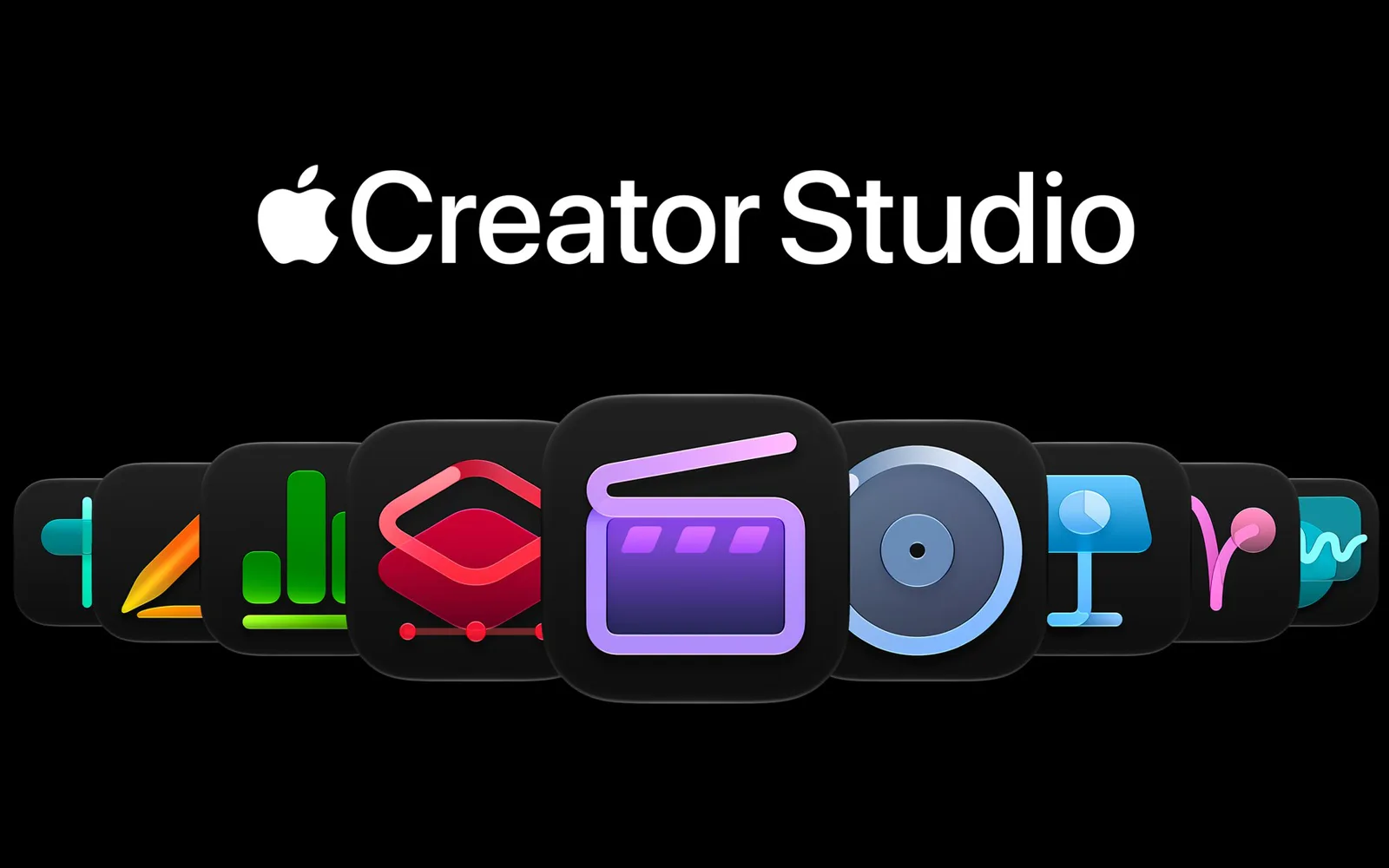
Keynote, Pages and Numbers are getting their own AI assistant, and something bigger for anyone who uses ChatGPT or Claude: MCP support, so an outside AI can open your deck or spreadsheet and work in it. Apple announced both on 27 October as part of Apple Creator Studio. Here's what each app gets, who can use it, what it costs, and what Apple hasn't said yet.

What the assistant does in each app
It opens in a panel beside your document and, Apple says, understands what's in it. So you don't paste your slides into a chat; you ask about the deck you have open.
- Keynote: designs, animates and refines slides.
- Pages: drafts, restructures and fine-tunes what you've written.
- Numbers: calculates, makes charts and organizes data. It suggests a chart type with a one-tap preview, and can build a table from what it knows about the world.
Things to ask in Keynote
Write speaking points for these slides.
Help me animate my slides.
Add a slide transition between each section.
Give me a summary of this presentation.
The suggestions Apple shows in the panel.
Subscribers also get stock video in the Content Hub and new templates and themes. Keynote gains a new file format, .keyx, an open JSON bundle that Apple says is meant to be read by other tools and AI agents.
ChatGPT and Claude in your documents, through MCP

MCP (Model Context Protocol) is the standard ChatGPT, Claude and most AI apps use to work inside other apps. With it, Apple says, outside AI agents and tools can read your content, edit it and run actions in Keynote, Pages and Numbers. It needs macOS 27, so it's Mac only.
That matters more than the built-in assistant if you already pay for ChatGPT or Claude. The AI that knows your project can make the slides for it, or fill the spreadsheet, without you copying anything over.
What Apple hasn't said: which AI apps it works with, how you connect one, and whether it needs the subscription (Apple lists it with the subscriber features). Until November, there are open-source Keynote MCP servers that drive the app through AppleScript, but they're small hobby projects; Apple's own support is the one to wait for.
Who gets it, and what it costs
| Assistant | MCP | |
|---|---|---|
| When | November, in beta | November |
| Devices | iPhone and Mac with Apple Intelligence, iOS 27 or macOS 27 | Mac, macOS 27 |
| Language | U.S. English only | Apple doesn't say |
| Cost | Apple Creator Studio, $12.99 a month or $129 a year | Apple doesn't say |
New subscribers get a month free, and buying a new Mac adds three months. The free Keynote, Pages and Numbers stay as they are. Apple's footnotes list a few more devices than the Mac and iPhone; see Apple's announcement for the full list. Every launch like this goes into our list of new AI features on the day it ships.
And your notes?
 ChatGPTClaude
Apple Notes isn't part of this. The only AI that gets into it is Apple's own, Siri AI, and it still has no MCP or any API another app can use. So your slides will soon be open to outside AIs, but the notes you wrote them from won't.
That gap is why I made Pinto Notes. It works like Apple Notes, brings yours over in one import, and lets ChatGPT, Claude, Claude Code and Codex read and edit your notes through MCP once you approve them. It's free on the Mac today, with the iPhone app coming soon. For other notes apps that do this, see notes apps with an MCP server.
Questions
When can I use the AI assistant in Keynote, Pages and Numbers?
Apple says the update reaches the App Store in November. It was announced on 27 October, so for now there's nothing to turn on.
Is the assistant in Keynote, Pages and Numbers free?
No. Apple lists it among the features for Apple Creator Studio subscribers: $12.99 a month or $129 a year in the US, with a one-month free trial for new subscribers and three months free with a new Mac. The free Keynote, Pages and Numbers stay, without the assistant.
Does it work outside the US?
Apple says the assistant is in U.S. English only. It also needs a device that runs Apple Intelligence, on iOS 27 or macOS 27 or later.
Can Claude or ChatGPT edit my Keynote slides?
That's what the new MCP support is for. Apple says it lets outside AI agents and tools read your content, make edits and run actions in Keynote, Pages and Numbers, on a Mac with macOS 27. Apple's own picture shows the ChatGPT Mac app summarizing an open deck. Apple hasn't said which AI apps it works with or how you connect one.
Does Apple Notes get MCP too?
No. The announcement covers Keynote, Pages and Numbers, plus Freeform, which gets text styles and image tools but no MCP. Notes isn't in it.
Checked against the app on .