Pinto Notes is now in ChatGPT
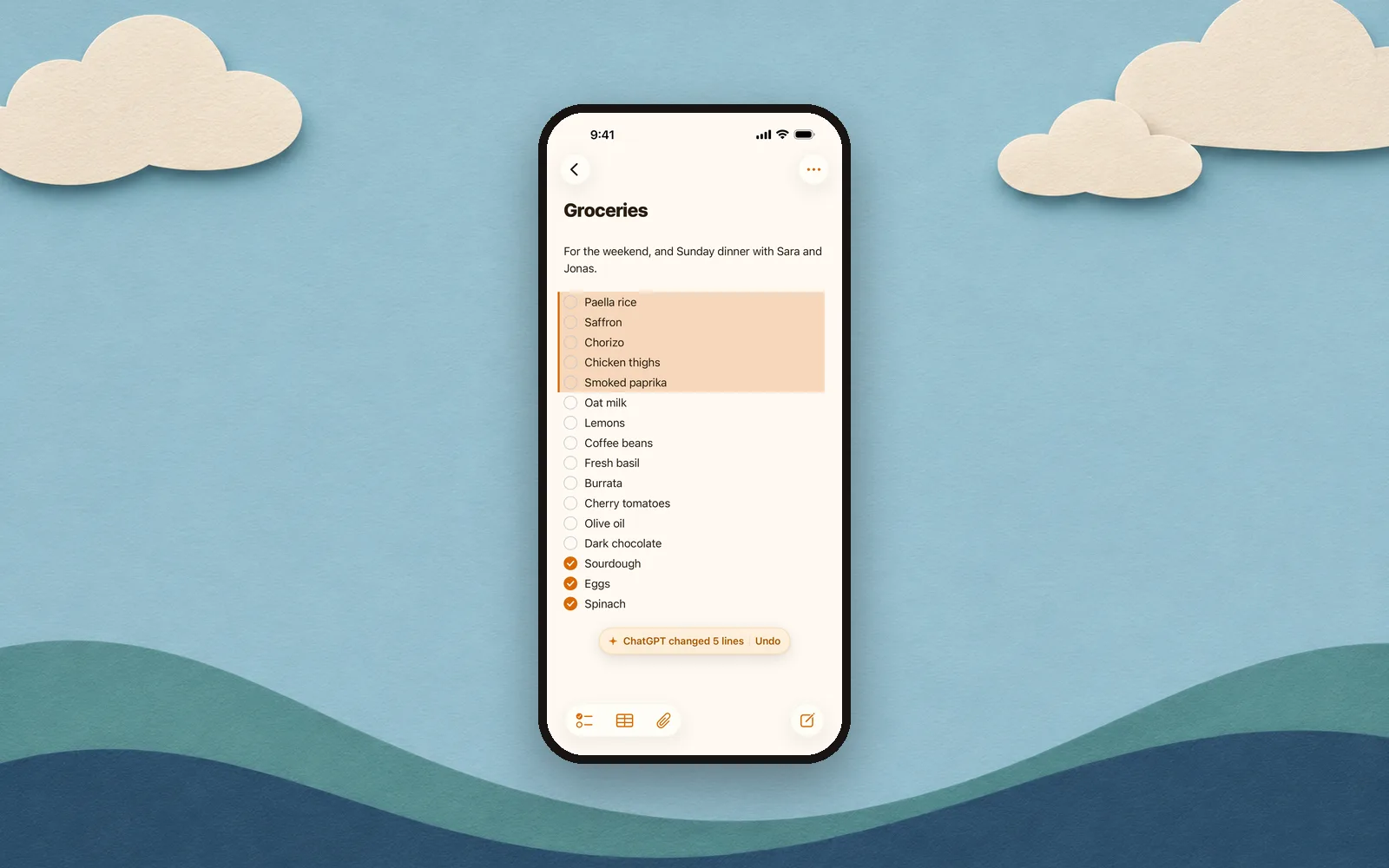
Pinto Notes is now a plugin in ChatGPT. Connect it once, and ChatGPT can find, write and edit your notes from any chat. The change is in Pinto Notes on your Mac and iPhone a second later.

Ask from any chat
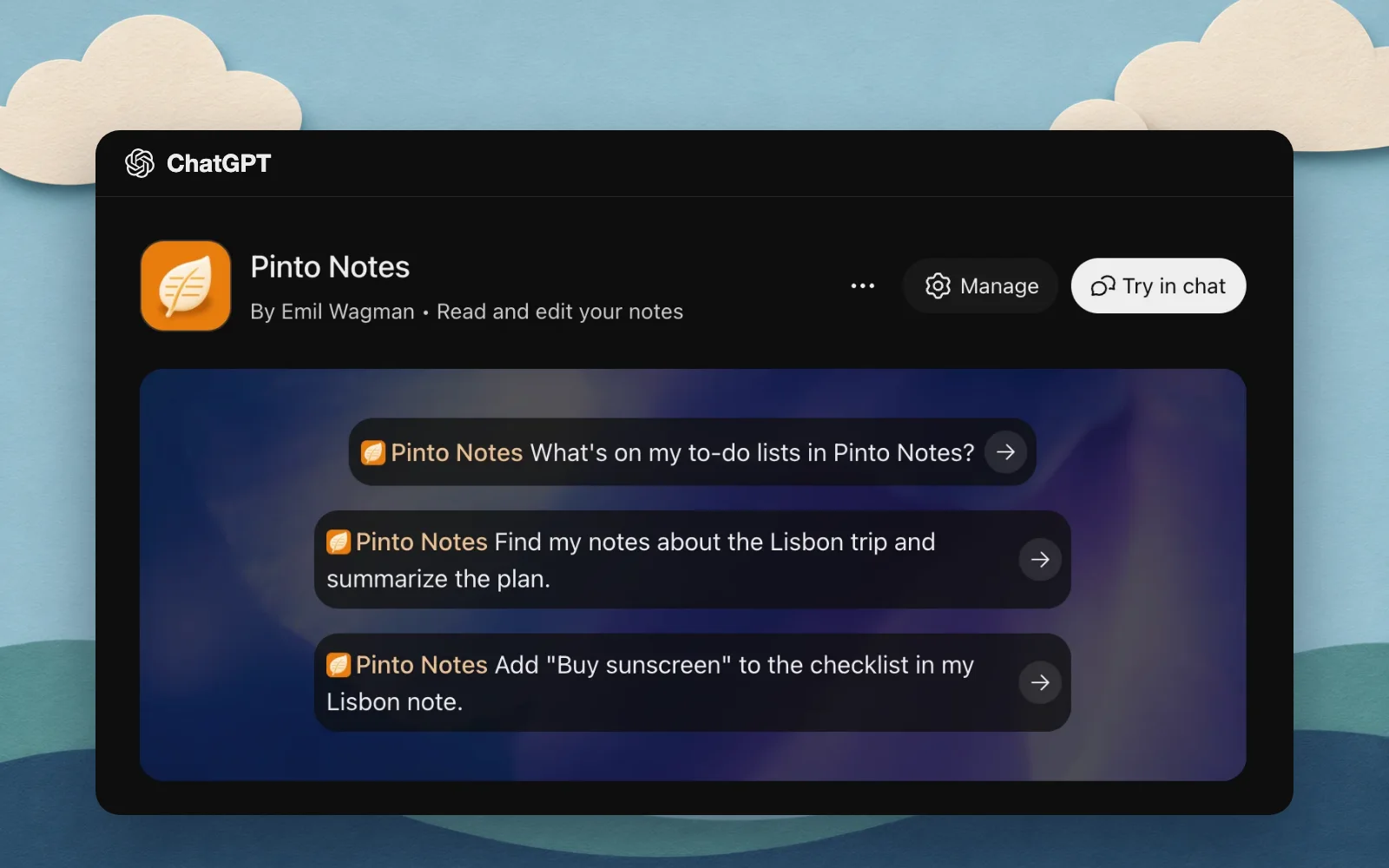
You don't need to copy anything out of ChatGPT any more. Ask it to put things where you'll use them:
- “Plan four days in Lisbon for us and save it to my notes.”
- “Turn my meeting notes into a checklist.”
- “Add the books Sara recommended to my reading list.”
- “What did I write about the kitchen measurements?”
ChatGPT finds the right note and makes the change. It's in the note on your Mac and on your iPhone a second later.

You can undo anything it does
The lines ChatGPT changes are tinted for a moment, with Undo next to them. And every version of a note is kept, with who made it, so you can go back to the one before any change.

Nothing is shared until you allow it
When you connect, Pinto Notes on your Mac or iPhone asks whether ChatGPT may use your notes, and nothing is shared until you choose Allow. Settings, Connect an AI shows what's connected and when it was last used.
Connect it
- Open the plugin Open Pinto Notes in ChatGPT, or search for Pinto Notes in Plugins in ChatGPT's sidebar.
- Connect it Press the connect button and sign in to Pinto Notes on the page that opens.
- Choose Allow Pinto Notes on your Mac or iPhone asks first. Choose Allow, and you're back in ChatGPT.
How to connect ChatGPT to your notes has every step with pictures, and Claude too. OpenAI decides which ChatGPT plans and countries get plugins, so if you can't find Plugins, check that first.

Get Pinto Notes
Free. Needs iOS 26 or macOS 26.