Pinto Notes is on iPhone

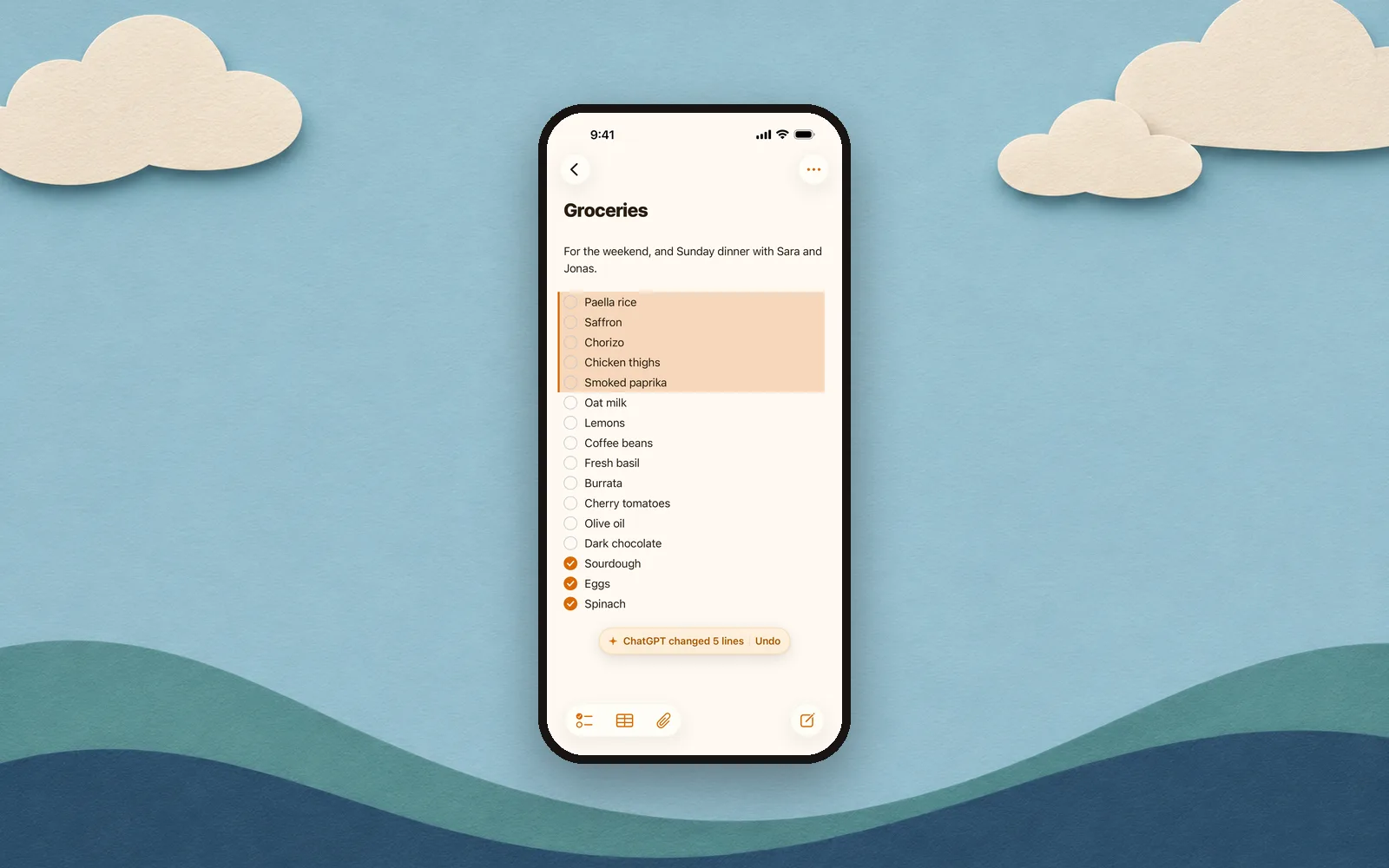
Pinto Notes is on the App Store. The same notes as on your Mac, on your phone, and free.
Your notes, a second after your AI writes them
Ask ChatGPT or Claude to add something, and it's in the note on your phone a second later. “Add the paella things to my groceries” from your laptop, and they're on the list when you're in the shop.
The lines it changed are tinted for a moment, with Undo next to them. Every version is kept, so nothing an AI does is final.
A notes app first

It works the way you expect a notes app on iPhone to:
- Checklists that move ticked items to the bottom
- Tables you edit cell by cell
- Photos, PDFs and files in your notes and folders
- Keep writing offline. Changes sync when you're back.
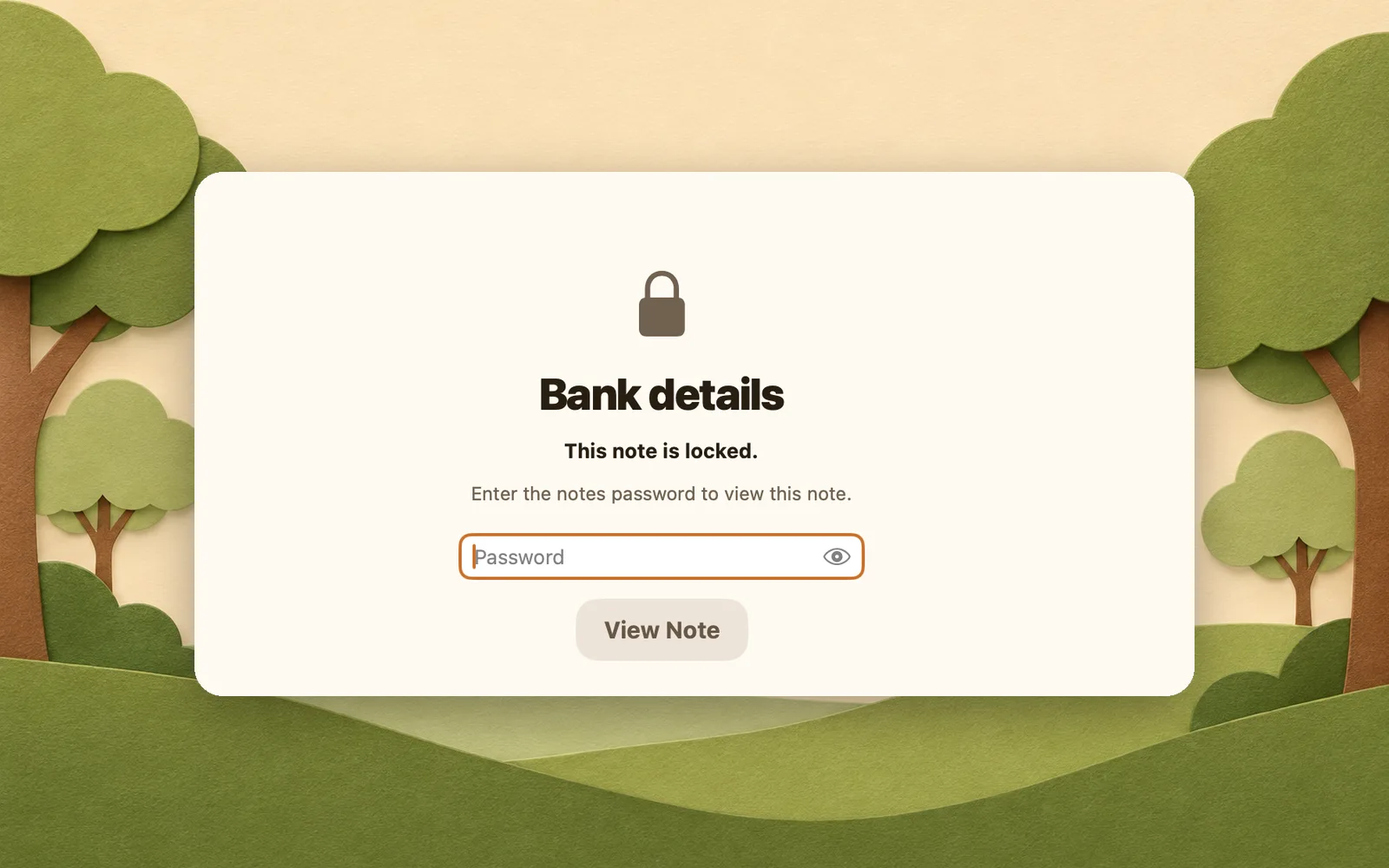
- Lock a note with a password and Face ID
Connect your AI from your phone

Tap your photo at the top right, then Connect an AI. ChatGPT connects right there. For Claude, Claude Code and Codex, the phone sends you the steps to finish on your computer. Connecting ChatGPT or Claude has every step, and Claude Code and Codex take one command.
Get it
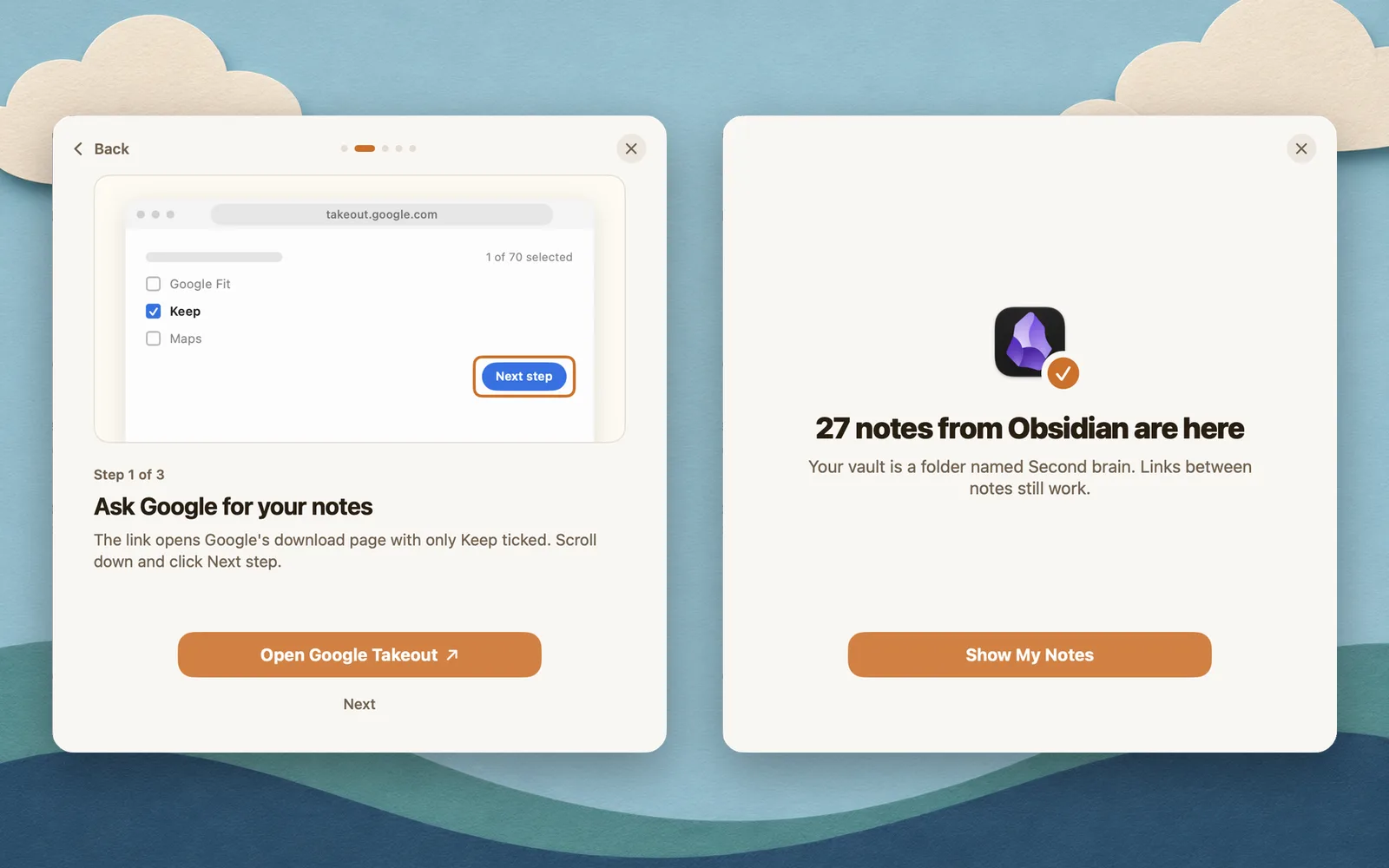
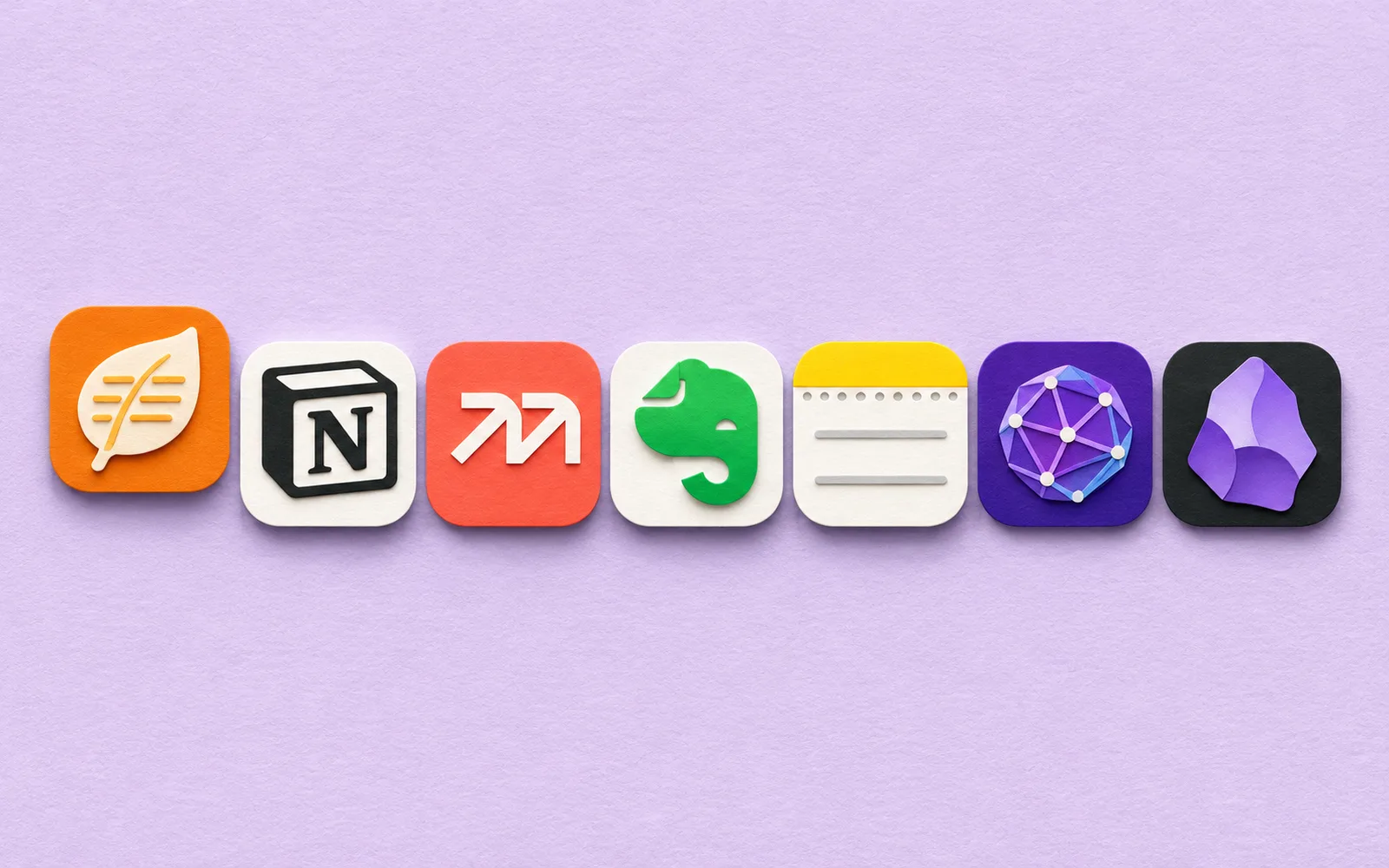
Pinto Notes is free on the App Store for iPhone. Already use it on your Mac? Sign in with the same account and your notes are there. New to it? Bring your notes from Apple Notes or another app on the Mac, from the download page, and they show up on your phone a moment later.
Checked against the app on .