Bring your notes from anywhere

Moving notes apps usually means a weekend of exporting, unzipping and fixing. In Pinto Notes it takes a few minutes, and the app walks you through every step for the app you're leaving.

Pick where your notes are
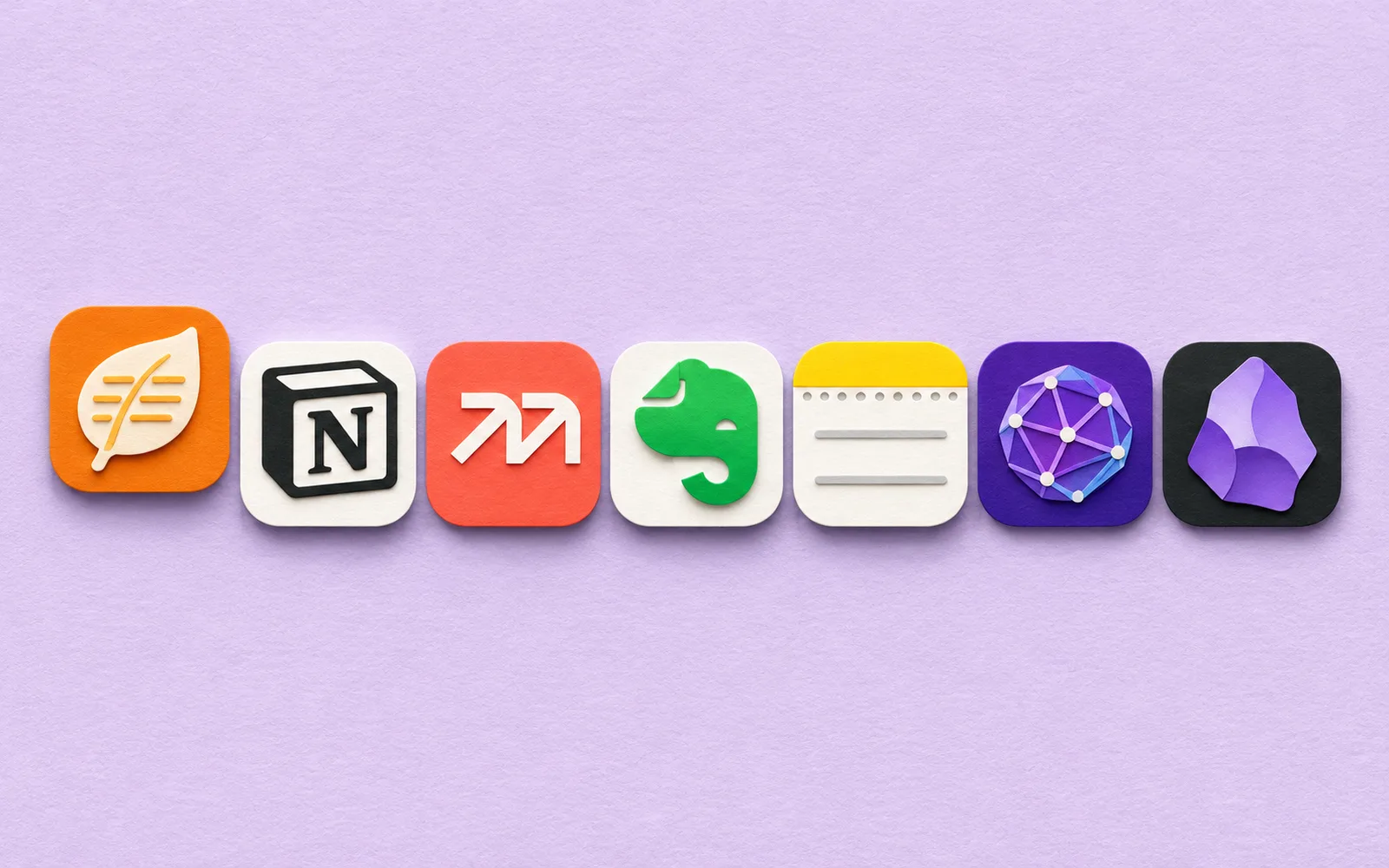
On your Mac, open the File menu and choose the app you're leaving: Apple Notes, Obsidian, Evernote, Google Keep, Bear, or Markdown and text files. Pinto Notes shows you exactly what to click in that app, one step at a time, with a picture of the button. Your old app stays as it is.
What comes with your notes

- Apple Notes: your folders and pictures. Checklists and pins too, once you give Pinto Notes Full Disk Access. Pick everything, or only some notes. Import again later and the notes already here are skipped.
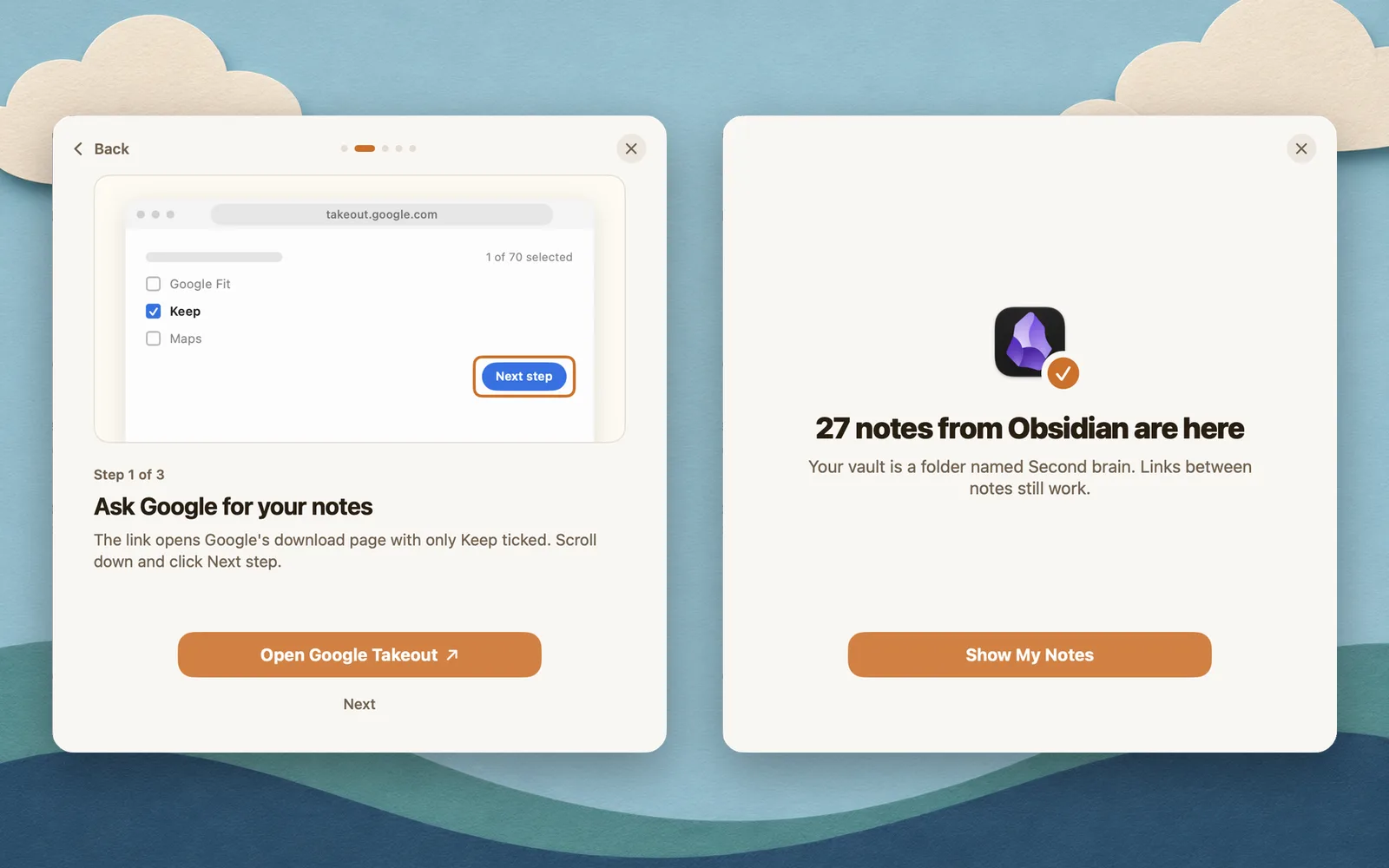
- Obsidian: Pinto Notes finds your vault. Subfolders, pictures and the links between notes come too, and your vault stays where it is.
- Evernote: export each notebook as an .enex file and drop them all in at once. Each notebook becomes a folder, and tags come too.
- Google Keep: Pinto Notes opens Google's download page with only Keep ticked. Drop the download in, and your labels become folders.
- Bear: export your notes as Markdown with attachments, then choose the folder. Pictures come too.
- Notion, Joplin, Logseq or anything else: a folder or .zip of Markdown or text files. Each folder becomes a folder.
Moving from Apple Notes goes through that import in detail.
On iPhone
A whole library is easiest to bring in on a Mac, and it's on your iPhone a moment later. No Mac? The iPhone guide shows how to bring notes in one at a time. Get the Mac app from the download page and the iPhone app from the App Store. Then connect ChatGPT or Claude, and your AI can work with notes you've had for years.
Checked against the app on .