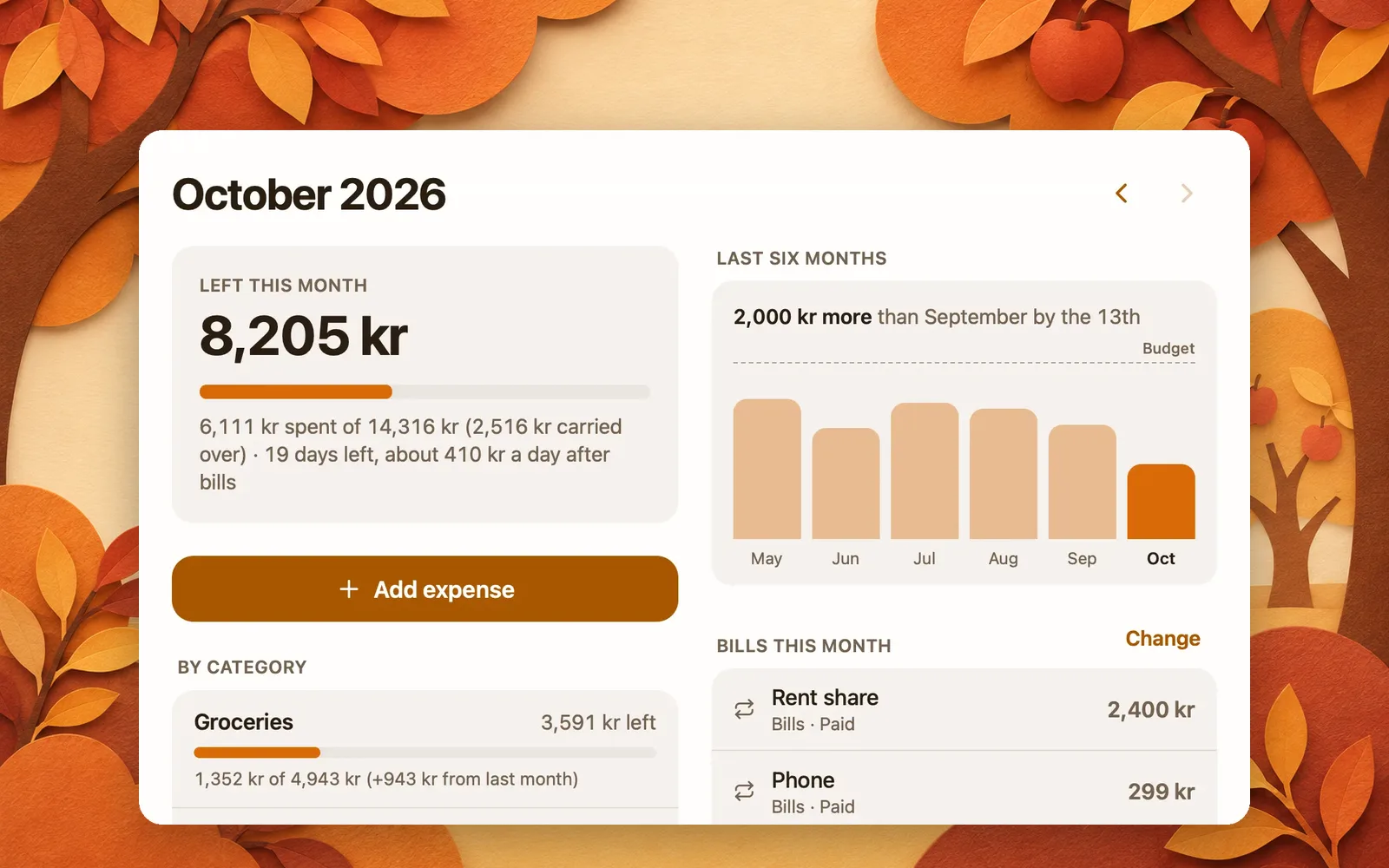
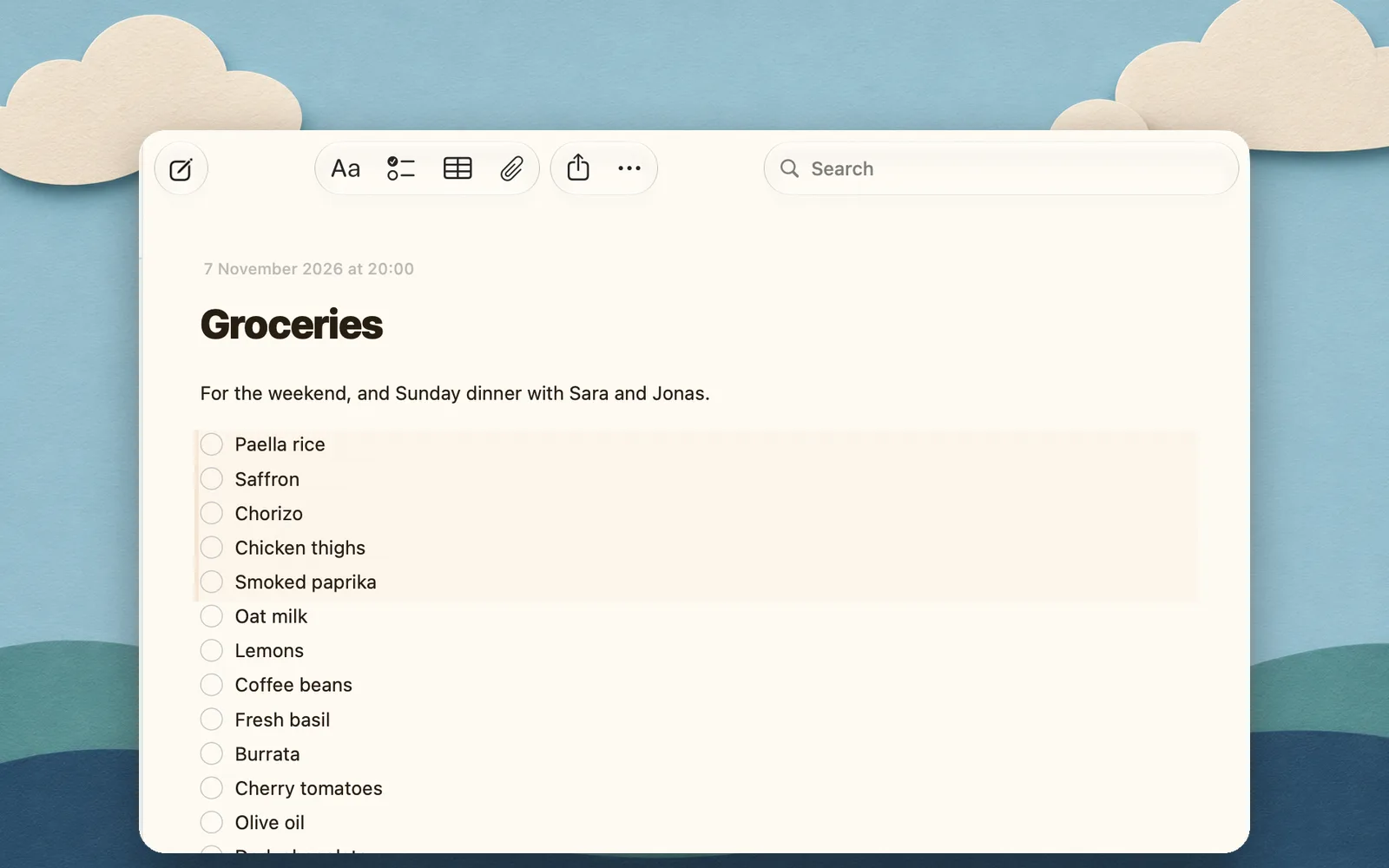
Your notes in Claude Code and Codex, in one command
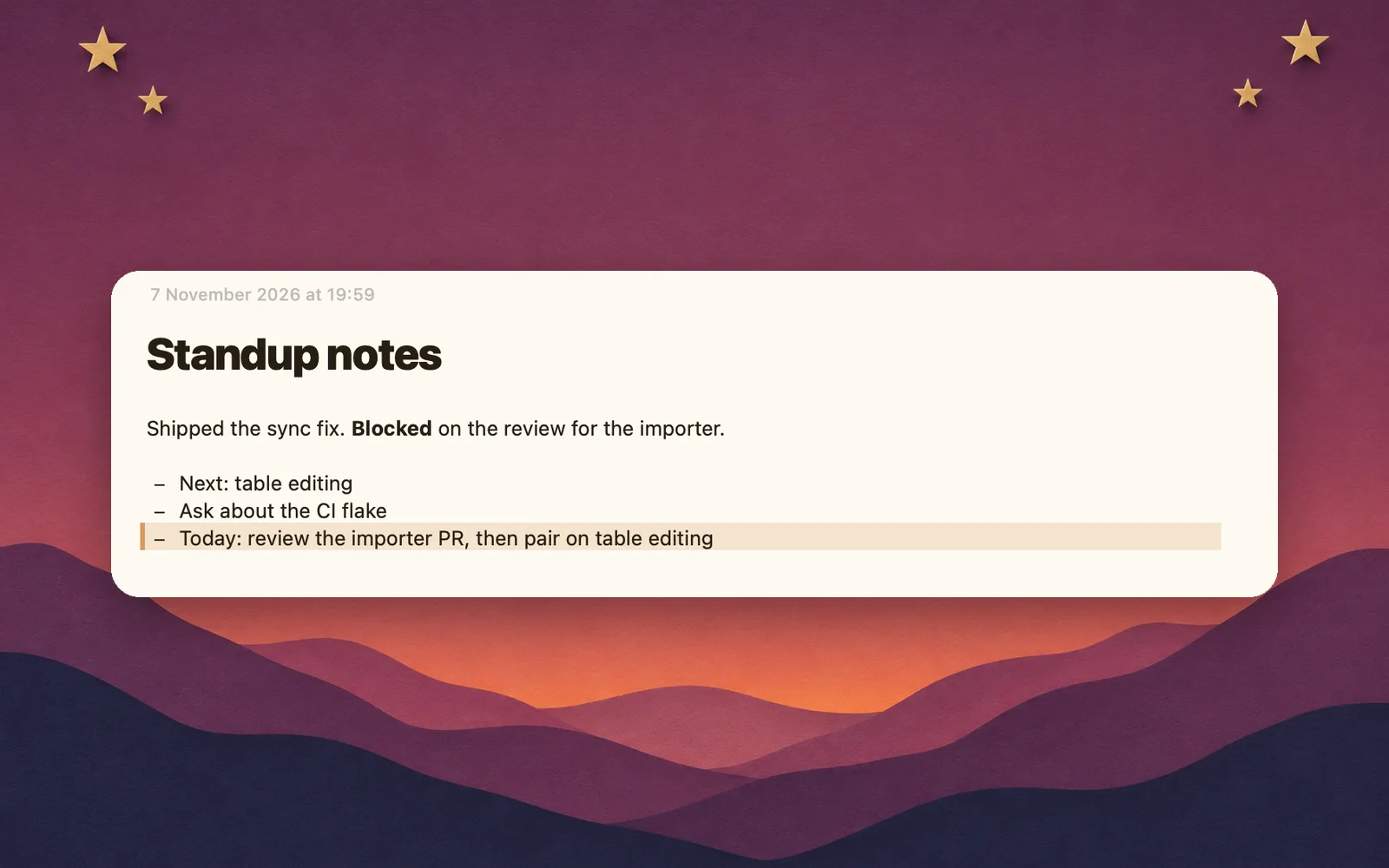
If you use Claude Code every day, every morning it starts from zero. What you decided yesterday, the bug you parked, the standup you still have to write: gone, unless you paste it back in. The fix is giving it your notes, the same ones you read on your phone. Here's how, in Claude Code and Codex, and what it's like once it works.

Claude Code
If you've connected Pinto Notes to Claude on claude.ai with the same account, Claude Code may already have it as a connector: type /mcp and look. If not, run this in Terminal:
Add Pinto Notes to Claude Code
claude mcp add --scope user --transport http pinto-notes https://mcp.pintonotes.comThen run /mcp in Claude Code, pick pinto-notes and sign in. Pinto Notes asks on your Mac whether to allow it.
--scope user makes it available in every project, not just the one you're in. On the Mac, Pinto Notes can do this for you: Settings, Connect an AI, Claude Code.
Codex

Add Pinto Notes to Codex
codex mcp add pinto-notes --url https://mcp.pintonotes.comCodex opens your browser to sign in straight away. To sign in again later: codex mcp login pinto-notes.
Codex in Terminal, in your editor and in the ChatGPT app share this setup, so one command covers all three.
Check that it works
Start a new session and ask:
First question
Search my Pinto Notes and tell me what I wrote most recently.
The agent should call search or list and answer with a real note. In Claude Code, /mcp shows whether pinto-notes is connected.
You can use Claude Code instructions to draft a daily standup from yesterday's commits or sort a pasted bug report by severity.
Why not just CLAUDE.md?
Claude Code already has memory of a kind: CLAUDE.md, which you write, and auto memory, which it writes for itself. Codex reads AGENTS.md. They're good at what they're for, which is how a project works: the build command, the test rules, the odd corner of the codebase.
But they're files in a repository on one computer. Your standup isn't a project setting. Neither is the decision you made with Claude Code on Tuesday, which you want Codex to know on Thursday and want to read yourself on the train. Put that in CLAUDE.md and it's stuck in one repo, on one Mac, in a file you'll never open on your phone.
What to ask once it's connected
- “Write today's standup into my Standup note, from the commits since yesterday.”
- “Add what we just decided about the cache to my Project notes, with the reason.”
- “Read my release checklist note and go through it with me.”
- “Log today's hours in my Timesheet table.”
The standup, bug triage and decision log templates are made for this.
One notebook for every agent you use
 Claude CodeClaudeCodexChatGPT
That's what Pinto Notes is for. It's a notes app for iPhone and Mac, as quick as Apple Notes, with the server built in. Claude Code writes the standup, you read it on your phone, and Claude can pick it up from there. Every change shows up tinted with Undo, and the version before is kept, with the agent named, so a bad edit is one click from gone. If your notes are still in Apple Notes, they come over in one import.
The MCP server page lists every tool the agent can call. Using Gemini CLI? One command connects it. In Cursor, one install link adds your notes.
Questions
Can Claude Code read and write my notes?
Yes, through an MCP server. Add Pinto Notes with one command, sign in, and Claude Code can search, read, create and edit your notes once you allow it.
How do I add a notes MCP server to Codex?
Run codex mcp add pinto-notes --url https://mcp.pintonotes.com. Codex opens your browser to sign in, and you allow it in Pinto Notes on your Mac. Codex in Terminal, in your editor and in the ChatGPT app share the same setup.
Isn't CLAUDE.md enough?
For how a project works, yes. CLAUDE.md and Claude Code's auto memory are files on that computer, for that project. They're the wrong place for your standups, decisions and to-dos, which you want to read on your phone and share with Codex and ChatGPT too.
Can I use an access token instead of signing in?
Yes, for a machine with no browser. In Pinto Notes, open Settings, Connect an AI, and under An app that asks for a token choose Make an Access Token. It's shown once; keep it like a password, and disconnect it in Settings if it leaks.
Checked against the app on .