How to connect your notes to Grok with a custom MCP connector

Grok has had connectors since May, and one of them is a blank: paste the address of any MCP server and Grok can use its tools. That's how you give Grok your notes, if your notes app has a server. Below are the steps on grok.com and in Grok Build, with the gaps in xAI's docs marked.
What Grok connectors are
xAI announced connectors on 6 May 2026 for Grok on the web, iOS and Android. A connector lets Grok search and work with another service inside a conversation, so you can ask about your email or a shared folder without copying anything in.
xAI's connectors guide describes three kinds. Built-in ones are made by xAI: Gmail and Google Calendar, Google Drive, OneDrive, Outlook, Microsoft Teams, SharePoint and Salesforce. A catalog adds ready-made connectors for other services, which you sign in to and use. The third kind is a custom MCP connector, for anything else. MCP is the open standard that ChatGPT and Claude also use to reach outside tools, so a service that already works with them can usually work with Grok too.
The guide says connectors are available to all Grok users. Several third-party guides say custom MCP connectors need a paid plan. I couldn't confirm either from xAI, so if Custom is missing, check your plan first.
How to add a custom MCP connector on grok.com
- Open grok.com/connectorsOn a computer, signed in. xAI's docs describe the custom option on the web; on the phone apps, connectors live in Settings, then Connectors.
- Choose New Connector, then CustomPaste the server's address. It must start with https and be reachable from the internet. Grok rejects localhost and private addresses such as 192.168.x.x.
- Sign in when Grok asksIf the server uses OAuth, a sign-in page opens. Grok then looks up the server's tools by itself.
- Ask for something the server can doGrok uses a connector's tools when your question relates to that service. Name it in your first request so you can tell it worked.
On Grok Business or Enterprise the first step is different. An admin adds the server for the team in console.x.ai, under Grok Business, then Connectors: Add Connector, choose Other, and enter the address. After that, each person connects their own account on grok.com/connectors.
If your server runs on your own computer, xAI's tunneling page shows how to give it a public address with ngrok or Cloudflare Tunnel. Free tunnel addresses tend to change when you restart, and then you have to remove the connector and add it again. A hosted server avoids all of that.
How to add an MCP server in Grok Build
Grok Build is xAI's coding agent for the terminal. It runs on your computer, so local servers work as well as remote ones. Its MCP servers page gives one command for a remote server, and says OAuth is handled automatically: a browser opens the first time Grok Build uses it.
Add a remote MCP server to Grok Build
grok mcp add --transport http pinto-notes https://mcp.pintonotes.com
grok mcp doctor pinto-notes
These are xAI's documented commands for any remote server, with the Pinto Notes address filled in. I haven't tested Pinto Notes with Grok Build yet.
The server is added for your user, in ~/.grok/config.toml. Add --scope project to keep it in the current project's .grok/config.toml instead. grok mcp list shows what's set up, and /mcps inside a session opens the same list.
One detail saves time if you already use Claude Code. xAI says Grok Build also reads ~/.claude.json, .cursor/mcp.json and a project's .mcp.json, so servers you added there may already be loaded. Run grok inspect to see every server and where it came from before you add a duplicate.
What about Grok Bot?
Grok Bot is xAI's always-on agent, with its own cloud computer. Its docs say connectors are added as plugins from Connect apps in the sidebar, and they're shared by every Bot on your account. They don't mention pasting your own MCP server address there, so I'd use grok.com or Grok Build for a custom server until xAI says otherwise.
Giving Grok your notes
Grok's own strength is reading what's happening on X and the web right now. Connected to your notes, it can write that down somewhere you keep. You could ask it each morning for what people are saying about a product you follow and have it add five lines to a research note, or check a running list of questions against today's news. Without a connector, you copy each answer out of the chat by hand.
A notes app needs its own MCP server for any of this, and plenty of them don't have one. Notes apps with an MCP server compares the ones that do.
Pinto Notes is one. It's the notes app for iPhone and Mac that I make, with a hosted server at https://mcp.pintonotes.com that signs in with OAuth. ChatGPT, Claude, Claude Code and Codex use it today. I haven't tested Pinto Notes with Grok yet, so treat this as what the steps should look like, going by xAI's docs and how the server works with other apps:
- Add
https://mcp.pintonotes.comas a Custom connector on grok.com, or with the Grok Build command above. - A page on pintonotes.com opens. Sign in, and it shows a two-digit number.
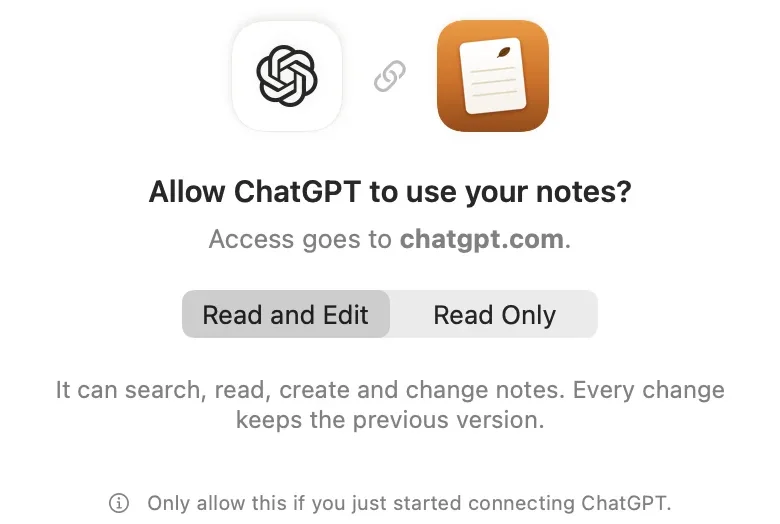
- Pinto Notes on your iPhone or Mac asks whether to allow the app. Type the number, choose Read Only or Read and Edit, then Allow.
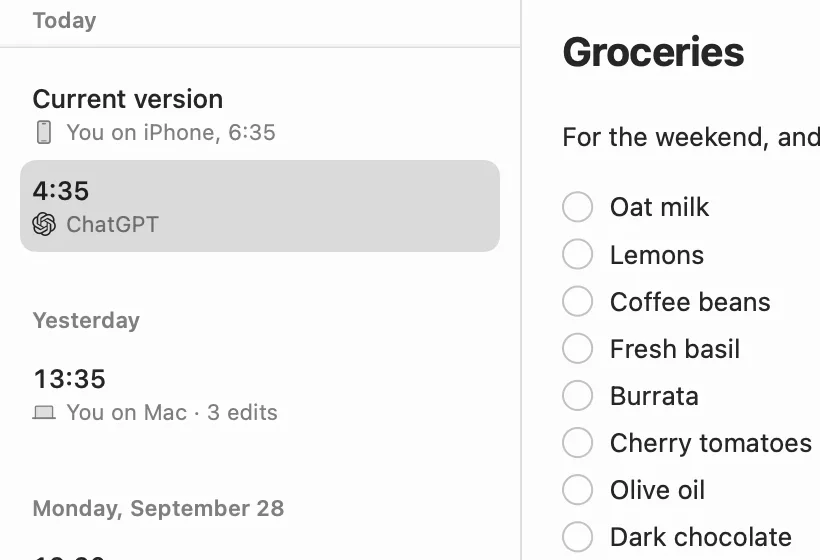
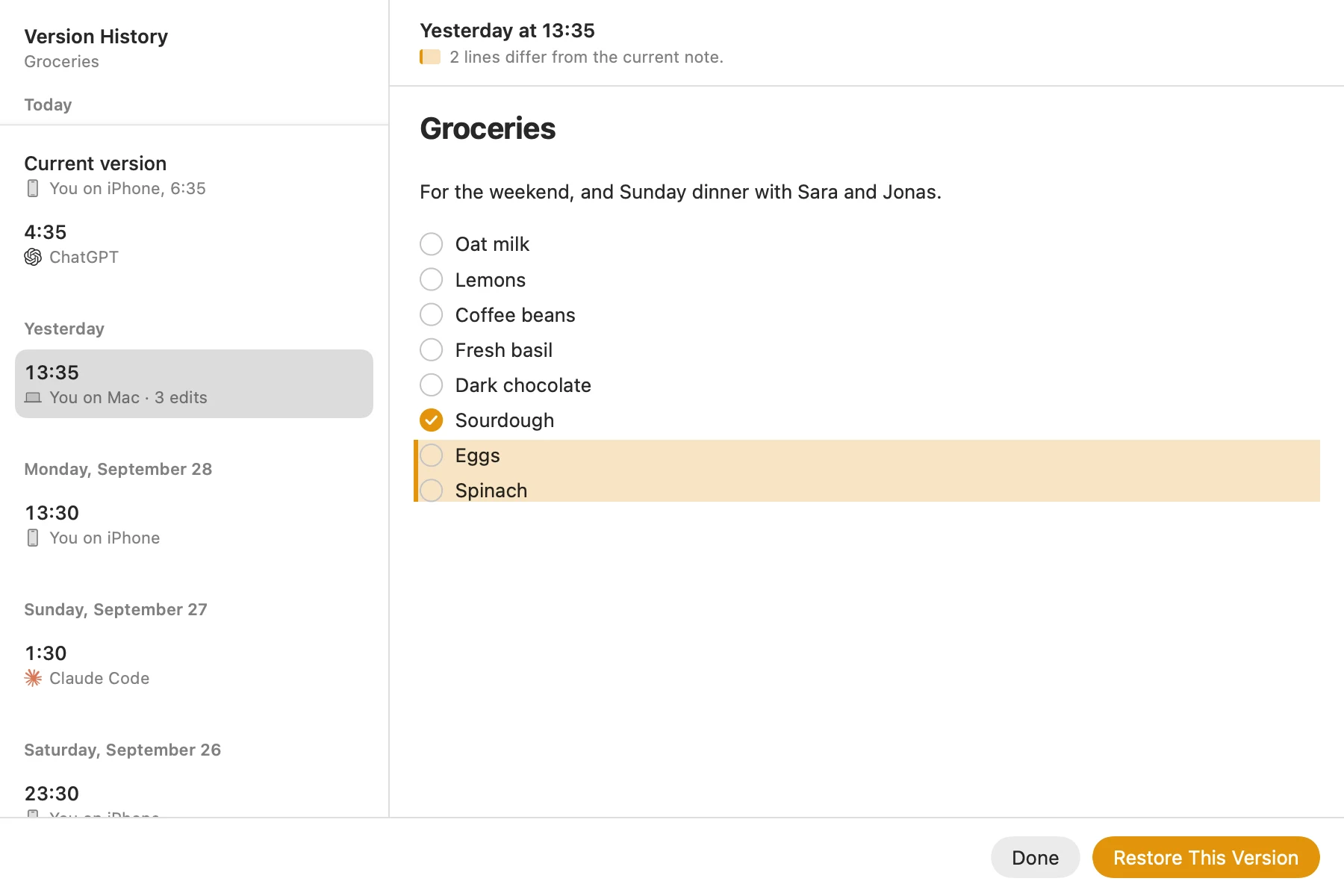
Pinto Notes names ChatGPT and Claude on that sheet. Any other app, Grok included, gets a warning that Pinto Notes doesn't recognize it, so allow it only if you just started connecting it yourself. After that, every change Grok makes is tinted in the note with an Undo, and the version before it is kept. If you try it before I do, I'd like to hear how it went. The Pinto Notes MCP server lists every tool, and connect your notes to Gemini covers the same setup for Google's apps.
A first request once it's connected
Search my notes for the Lisbon trip. List what's still unticked on the plan, and add "Check the tram 28 timetable" to it. Tell me which note you changed.
Asking which note it changed makes the edit easy to find and check.
What xAI's docs leave out
xAI's connector pages don't say how Grok handles data from a custom server, whether it asks before each write, or how to remove a connector, apart from the tunneling page's advice to remove and re-add one when its address changes. A custom server is also outside xAI's control. Connect only ones you trust, and start with read-only access where the server offers it.
Grok uses a connector when it decides your question needs it, so a vague request may get an answer from the web instead of your notes. I'd put “in my notes” in the request until you know how it behaves.
Notes every AI you use can work in
Pinto Notes is a notes app for iPhone and Mac with a hosted MCP server, and every change an AI makes is kept.
Download Pinto Notes for MacThe iPhone app is coming to the App Store soon. Pinto Notes is on Mac today: send yourself the link to open there.
Send myself the linkPinto Notes is for iPhone and Mac. Send yourself the link to open on one.
Send myself the linkFree, for macOS 26 or later. Importing from Apple Notes only reads it; nothing there changes.
Questions
Does Grok support MCP?
Yes. Since 6 May 2026, Grok can connect to any MCP server you give it, which xAI calls Bring Your Own MCP. On grok.com you add one at grok.com/connectors as a Custom connector. Grok Build, xAI's coding agent for the terminal, adds them with grok mcp add.
Do I need a paid Grok plan for custom connectors?
xAI's connectors page says connectors are available to all Grok users. Some third-party guides say custom MCP connectors need a paid plan. If you don't see Custom under New Connector, your plan is the first thing to check. On Grok Business and Enterprise, an admin has to add the server first.
Can Grok connect to an MCP server on my own computer?
Not directly. Grok's servers can't reach localhost or private addresses and reject those URLs. xAI's docs suggest a tunnel such as ngrok or Cloudflare Tunnel to give a local server a public address. Grok Build is different: it runs on your computer, so it can start a local server itself.
Checked against the app on .