An alternative to Obsidian
An Obsidian alternative with sync and AI built in
Your notes stay markdown and your [[wiki links]] keep working. There's no sync plan to pick and no AI plugin to run on your computer, because ChatGPT, Claude and Codex connect straight to your notes.
Pinto Notes is for iPhone and Mac. The iPhone app is coming to the App Store soon.
Send myself the linkPinto Notes for iPhone is coming to the App Store soon. It's on Mac today.
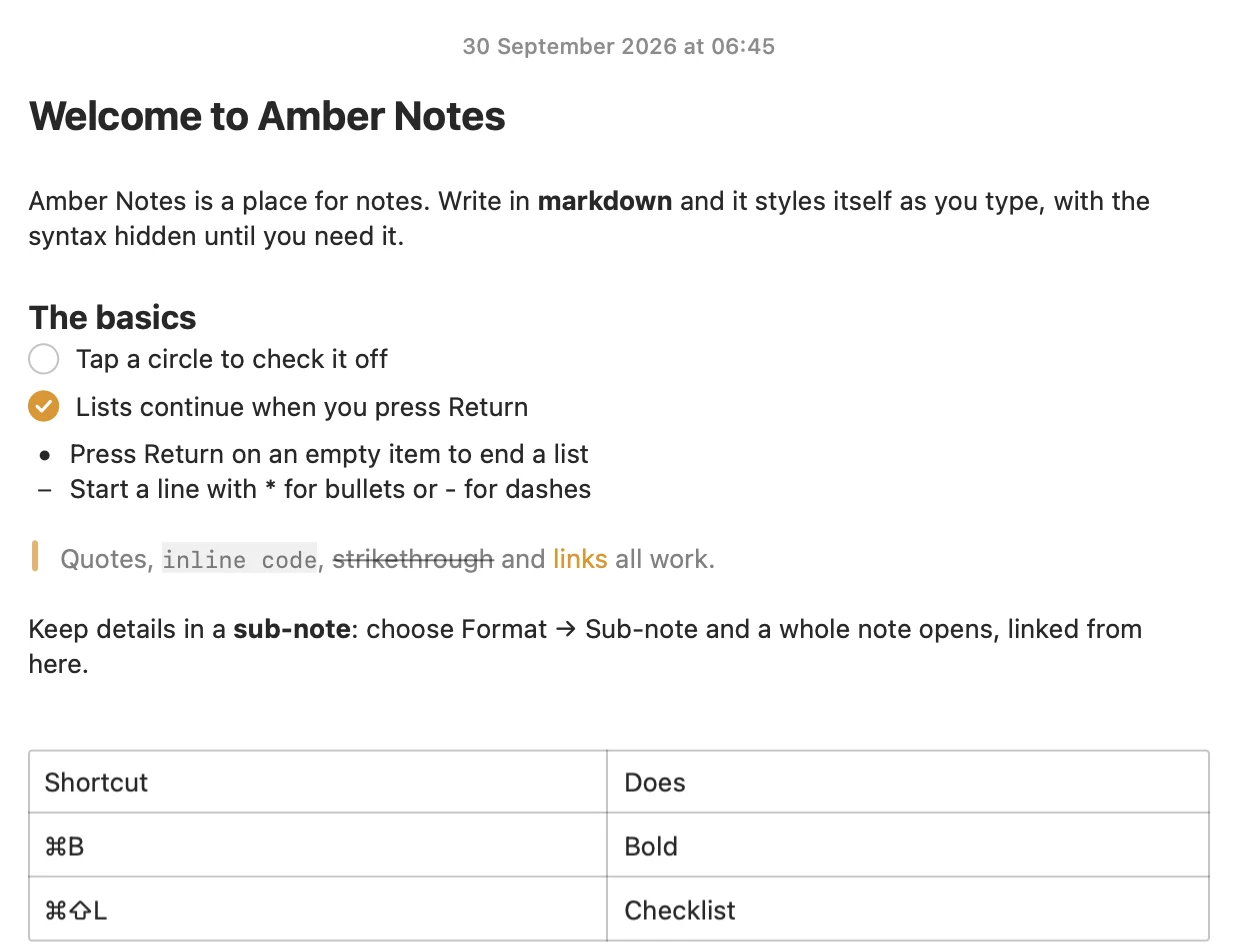
What your AI can do with a vault it can reach
Import your vault on the Mac. Wiki links stay as you wrote them and open the note they name.
Follow your links for you
Claude reads the [[links]] in your notes the way you would, and finds what points where.
Add structure to a note
ChatGPT writes markdown, so a table it adds is a real table you can edit and sort.
Write from the terminal, read it anywhere
Codex adds to your notes from any computer, without a vault on that machine.
Pinto Notes and Obsidian
| Obsidian | Pinto Notes | |
|---|---|---|
| Where notes live | Markdown files in a folder on your computer | Synced to the cloud and kept on each device, as markdown |
| Sync | Obsidian Sync, $4 a month billed yearly or $5 monthly; or your own (iCloud Drive, Git) | Built in, free |
| Devices | Mac, Windows, Linux, iPhone, Android | Mac today; iPhone coming soon to the App Store |
| AI apps can search and edit | Through community plugins, on your computer | Yes, from any device, with your approval |
| Plugins and themes | Thousands, from the community | None |
| Graph view and canvas | Yes | No |
| Open source | No (many plugins are) | Yes (MIT) |
Checked against each product's own pages on . Obsidian's Sync price is from obsidian.md/pricing.
Questions
Will my Obsidian links still work after I import?
Yes. Pinto Notes keeps [[Title]], [[Folder/Title]], [[Title|shown text]] and [[Title#Heading]] exactly as written and opens the note they name. If you go back to Obsidian, the text is unchanged.
Do I still own my notes as files?
Yes. Your notes are stored as markdown, and Export Your Notes, in Settings, saves every note as a markdown file in its folder, with its files, whenever you like.
Can I keep Obsidian open on the same notes?
Not live. Pinto Notes imports a copy of the vault, so pick one place to write. You could move the notes you use every day and leave the archive in Obsidian.

Keep your markdown, and skip the sync setup.
Pinto Notes is free and open source under the MIT license. Import your vault on the Mac and connect the AI you already use.
Pinto Notes is for iPhone and Mac. The iPhone app is coming to the App Store soon.
Send myself the linkPinto Notes for iPhone is coming to the App Store soon. It's on Mac today.
Free. Requires macOS 26. No ads, and no tracking in the app.