What are ChatGPT dots? What to give yours, and who can get one

At DevDay on 29 September, OpenAI gave ChatGPT something new: a dot, an agent that keeps working after you close the app. Since 9 October you can set one up from your phone. Here's what a dot is, and what to hand it first if you can get one.
What a dot is
Every other part of ChatGPT waits for you. You ask, it answers or does the task, and then it stops. A dot keeps going after the conversation ends. OpenAI's announcement calls dots always-on agents, and the guide says a dot decides for itself when to pause and when to wake up and carry on. You don't have to schedule every follow-up.
It runs on GPT-6 Astra, OpenAI's strongest model, and has its own computer and browser in the cloud, so it works while your laptop is shut. It can use the plugins you've connected (OpenAI says there are over 4,000), such as Gmail or Google Drive. You can give it a name and a look, message it in ChatGPT on your phone, desktop or the web, or call it and talk. Slack and Teams work too, and it's the same dot with the same memory wherever you reach it.
OpenAI's own comparison is the clearest way to tell the new pieces of ChatGPT apart:
| Use | When |
|---|---|
| Chat | You want an answer, ideas or a quick draft |
| ChatGPT Work | You have one task to hand over, like research or a file, now or on a schedule |
| Codex | You're building or fixing software |
| Your dot | Something needs keeping track of for weeks, and the next step changes as things happen |
Who can get a dot
Dots are rolling out slowly, so you may not see one even on an eligible plan. On a personal plan you need Pro (Pro 100, Pro 200 or Pro 500), you must be over 18, and you can't be in the EU, the UK or Switzerland. Business Premium has them worldwide. On Enterprise, an admin has to switch them on. Plus doesn't include a dot yet, and OpenAI says only that it plans to expand dots to more users soon.
Talking to your dot doesn't count toward your ChatGPT limits. Work it hands to ChatGPT Work or Codex does, and the first month comes with extended limits.
How to set up your dot
- Open ChatGPT and create your dotIn the latest ChatGPT mobile app, the desktop app, or a desktop browser. The mobile website doesn't work for this.
- Name it and connect pluginsIts handle follows the name, such as @yourname-alfred for a dot called Alfred. Connect the apps it will need, like your email or calendar. Each plugin keeps its own permissions.
- Connect your computer, if it needs your filesIn the desktop app, from the dot's profile. Only one computer at a time, and it has to be online with ChatGPT open when the dot uses it.
- Give it one responsibility, then check the first resultCorrect what it missed before you add more.
A first job for your dot
Help me keep our kitchen renovation on track. Read the emails from the builder and the supplier that I've shared, and make a checklist of decisions, deadlines and things we're waiting on. Tell me about anything that affects the budget or needs an answer this week. Draft replies for me to review, but don't send them.
Based on OpenAI's own offsite example. Swap the renovation for whatever you're chasing by email this month.
What to give a dot
A good dot job is something you keep checking: an inbox thread or a list that changes. One-off questions are better in Chat. Six ideas for a personal account:
A move or a renovation
Builders and suppliers all write in separate threads. The dot keeps one list of what's decided and what's waiting on you, and drafts the chasers.
A party or a trip with other people
OpenAI's example is an offsite: the dot updates the headcount as people confirm and asks before it requests a new price. A wedding or a group holiday works the same way.
Renewals and admin
The dots guide shows a dot on a car registration renewal page in its cloud browser. Ask it to track every renewal date it can find in your email and prepare each one a week ahead. When a site needs your login, it sends a sign-in request that you fill in privately, or you take over its browser yourself.
Invoices you forget to send
OpenAI tells the story of an early tester whose dot noticed he hadn't invoiced a publication and prepared the invoice. If you freelance, ask your dot to compare finished work with invoices sent, every Friday.
A daily check of a few websites
“Each weekday at 8 AM New York time for the next month, check these three job pages and add new roles that match my CV to my list. Message me only if one closes this week.” Give the time zone and an end date, then ask it to confirm the schedule. That's how OpenAI says recurring tasks get saved correctly.
A side project you keep putting off
A dot can start tasks in ChatGPT Work and Codex and follow up on them. Give it the goal and let it bring you the next decision, instead of you having to remember where you left off.
Where a dot keeps what it knows
A dot remembers through its own notes about your preferences, decisions and ongoing work. They're separate from ChatGPT's saved memory, and OpenAI says they aren't a complete transcript. If you delete the dot, the guide tells you to save any results first, because deleting can't be undone.
So the plan itself, the checklist and the decisions, belongs somewhere you can open without asking the dot, like a document or a note it updates through a plugin. Then you can read it on your phone and keep it if you cancel Pro. ChatGPT memory or your notes goes into that difference in more detail.
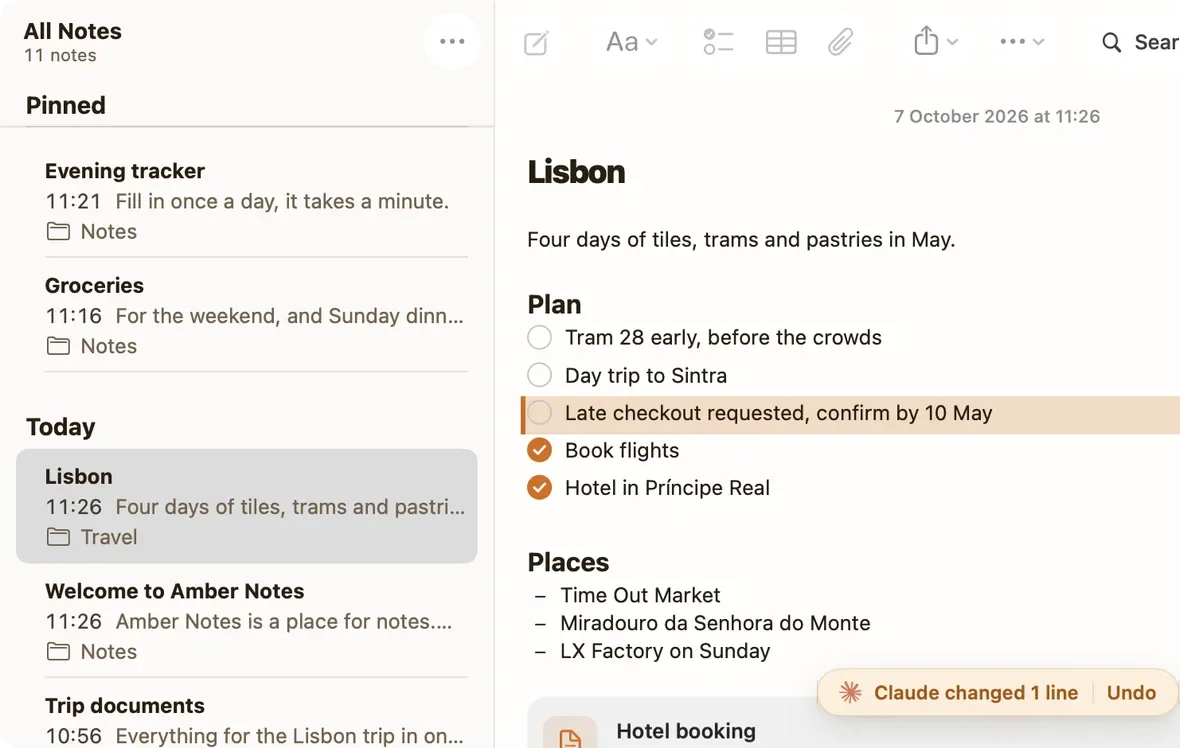
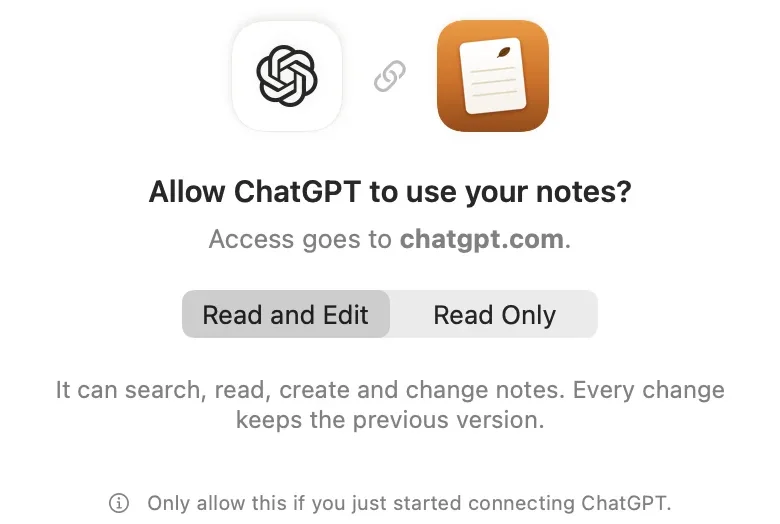
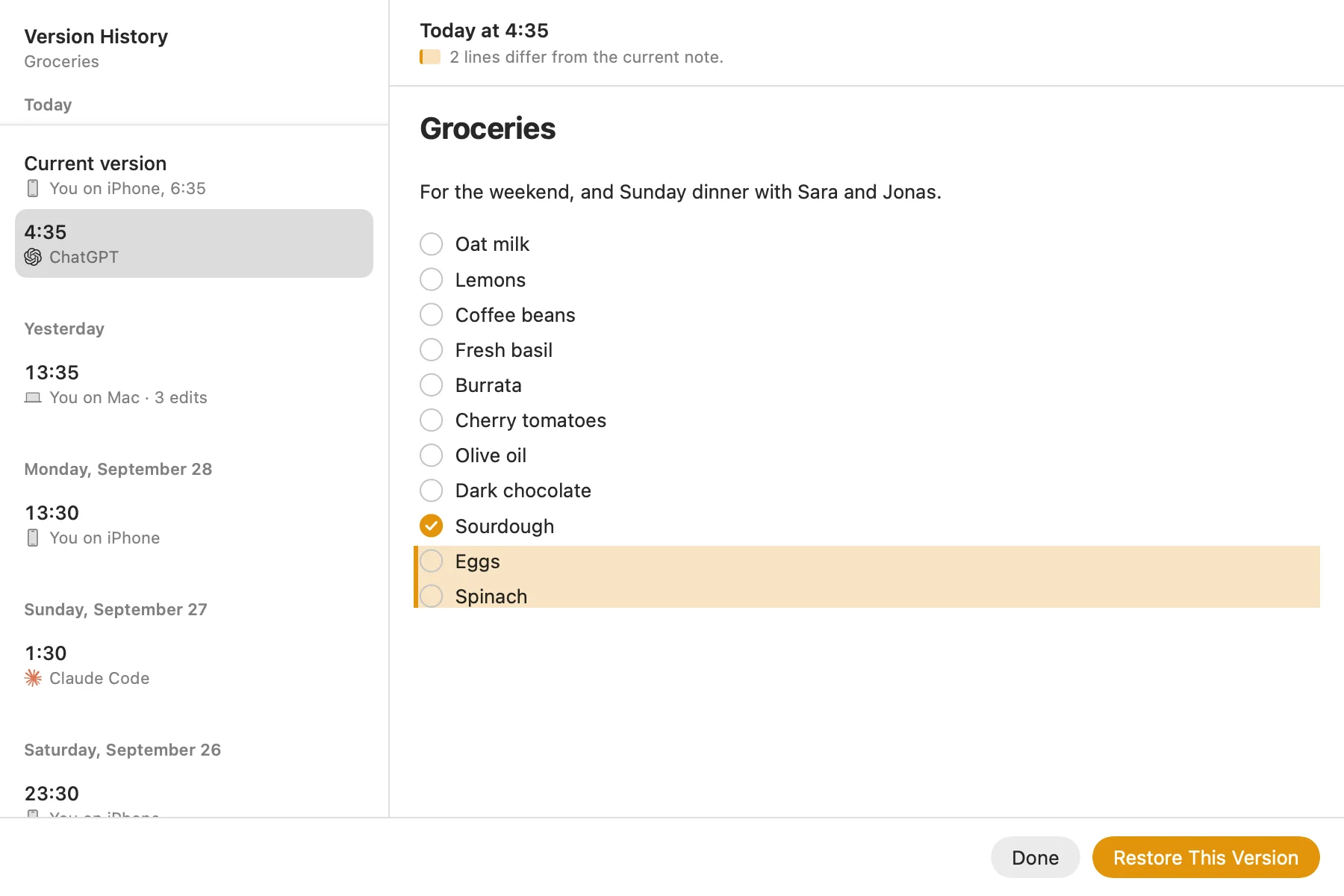
Pinto Notes is one place for it. It's the notes app for iPhone and Mac that I make, and ChatGPT, Claude, Claude Code and Codex can read and edit it over MCP once you approve them. Each change by an AI is tinted with an Undo, and every earlier version is kept, which is the record you want from an agent that works while you sleep. I haven't tested Pinto Notes with a dot yet, so I can't promise a dot can use it. How to connect ChatGPT to your notes covers the setup that works today, and GPT-6 Astra use cases covers the model under the dot.
Limits worth knowing
A dot can make mistakes, and OpenAI says a finished run doesn't prove the result was achieved, so read what it brings back. Stopping a task doesn't undo what it already did. Pause stops its current work. Tasks it handed off are stopped in Activity, and recurring ones are cancelled in Scheduled.
By default it asks before actions that affect your accounts or share information, and some things, like changing a password, always stay with you. You can add your own rules, such as “show me every email before you send it.” Its background research while you're away is read-only. Some websites block cloud browsers, and the guide suggests letting it use your connected computer for those.
I'd start with something where a mistake costs you an awkward email at worst, and give it money or other people's data only once you've seen a few weeks of its work.
Keep the plan where you can read it
Pinto Notes is a notes app for iPhone and Mac that ChatGPT and Claude can edit, with every change kept.
Download Pinto Notes for MacThe iPhone app is coming to the App Store soon. Pinto Notes is on Mac today: send yourself the link to open there.
Send myself the linkPinto Notes is for iPhone and Mac. Send yourself the link to open on one.
Send myself the linkFree, for macOS 26 or later. Importing from Apple Notes only reads it; nothing there changes.
Questions
What is a dot in ChatGPT?
An always-on agent that OpenAI announced on 29 September 2026. It runs on GPT-6 Astra, has its own computer and browser in the cloud, keeps working when your devices are off, and messages you when it needs a decision. You talk to it in ChatGPT, Slack or Teams, or call it.
Who can get a ChatGPT dot?
Pro subscribers aged over 18 outside the EU (strictly, the European Economic Area), the UK and Switzerland, Business Premium workspaces worldwide, and Enterprise workspaces once an admin turns dots on. It's rolling out gradually, so an eligible account may not see it yet.
Do conversations with a dot count toward my ChatGPT limits?
No. Talking to your dot doesn't count. Tasks it starts in ChatGPT Work or Codex count toward those products' limits as usual.
Can I see what my dot remembers about me?
You can ask it, and you can review its tasks in Activity and Scheduled. Its memory is its own set of notes, separate from ChatGPT's saved memory, and OpenAI says they aren't a complete transcript. Deleting the dot can't be undone, so save any results you need first.
Checked against the app on .