Apple Notes templates: make your own, plus five to copy


Apple Notes has no templates button, but a folder of notes does the same job. Here's how to set one up, and five templates to copy that paste in with real headings and checklists.
Set it up once
- In Notes, make a new folder and call it Templates.
- Add one note per template: paste one of the five below, or write your own.
- Leave the templates blank. Fill in the copies, so a template never carries last week's answers.
Using one on a Mac
Select the template and choose File, Duplicate Note, or press Command-D. The copy appears in the Templates folder with its checklists intact; drag it to the folder where it belongs.

Using one on iPhone
Open the template, select everything in it and copy it, then start a new note in the folder where it belongs and paste. Checklists and headings come along, because you're copying from one note to another.
Five templates to copy
Each is written in Markdown, so it arrives formatted when you paste it as Markdown. Every item has a word in it, on purpose: an empty checklist item doesn't survive the paste.
Meeting notes
Date:
People:
Agenda
- First topic
Notes
- What was said
Decisions
- What we agreed
Action items
- Who: what, by when
Weekly review
Week of:
What went well
- One thing
What didn't, and why
- One thing
What I learned
- One thing
Top three for next week
- First
- Second
- Third
Packing list
Documents
- Passport or ID
- Tickets and bookings
- Travel insurance details
Clothes
- Clothes for each day
- Something warm
- Comfortable shoes
Bag
- Chargers and cables
- Toiletries
- Medicines
Groceries
Fruit and veg
- Bananas
Bread and dairy
- Milk
Meat and fish
- Chicken
Cupboard
- Pasta
Frozen
- Peas
Household
- Dish soap
Today
Top three
- First
- Second
- Third
If there's time
- Something small
Notes
- Anything to remember
Paste them in formatted
On a Mac with macOS 27, start a new note and choose Edit, Paste as Markdown. The # line becomes the title, ## lines become headings, and - [ ] lines become a checklist. A plain Command-V keeps the symbols as text.
On iPhone with iOS 27, Apple says Markdown formats itself when you paste it. On older versions, paste the text, select the lines that should be a checklist and tap the checklist button. The rest of what changed for Markdown in Notes is in what's new in Apple Notes in iOS 27.
Templates that fill themselves in
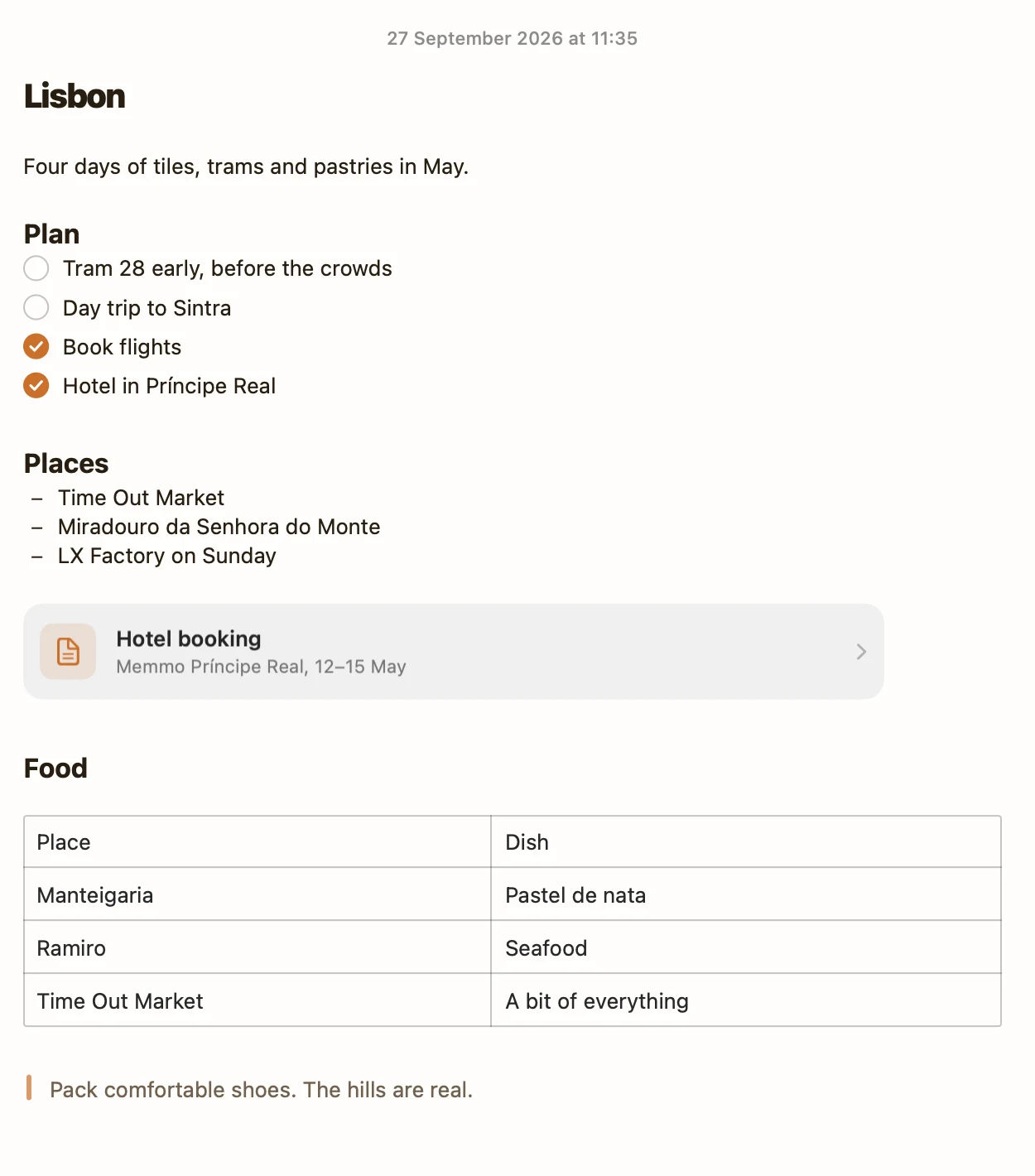
A template in Apple Notes stays a blank form you fill in by hand. I make Pinto Notes, a notes app for iPhone and Mac that ChatGPT and Claude can read and write, and its free template library works differently. Use template adds the note to Pinto Notes, and each one comes with a prompt, so you tell ChatGPT or Claude what happened and it files it under the right heading, ticking things off as you go. Your Apple Notes come over in one import, and Apple Notes isn't changed.
Try Pinto Notes on your Mac
Free templates that ChatGPT and Claude fill in for you, with every change marked and undoable.
Download Pinto Notes for MacThe iPhone app is coming to the App Store soon. Pinto Notes is on Mac today: send yourself the link to open there.
Send myself the linkPinto Notes is for iPhone and Mac. Send yourself the link to open on one.
Send myself the linkFree, for macOS 26 or later. Importing from Apple Notes only reads it; nothing there changes.
Questions
Does Apple Notes have templates?
No. Notes on iPhone and Mac has no template feature, in iOS 27 and macOS 27 either. Keep each template as a note in its own folder, and duplicate or copy it when you need it.
Can every new note start from a template?
No. A new note in Apple Notes always starts empty, and there's no setting for what goes in it.
How do I duplicate a note in Apple Notes?
On a Mac, select the note and choose File, Duplicate Note, or press Command-D. The copy lands in the same folder. On iPhone, select everything in the note, copy it, and paste it into a new note.
How do I make a checklist template?
Write the items as lines, select them and tap the checklist button, or on a Mac choose Format, Checklist. On macOS 27 you can instead paste lines that start with - [ ] using Edit, Paste as Markdown, and they become a checklist.
Where can I download Apple Notes templates?
There's nothing to download or install: a template is just a note. Copy one of the five on this page and paste it into a new note.
Checked against the app on .