Apple Notes habit tracker template, and where it stops

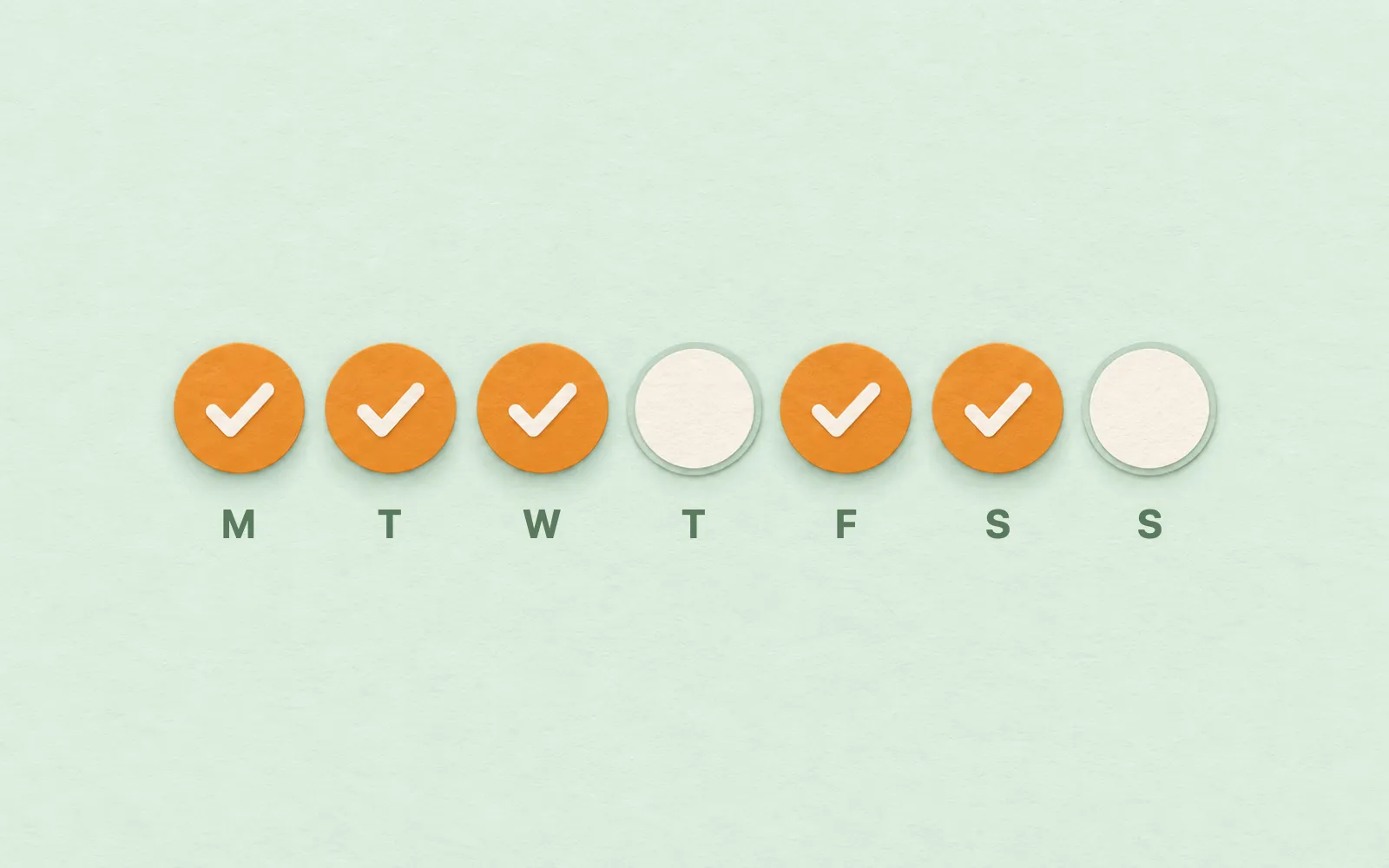
You want to track a few habits in the app you already open every day, not sign up for another one. Apple Notes can do a simple version. Here's a weekly template to paste in, how to keep it going, and where it stops.

The template: one week of habits
Three habits, seven days, and a place to say how the week went. Swap in your own habits before you paste; keep every line with a word in it, because an empty checklist item doesn't survive the paste.
Weekly habit tracker for Apple Notes
# Habits, week of 16 November

## Monday
- [ ] Walk 20 minutes
- [ ] Read 10 pages
- [ ] Bed by 11

## Tuesday
- [ ] Walk 20 minutes
- [ ] Read 10 pages
- [ ] Bed by 11

## Wednesday
- [ ] Walk 20 minutes
- [ ] Read 10 pages
- [ ] Bed by 11

## Thursday
- [ ] Walk 20 minutes
- [ ] Read 10 pages
- [ ] Bed by 11

## Friday
- [ ] Walk 20 minutes
- [ ] Read 10 pages
- [ ] Bed by 11

## Saturday
- [ ] Walk 20 minutes
- [ ] Read 10 pages
- [ ] Bed by 11

## Sunday
- [ ] Walk 20 minutes
- [ ] Read 10 pages
- [ ] Bed by 11

## How the week went
- Kept:
- Missed:
On a Mac, paste it into a new note with Edit, Paste as Markdown.
Set it up

- Mac
On a Mac with macOS 27, make a new note and choose Edit, Paste as Markdown. The # line becomes the title, each day becomes a heading and the - [ ] lines become a checklist you can tick. A plain Command-V keeps the symbols as text. On iPhone, type the habits as lines, select them and tap the checklist button.
Two settings help. Turn on Automatically sort checked items in the Notes settings, and what you've done drops to the bottom of each day. And a Smart Folder with the rule Checklists, Unchecked shows every note with something left to tick; tags and Smart Folders shows how to make one.
Every week
On Monday, select last week's note and choose File, Duplicate Note, then change the date in the title and untick everything: click in each day's checklist and choose Format, More, Uncheck All. Keep the old notes in a Habits folder. That folder is your history.
If you keep other routines this way too, Apple Notes templates has a weekly review and a Today list to paste in the same way.
Where a habit tracker in Notes stops
- No streaks. Notes doesn't count ticks, so how many days in a row you've walked is something you count by scrolling back through old weeks.
- No week at a glance. Each day is its own checklist. Seeing which habit you keep missing means reading the whole note.
- Every habit, every day. A habit you want three times a week, or eight glasses of water, doesn't fit a single tick.
- A copy every Monday. Miss the duplicate and the week's ticks land in last week's note.
For three habits and a little discipline, the note works. Past that, you're doing the tracking that an app could do.
A habit tracker that counts for you
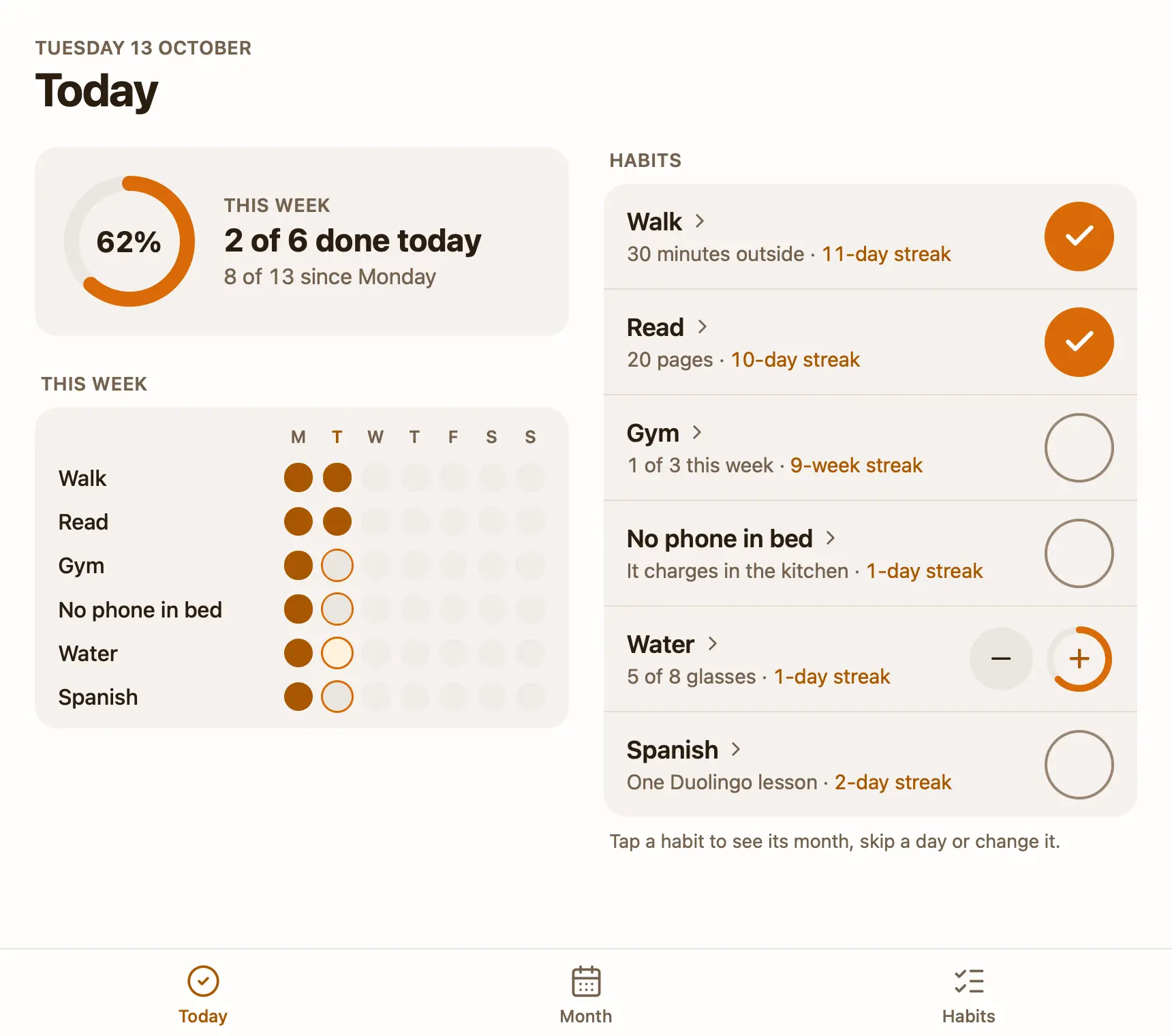
That's why I made Pinto Notes. It looks and works like Apple Notes on iPhone and Mac, and a note can also be a small app. The free habit tracker template is one. You pick your habits once, tick them in one tap, and it shows this week's ring, each habit's streak and best run, and a month you can fill in after the fact. A habit can be every day, some weekdays, a few times a week, or a count like glasses of water.
You can also tell ChatGPT or Claude what you did, in the chat you already use, and it ticks the day in the note. Ask it which habit you missed most this month and it reads the tracker to answer. Connecting ChatGPT takes a minute.
Your Apple Notes come over in one import on your Mac, and Apple Notes isn't changed.
Questions
Does Apple Notes have a habit tracker?
No. Apple Notes has no habit tracker and no templates. A note with a heading for each day and a checklist of your habits under it works as one: you tick the habits as you do them and start a fresh copy each week.
How do I reset a checklist in Apple Notes?
On a Mac, click in the checklist and choose Format, More, Uncheck All. Resetting loses what you ticked, so for a habit tracker, duplicate the note first and reset the copy.
Can Apple Notes count my streak?
No. Notes doesn't count ticks across notes or days, so a streak is something you count yourself, scrolling back through the weeks.
Is there a free habit tracker that works like a note?
Pinto Notes has a free habit tracker template: a note that is a small app, with this week's ring, a tick per habit, streaks and a month view. ChatGPT or Claude can log what you did to it.
Checked against the app on .