- Templates
- Home and life
Trip planner and itinerary template
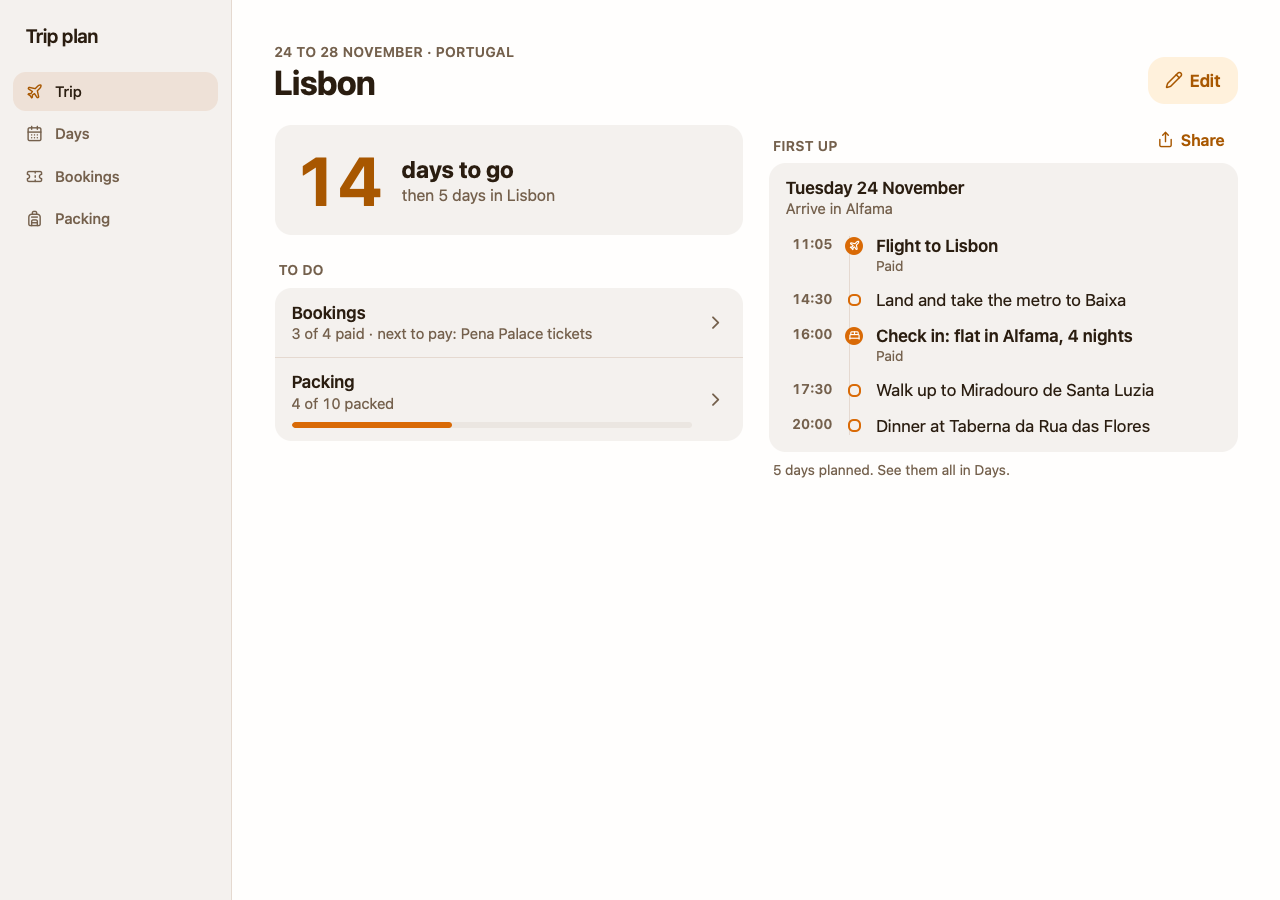
A countdown, the days, bookings and a packing list. Edit it yourself, or let your AI fill it in.
For anyone planning a trip who wants the plan, bookings and packing in one place.
Free. Needs Pinto Notes for Mac.
What you can do in the app
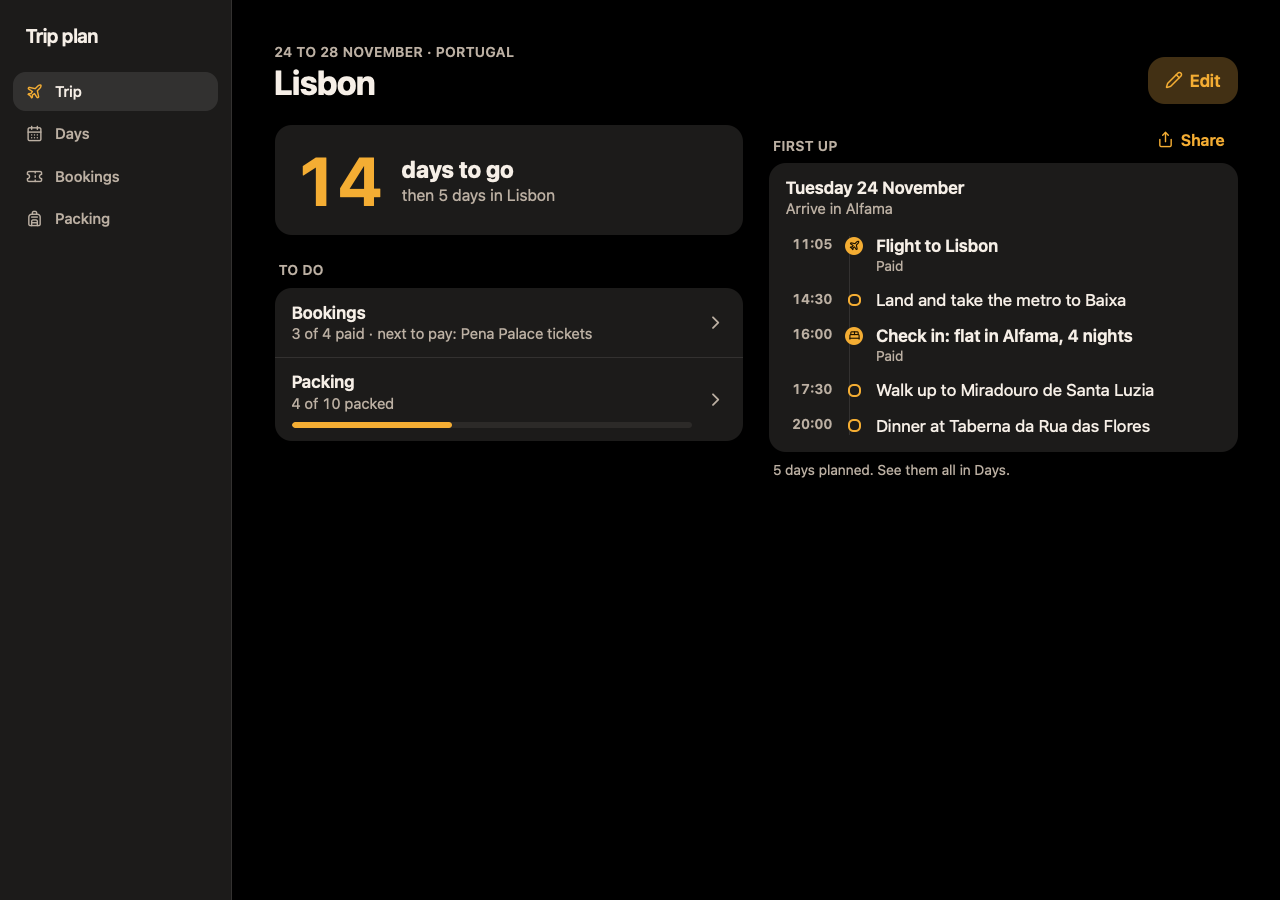
Plan the tripUse template adds this app with sample data, in light and dark, and it all works without your AI.
- Count down and see what's openDays left, bookings paid, items packed.
- See each day as a timelineEach day's plan and bookings in time order.
- Share a daySend a day or the trip as text.
- Keep bookings and packing in one placeTick bookings paid and items packed.
- Pack from last timeThe packing list stays for the next trip.
- Your AI sees the same dataDo it yourself, or ask your AI to.
Ask your AI to change the app.
- Add a day for Sintra.
- Add a Beach group to the packing list.
- Show a cost for each booking.
- Add our flight home on Sunday.
How to set it up
- Add the template to Pinto NotesChoose Use template. Pinto Notes opens and adds the "Trip plan" note with its app to the folder you pick.
- Connect your AIConnect ChatGPT, Claude or Claude Code to Pinto Notes once, so it can fill in the note.
- Talk to your AITell it what happened, in your own words. It finds the note and fills it in, and you see every change in Pinto Notes.
Connect ChatGPT, Claude or Claude Code
Questions
- Is this trip planner free?
- Yes. The template and Pinto Notes are free. To let an AI draft the itinerary, you need ChatGPT on a plan that allows custom apps, or Claude, or Claude Code.
- Can ChatGPT plan my trip into this itinerary?
- Yes, once Pinto Notes is connected. Ask for a five-day plan and it writes one day at a time into the app's data, three to five lines each. Paste a booking confirmation and it adds the booking with its time and reference.
- Can I change the itinerary myself?
- Yes. Change the trip's name and dates with Edit on the Trip tab, and add, edit or delete days, bookings and packing items. A delete shows Undo. Share sends a day or the whole trip as text.
- Does it show maps or the weather?
- No. There's no map, no weather and no cost per booking. The app has no network access unless you allow a site, and the template doesn't ask for one.
- Does it work on iPhone?
- Pinto Notes is free for Mac (macOS 26 or later) and iPhone (iOS 26 or later). Your AI can update the app from any device where you use ChatGPT or Claude.
More templates
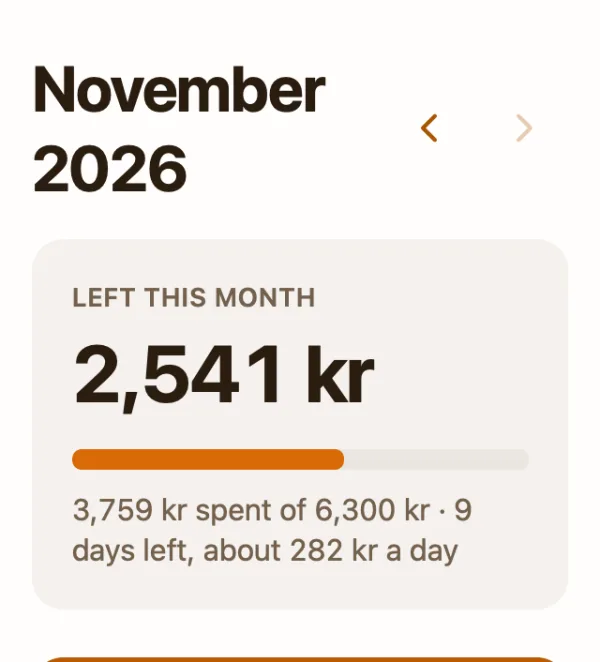
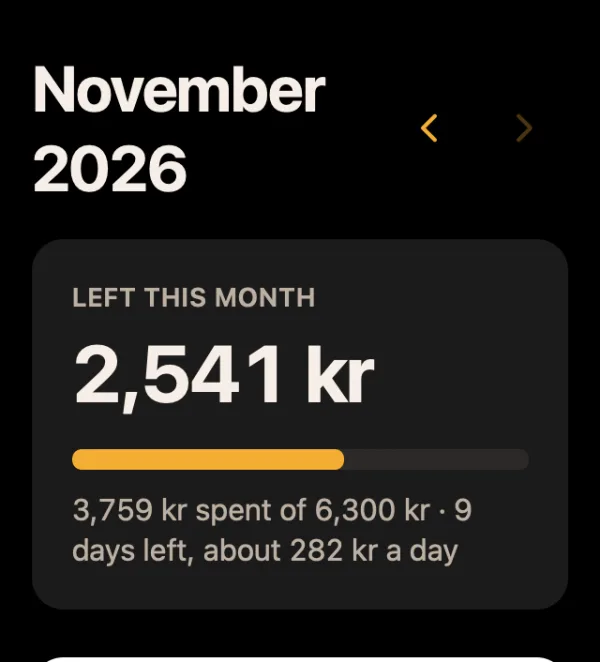
 What you spend, against a monthly budget.Month summariesLast month: 5,925 kr of 6,300 kr. Groceries came to 3,945 kr of 4,000 kr and eating out to 1,190 kr of 1,500 kr. One month of the last six went over, by 380 kr. Suggestion: the grocery budget is tight but it holds, so leave it.
 Gift ideas, saved when you hear them.PersonOccasionIdeaBudget (kr)MajaHousewarmingA good chef's knife900DadChristmasFootball tickets500JonasBirthdayA green wool beanie300Maja: cooks a lot, already has a stand mixer.Jonas: medium, loves anything green.Mum: no more things; she'd rather do something together.Dad: has every scarf the club sells.
 Four questions a day, written up for you.Sunday 8 NovemberToday: quiet day; finished the bookshelf and went for a long walk.Energy: low after lunch, better after coffee with Jonas.Remember: the bakery on the corner opens at seven.Tomorrow: call Mum.Today: helped Maja move; it went faster than we feared.Energy: the stairs took it, the pizza after gave it back.Remember: Maja said the new flat gets the evening sun.

Start your trip plan today.
Your AI keeps it, and you see every line it changes.
Free. Needs Pinto Notes for Mac.