
- Templates
- Trip plan
Trip plan template for ChatGPT and Claude
By Pinto Notes · Free · Mac and iPhone
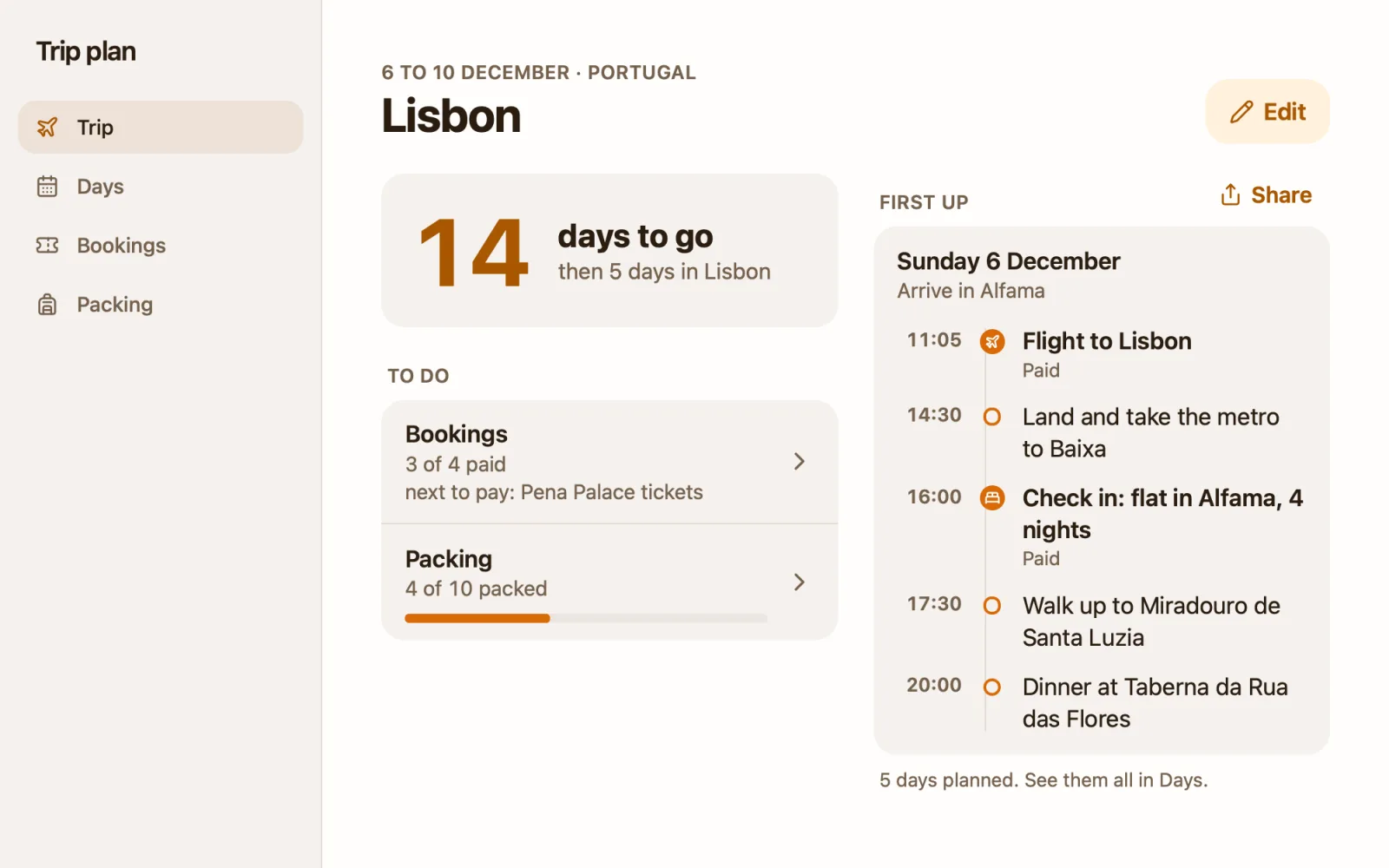
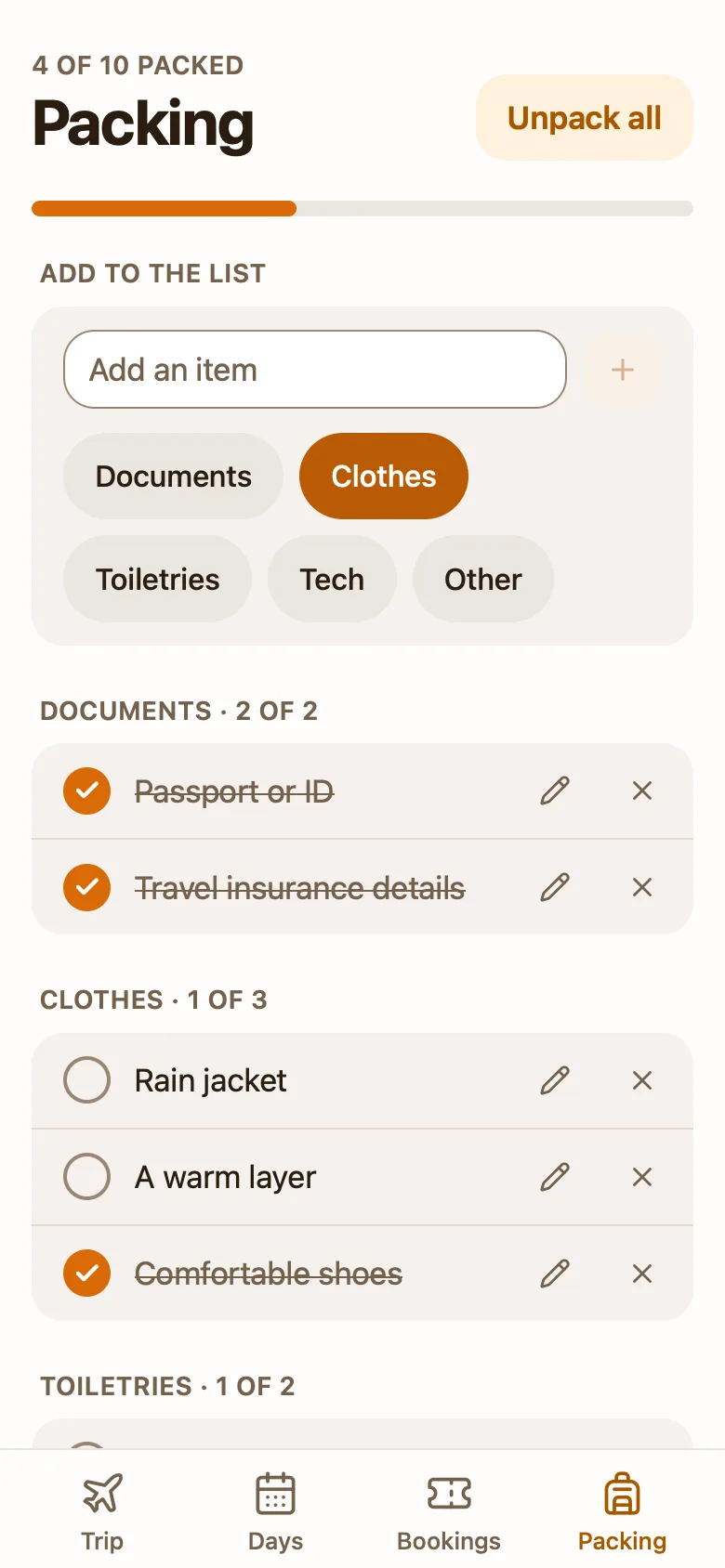
A trip planner app your AI fills in around your dates.
Get templateInstalls Pinto Notes, free on Mac and iPhone
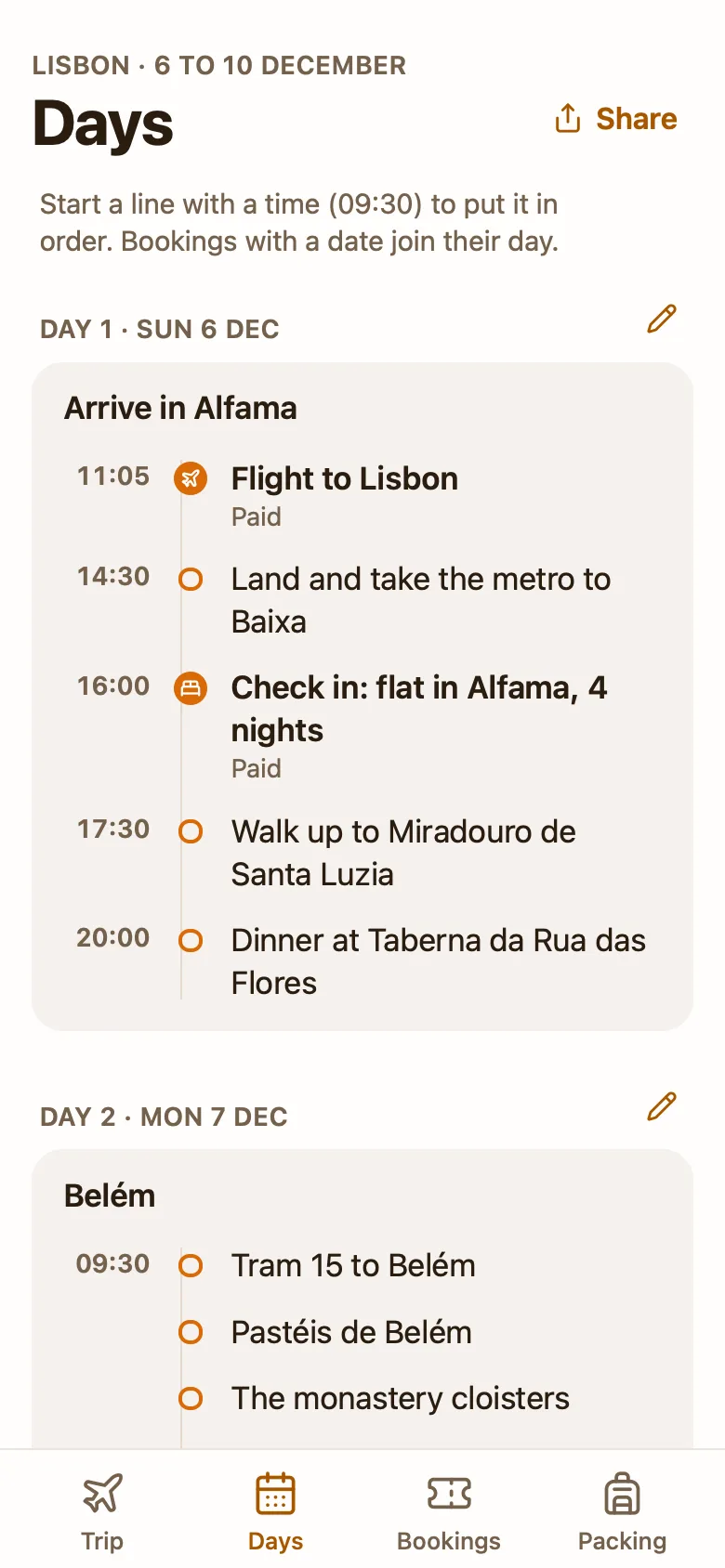
Plan 5 days in Lisbon from 6 December. I like food and views.
Your trip plan has a day for each of the 5 days, each with times.
How to get it
- Get Pinto NotesMac or iPhone
- Connect your AIConnect ChatGPTConnect ClaudeHow to connect
- Ask for the trip plan
Set up the trip plan template in my Pinto Notes.
Copy adds the full instructions for the trip plan template, so your AI makes this one.
Questions
- Is this trip planner free?
- Yes. The template and Pinto Notes are free. To let an AI draft the itinerary, you need ChatGPT on a plan that allows custom apps, or Claude, or Claude Code.
- Can ChatGPT plan my trip into this itinerary?
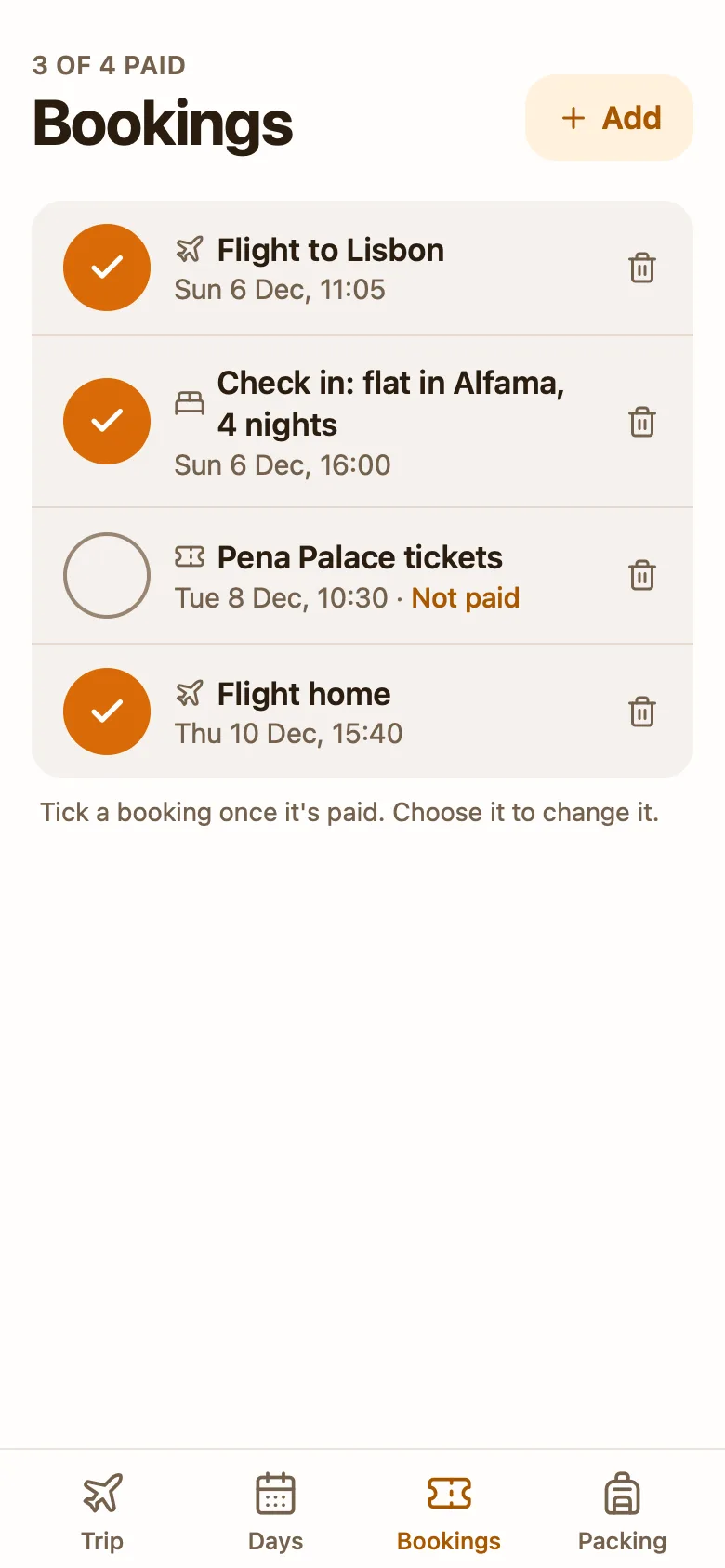
- Yes, once Pinto Notes is connected. Ask for a five-day plan and it writes one day at a time into the app's data, three to five lines each. Paste a booking confirmation and it adds the booking with its time and reference.
- Can I change the itinerary myself?
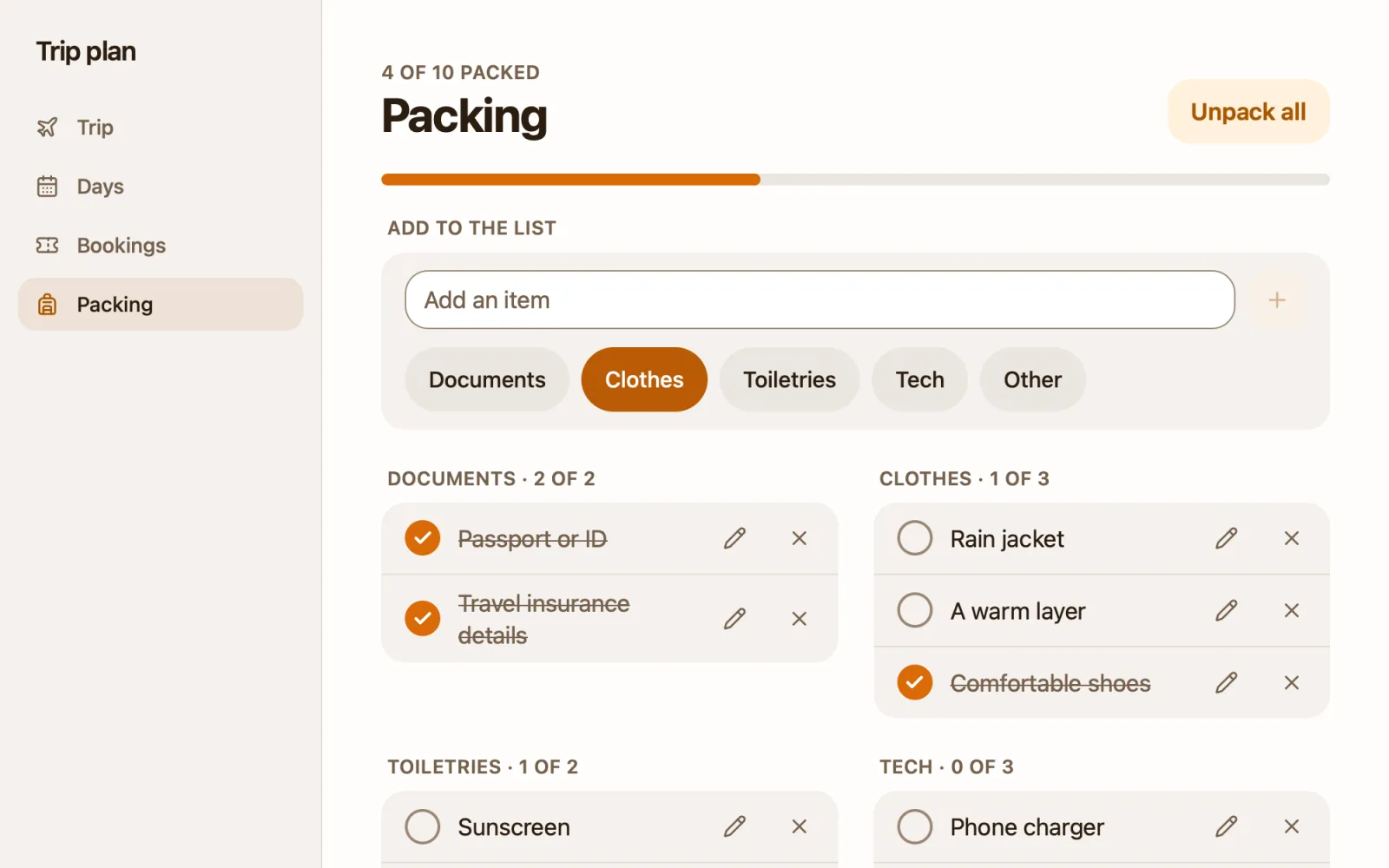
- Yes. Change the trip's name and dates with Edit on the Trip tab, and add, edit or delete days, bookings and packing items. A delete shows Undo. Share sends a day or the whole trip as text.
- Does it show maps or the weather?
- No. There's no map, no weather and no cost per booking. The app has no network access unless you allow a site, and the template doesn't ask for one.
- Does it work on iPhone?
- Pinto Notes is free for Mac (macOS 26 or later) and iPhone (iOS 26 or later). Your AI can update the app from any device where you use ChatGPT or Claude.
More templates




Trip plan
Installs Pinto Notes, free
Get templateInstalls Pinto Notes, free