GPT-6 Astra use cases: what it can do for you, and how to try it

OpenAI released GPT-6 Astra on 3 September and called it the best model in the world at using a computer. A month in, here's what that means for an ordinary week: what it can do, and how to start it.
What GPT-6 Astra is, and what changed
Astra is the first model in OpenAI's GPT-6 family. Its launch post covers science, coding and security too, but for most people one number explains it. On OSWorld 2.0, a test of long tasks done by operating real software, Astra scored 72.6%, against 65.7% for GPT-5.6 Sol before it, and took about 40 minutes per task instead of 75. Faster and more often right is what makes handing over a task worth it.
OpenAI's own examples are everyday work: filling out online forms, updating records, organising a calendar, researching something and drafting the summary in your email or document. It's also better at following a template, so slides and spreadsheets come back in your format instead of its own.
Two cheaper models came after it. GPT-6 Sol and Luna arrived on 22 September, and GPT-6.1 Sol on 29 September, which OpenAI says nearly matches Astra on computer use and professional work at a fifth of the price.
| Model | Best for | Messages per 5 hours on Plus |
|---|---|---|
| GPT-6 Astra | Hard tasks that need visual judgment, or a polished final file | About 5 to 45 |
| GPT-6.1 Sol | Most real work, at a lower cost | About 15 to 160 |
| GPT-6 Luna | Quick, simple, repeated tasks | About 350 to 3,000 |
The ranges are OpenAI's estimates from its pricing page, and they're wide because a big task uses far more than a small one.
How to try GPT-6 Astra
ChatGPT now has two modes. Chat is for answers and short drafts; Work is for tasks with an outcome you can check, like a file or a filled-in form. You'll find Astra in Work (and in Codex, for code). On a Mac or a Windows PC:
- Open the ChatGPT desktop app and switch to WorkThen pick Astra in the model control under the message box. ChatGPT shows presets such as Astra Light and Astra Medium.
- Install Computer UseOpen Plugins, then Computer Use, and choose Install plugin. Turn on its toggles, then Try now.
- Allow it on a MacmacOS asks for Screen Recording, so ChatGPT can see the app, and Accessibility, so it can click and type. Both are in System Settings, Privacy & Security, if you miss the prompt.
- Name the app in your requestWrite @Computer or @ and the app's name, such as @Safari or @Numbers. ChatGPT asks before it uses each app. Choose Always allow only for apps you'd trust it with next time.
OpenAI documents all of this in Computer Use. On a Mac it can work in the background while you use other apps. On Windows it takes over the screen, so step away or give it a virtual machine. Computer Use is only offered in some regions, so if Plugins doesn't list it, that's probably why.
Eight GPT-6 Astra use cases for a normal week
Each one is a task you can describe in two or three sentences and check afterwards. That's the shape Astra is good at.
1. Fill in a long form from your documents
Insurance claims and school sign-ups ask for things you already have in PDFs. Point Astra at the files and the form, and tell it where to stop.
A prompt for a form
Use @Safari to fill in the claim form at [address]. Take the details from the PDFs in my Claims folder. Stop before the last page and show me every field you filled in, so I can check it and press Submit myself.
Swap in your browser, the address and the folder. The last sentence is the important one: you press Submit.
2. Clean up your calendar
“Find every meeting next week that clashes or has no agenda, and draft a message to each organiser. Don't send anything.” Astra can read the calendar app the way you do, which helps when your calendar has no plugin in ChatGPT.
3. Research that ends in a spreadsheet
Comparing five daycares, flats or laptops is mostly copying details out of websites. Ask for a spreadsheet with one row per option, the price, the dealbreakers and a link to where each figure came from, so you can spot-check it.
4. Fix a setting you can't find
“My Mac stopped backing up to the external drive. Look at Time Machine settings and tell me what's wrong before you change anything.” OpenAI lists troubleshooting problems you can see on screen as one of Astra's jobs. It can't approve the Mac's own password prompts, so you'll still type your password.
5. Turn rough notes into slides in your template
Give it last quarter's deck as the template and this quarter's notes as the content. Following an existing template is one of the things OpenAI says improved most.
6. Move data between two apps with no export
Some sites only show a table, like a bank portal or a club's member list, with no way to download it. Astra can read the screen page by page and type it into Numbers or Excel. It's slow, so leave it running on the Mac while you do something else.
7. Make a small website
With Sites in ChatGPT, Astra can build and host a page from a request: a wedding page with the schedule and a map, or a page for a local club.
8. Keep a running document up to date
Some documents change every week, like a packing list or a renovation log. Keeping them current depends on where the document lives, which is the next section.
Where notes fit
OpenAI's Computer Use guide says that if an app has its own plugin or MCP server (a standard way for an AI to read and write in an app), ChatGPT should use that, and keep clicking for apps without one. Clicking through a window means a screenshot and a click, over and over. A direct connection is one request.
Apple Notes has no plugin and no API, so on a Mac computer use is the only way Astra can work in it. It can open Notes and type into a note. It's fine for a one-off tidy, and slow for anything you do every day. ChatGPT memory or your notes covers why the notes themselves are the better place for things you want an AI to remember.
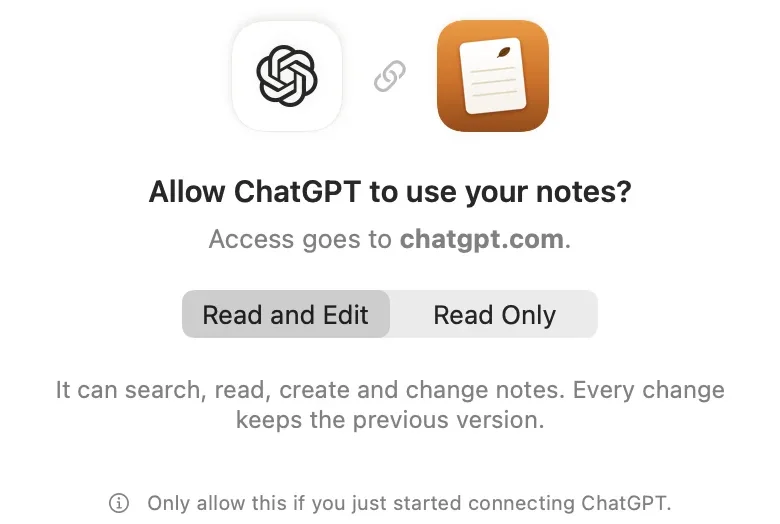
One use case for a direct connection is Pinto Notes, the notes app for iPhone and Mac that I make. ChatGPT, Claude, Claude Code and Codex can read and edit it over MCP once you approve them on your iPhone or Mac. With Codex, it's one line:
codex mcp add amber_notes --url https://mcp.pintonotes.comThen choose Astra with /model and ask it to keep a note, such as a running log of what it built today. In ChatGPT on the web, the steps are in how to connect ChatGPT to your notes. I haven't tried Pinto Notes inside ChatGPT Work with Astra yet, so I can't promise it shows up there.
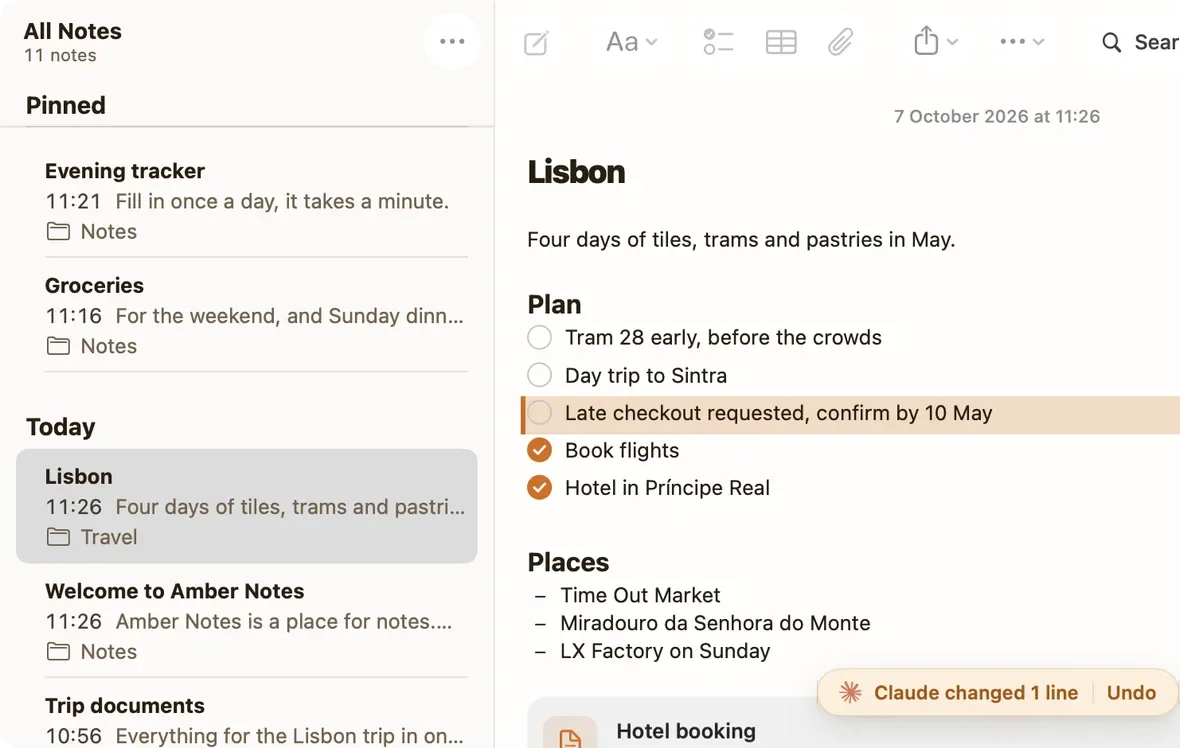
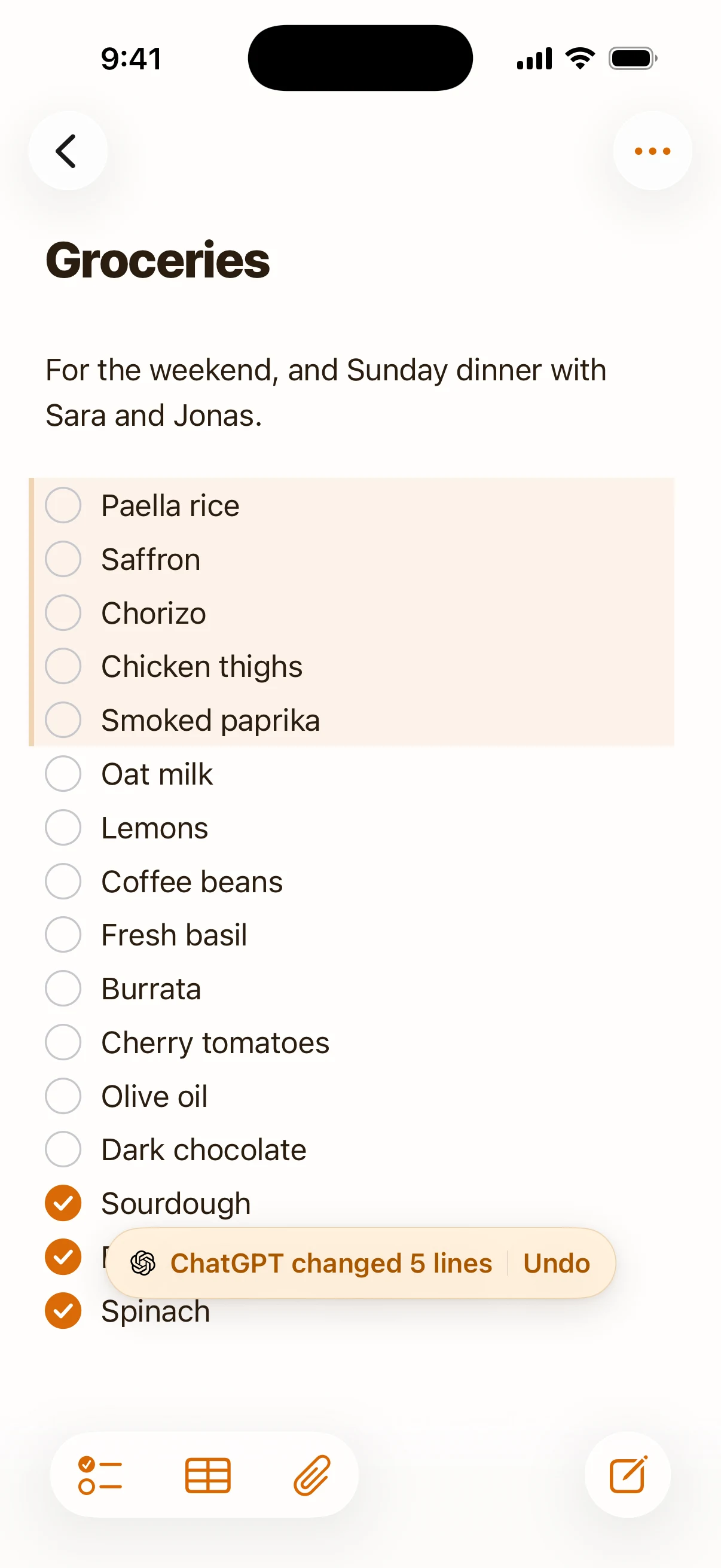
Whatever the AI changes, Pinto Notes tints the lines and shows a bar with Undo, and the version before is kept in the note's history. You want that record more from an agent that works for 40 minutes than from a chat you watch. For the other options, see notes apps that work with ChatGPT.
What GPT-6 Astra still gets wrong
A 72.6% score on long computer tasks is a big step, and it also means some tasks go wrong. Check the result, especially anything with numbers. On Plus, a handful of big Astra tasks can use up your five-hour allowance. More limits from OpenAI's own pages:
- It can't operate Terminal or ChatGPT itself, and it can't approve security or admin prompts.
- Extra safety checks sometimes pause a task in ChatGPT and ask you to review the action before it goes on.
- In a signed-in browser, websites treat its clicks as yours. Ask it to use a different browser if you want to keep working in yours.
My rule is the one OpenAI suggests: one app and one clear outcome per task, and a sentence that says where to stop.
Try Pinto Notes on your Mac
Notes that ChatGPT, Claude and Codex can read and edit directly, with every change tinted and Undo one click away.
Download Pinto Notes for MacThe iPhone app is coming to the App Store soon. Pinto Notes is on Mac today: send yourself the link to open there.
Send myself the linkPinto Notes is for iPhone and Mac. Send yourself the link to open on one.
Send myself the linkFree, for macOS 26 or later. Importing from Apple Notes only reads it; nothing there changes.
Questions
What is GPT-6 Astra?
OpenAI's most capable model, released on 3 September 2026. It's built for long, multi-step work: using apps on your computer, research, documents, slides, spreadsheets and code. In ChatGPT, look for it in Work or Codex.
Can I use GPT-6 Astra on the free plan?
No. OpenAI rolled it out to Plus, Pro, Business and Enterprise. On Enterprise an admin has to turn it on first. Free and Go users get GPT-6 Luna in the desktop app instead.
How many GPT-6 Astra messages do I get on Plus?
OpenAI estimates 5 to 45 local messages every five hours on Plus, depending on how big each task is. GPT-6.1 Sol gets 15 to 160 in the same window, which is why it's the better default for everyday work.
Is GPT-6 Astra computer use safe?
It only uses apps you approve, asks again before sensitive actions, and can't approve the Mac's own security prompts. It still sees whatever is on screen in those apps, so close anything private first and stay at the computer for payments, passwords and account settings.
Checked against the app on .