Meta Muse connectors: what they are, and which to add

Meta launched Muse on 8 September and opened it to outside developers ten days later. Since then, most of the questions I see are about connectors: what they are, how to add one, and whether Muse can reach the apps you already use. This guide sticks to what Meta's own pages say, and points out where they say nothing.
What a Muse connector is
Muse is Meta's personal agent. Meta's announcement says it runs on its own cloud computer with a browser, keeps working after you leave the app, and checks with you before sensitive actions such as sending an email or buying something. It's rolling out in the US on iOS, Android, the web and inside WhatsApp, and it's free for most needs, with paid plans for heavier use.
Without connectors, Muse works through its browser the way you would. A connector gives it a direct line to a service instead: the developer supplies the tools, and Muse decides when to use them. On 18 September Meta opened the Muse Connector Platform, where a company describes its product, submits a connector for review, and after approval appears in the directory. Meta's platform terms, in force from that day, count MCP servers among the ways a connector can plug in. MCP is the open standard ChatGPT and Claude use for the same job.
How to add a connector in Muse
Meta's connector guidelines, written for developers, also describe what you see as a user. Approved connectors show up in Settings under Connectors, and Muse can suggest one when a task needs it.
- Open Settings, then ConnectorsPick the service. You'll usually sign in to it, and Muse gets only the access you grant there.
- Choose Read Only if it's offeredMeta asks developers to offer a read-only option where they can. For email, the announcement says you choose between letting Muse only read your mail or also send on your behalf.
- Answer the first approvalThe first time Muse uses a tool that reads or makes a small change, it asks, and you pick Allow once, Always allow or Deny. Sensitive actions, such as a purchase, ask every time and offer only Allow once or Deny.
- Change your mind laterMeta says you can change a connector's access or disconnect it at any time, and that a change in what Muse is about to do needs a new approval.
I'd leave Always allow off for anything that writes until you've watched Muse use it a few times. It's the one choice on that prompt that stops it asking.
Which connectors to add first
Meta hasn't published a full list that I can find, and the lists on other sites disagree with each other, so check Settings, then Connectors, for what your account offers. The announcement itself names a few. Link, by Stripe, handles checkout, giving Muse a one-time card number so your real card stays hidden. Email can be read-only or read and send. 1Password support is mentioned so Muse can use logins you already have, and Shop Pay is listed as coming soon.
I'd pick connectors by a task that keeps coming back, and give each one only the access that task needs. Read-only email is a good first one: Muse can find what you've promised people and what's waiting on you, and it can't send anything. Add a calendar when you want it to check your free time before it suggests a plan, and leave checkout for later, once you've seen how it chooses.
A first task for Muse with email connected
Look through my email from the last two weeks and list everything I've agreed to do, with the date I promised it. Don't reply to anyone. Show me the list first, and ask before you add any of it to my calendar.
Read-only email is enough for this. Check the list against your inbox before you let it touch the calendar.
Can you add your own MCP server to Muse?
Not as far as Meta's pages say. ChatGPT, Claude and Grok each have a place to paste the address of any MCP server. Muse's connectors go through Meta's review first: a risk assessment, a review of each tool and whether it writes, then testing by hand. Meta says meeting the guidelines doesn't guarantee approval and doesn't publish how long review takes. Until a service is approved, there's no documented way to reach it from Muse.
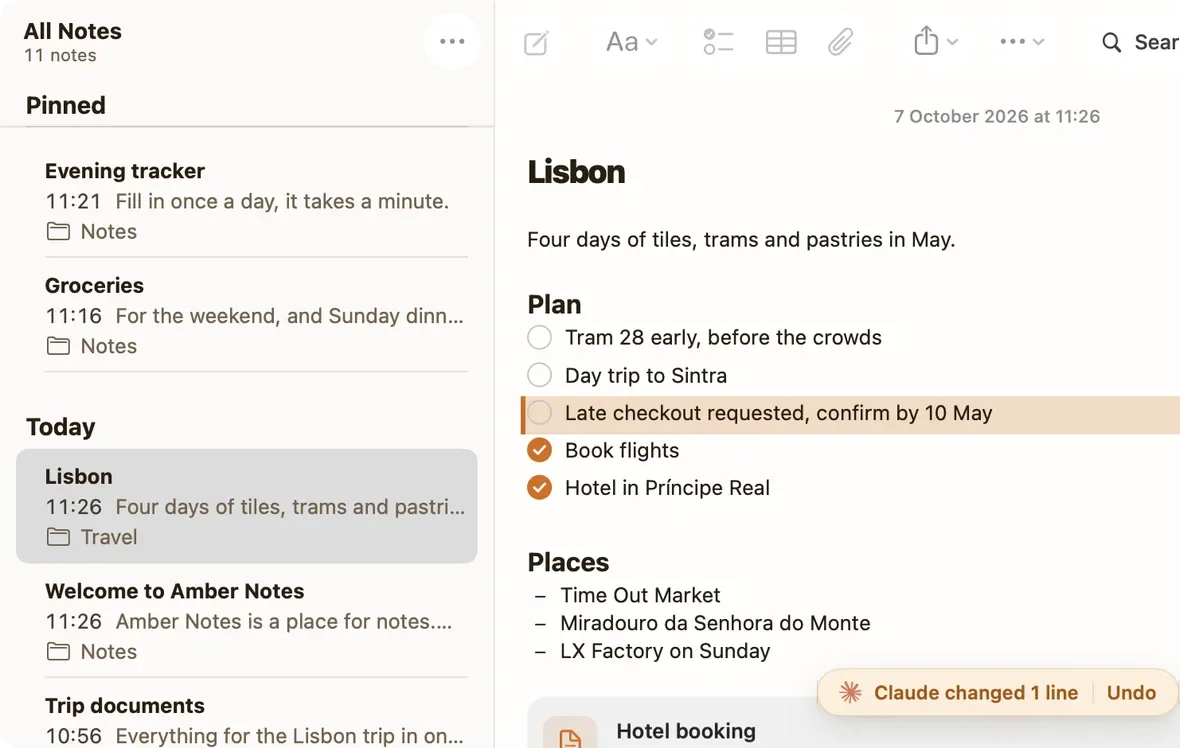
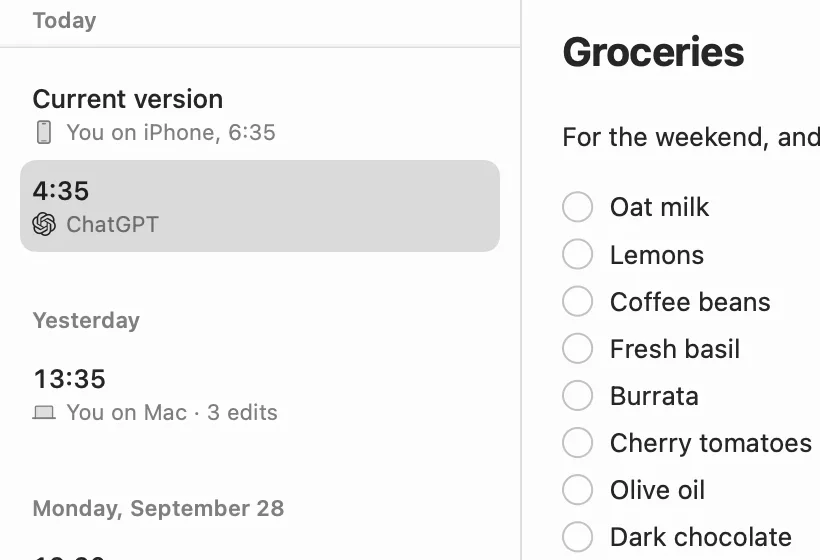
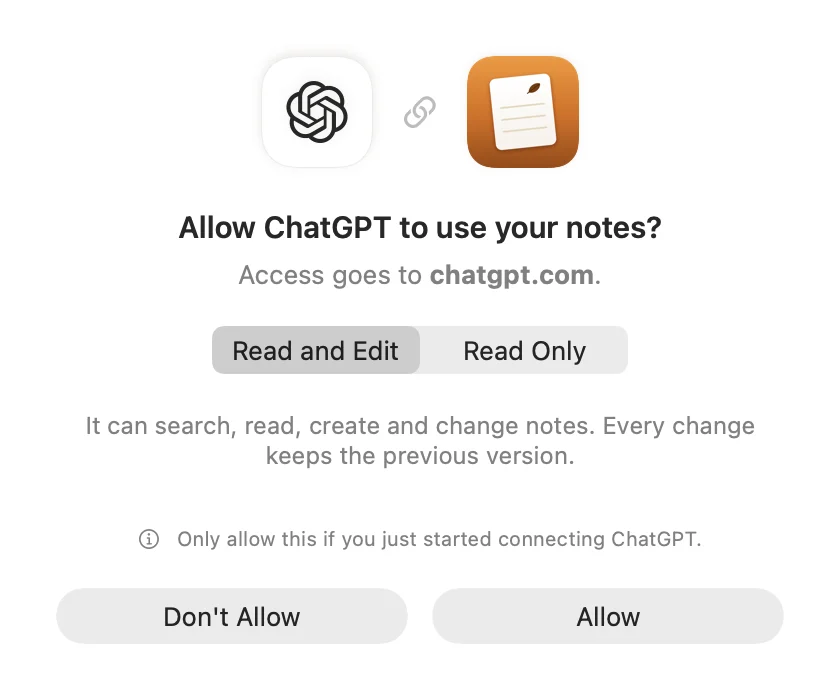
For notes, that means Muse can only work with your notes app if the app has had a connector approved. Pinto Notes, the notes app for iPhone and Mac that I make, isn't in the Muse directory. I'm preparing a submission, and I haven't tested Pinto Notes with Muse. ChatGPT, Claude, Claude Code and Codex can read and edit it today over MCP, once you approve them in the app. Notes apps with an MCP server compares the apps you can connect now.
Muse Code can use your own MCP servers
Muse Code is a separate product: Meta's coding agent for the terminal on macOS and Windows. Its extending guide covers MCP. You list servers in ~/.config/muse/settings.json under mcp_servers, and the file must also contain "schema_version": 1 or every command fails at startup. A remote server uses the streamable_http transport. If it signs in with OAuth, as Pinto Notes does, you run muse mcp login with the server's name and Muse Code keeps the tokens. Run /mcp in a session to see what connected.
An MCP server in Muse Code's settings
{
  "schema_version": 1,
  "mcp_servers": {
    "notes": { "transport": "streamable_http", "url": "https://mcp.pintonotes.com", "mode": "optional" }
  }
}
Then run muse mcp login notes. These are Meta's documented steps for any remote server. I haven't tested Pinto Notes with Muse Code yet.
By default a server is required, and one that fails to start stops the whole run. With "mode": "optional", Muse Code skips it with a warning instead. And Meta notes that MCP tools aren't sandboxed, so add only servers you trust.
If you're moving from Claude Code or Codex, Muse Code has a bundled /migrate skill. Meta says it imports your Claude Code or Codex memory notes and MCP servers, and muse skills import --from claude brings skills across. Muse Code keeps project memory in .agents/memory/ in the repo, with a MEMORY.md index. That's three agents with three memories of the same project, which is why I keep the plan in a note all of them can read. Shared memory for coding agents covers how, and the Claude Code page shows Pinto Notes doing it.
What Meta doesn't say yet
Meta says Muse remembers what matters to you and can act on something you mentioned once. You can tell it to forget specific things, but the announcement doesn't describe a page where you read or edit everything it remembers. If a plan matters, keep the plan itself somewhere you can open without asking Muse. ChatGPT memory or your notes makes the same case for ChatGPT.
The connector directory is new and changes week to week, so a connector named in an article (this one included) may not be in your account yet. Some financial tools aren't being approved at all for now: Meta's guidelines say tools that move money or place trades aren't currently accepted.
Keep the plan in a note your AIs share
Pinto Notes is a notes app for iPhone and Mac that ChatGPT, Claude, Claude Code and Codex can edit, with every change kept.
Download Pinto Notes for MacThe iPhone app is coming to the App Store soon. Pinto Notes is on Mac today: send yourself the link to open there.
Send myself the linkPinto Notes is for iPhone and Mac. Send yourself the link to open on one.
Send myself the linkFree, for macOS 26 or later. Importing from Apple Notes only reads it; nothing there changes.
Questions
What are connectors in Meta Muse?
Connections between Muse, Meta's personal AI agent, and another service such as your email or a checkout. Each one is built by the service's developer, reviewed by Meta, and listed in Muse's directory. You turn them on one at a time in Settings, then Connectors, and approve what Muse does with them.
Can I add my own MCP server to Meta Muse?
Not that Meta documents. Its pages describe connectors that developers submit and Meta reviews, and say nothing about pasting a server address yourself. Muse Code, Meta's separate coding agent for the terminal, does take your own MCP servers in its settings file.
Is Meta Muse available outside the US?
Meta's announcement says Muse is rolling out in the US, on iOS, Android, the web at muse.ai and in WhatsApp. It doesn't give dates for other countries.
Does connecting an account let Muse do anything with it?
No. Meta's guidelines say connecting an account doesn't authorize every action. Muse asks the first time it uses a tool, and asks every time for sensitive actions like a purchase. You can also disconnect a service at any time.
Checked against the app on .