Turn meeting notes into action items with ChatGPT or Claude

You leave the meeting with a page of half sentences and a vague idea of who does what. Here's the prompt I use to turn that page into decisions and a checklist, and what to do so the list is still alive next week.
The prompt
It names no app, so it works in ChatGPT, Claude, Gemini or anything else. Paste it, then paste your notes under it.
Meeting notes to action items
Below are my rough notes from a meeting. Turn them into three parts.

1. Summary: two lines. What the meeting was about, and what changed because of it.
2. Decisions: a short bullet list. Only what was actually decided.
3. Action items: a Markdown checklist, one line per task, written as
   - [ ] Owner: task (due date)
   Start each task with a verb.

Rules:
- Use only what is in my notes. Don't add tasks that nobody took.
- If a task has no owner, write "Owner?". If it has no date, write "no date". Don't guess either.
- Put anything unclear under "Open questions" at the end, and ask me about it.

My notes:
The two rules about guessing matter most. Without them you get a tidy list with owners nobody agreed to.
What you get back
From a page of notes on a pricing meeting, the action items come back like this. The one nobody took is marked, so you can sort it out while people still remember the meeting.
Open action items
- Sara: send the new pricing table to sales (Fri 16 Oct)
- Jonas: review the checkout page design (Thu 15 Oct)
- Owner?: check the VAT rules for Norway (no date)
Copy gives you plain lines. In Apple Notes, select them and tap the checklist button.
Three habits that make it work better
- Write names next to tasks while you're in the meeting“Sara pricing table Fri” is enough. The AI can tidy a sentence. It can't know who said they'd do it.
- Mark decisions as you hear themA “D:” at the start of the line does it. Otherwise a suggestion and a decision look the same on the page, to you and to the AI.
- Read the list before you send it to anyoneIt takes a minute. Look at the owners and the dates, since those are the two things a wrong guess does damage with.
Where to keep the list
Writing the list is the easy part. The question next week is “what's still open?”, and the answer depends on where the list lives.
| The list lives in | You can tick items off | The AI knows what's open next time |
|---|---|---|
| The chat | No | Only if you find that chat again |
| Apple Notes, pasted in | Yes | No. You paste the open items back in |
| A note your AI can edit | Yes | Yes. It reads the note first |
Pasting into Apple Notes is a fine answer, and it costs nothing. On a Mac with macOS 27, copy the checklist and choose Edit, Paste as Markdown: the lines that start with - [ ] become a checklist. On iPhone, ask for plain lines, paste them, select them and tap the checklist button. Apple Notes templates has a meeting note to paste them into.
Let the AI keep the list itself
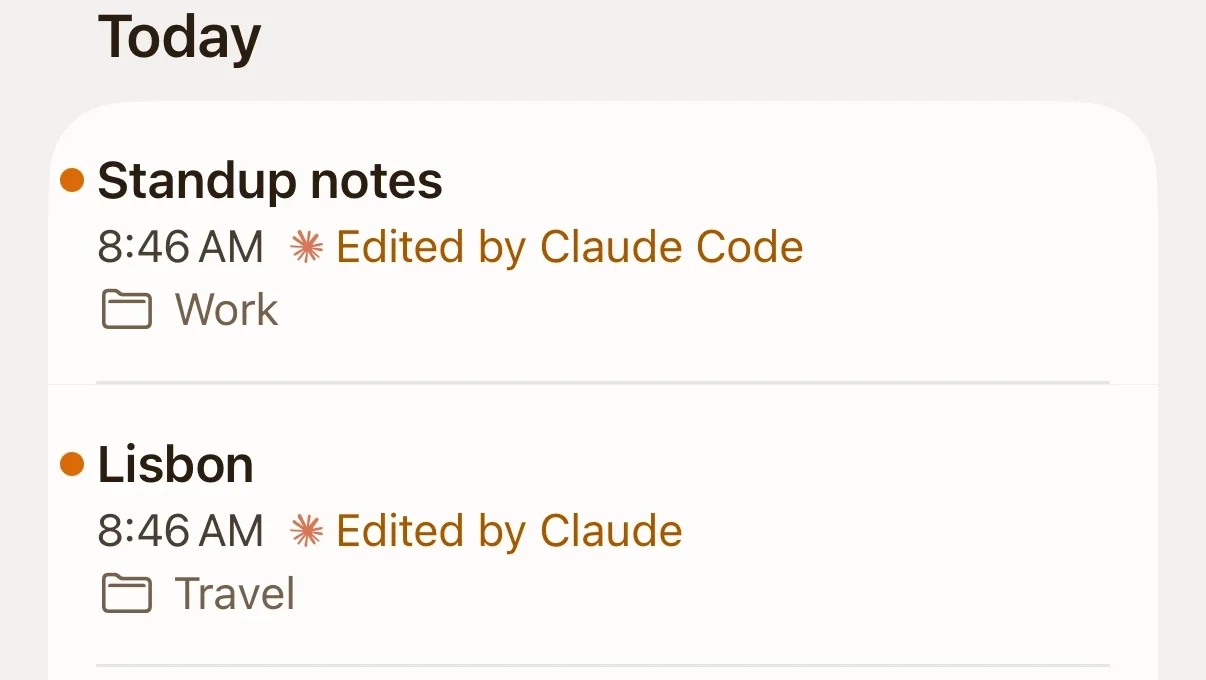
The third row is what I built Pinto Notes for. It's a notes app for iPhone and Mac that ChatGPT and Claude can read and edit once you allow it. With one Meeting notes note, the routine gets shorter:
- After a meeting, paste your notes into the chatThe AI adds the meeting, with its summary and decisions, at the top of the note, and each task under Open action items.
- Tick things off wherever you areIn the app, by hand. Or tell the AI “Jonas's design review is done” and it ticks that line.
- Ask what's still openNext week, in a new chat, it reads the note and answers from what's actually unticked.
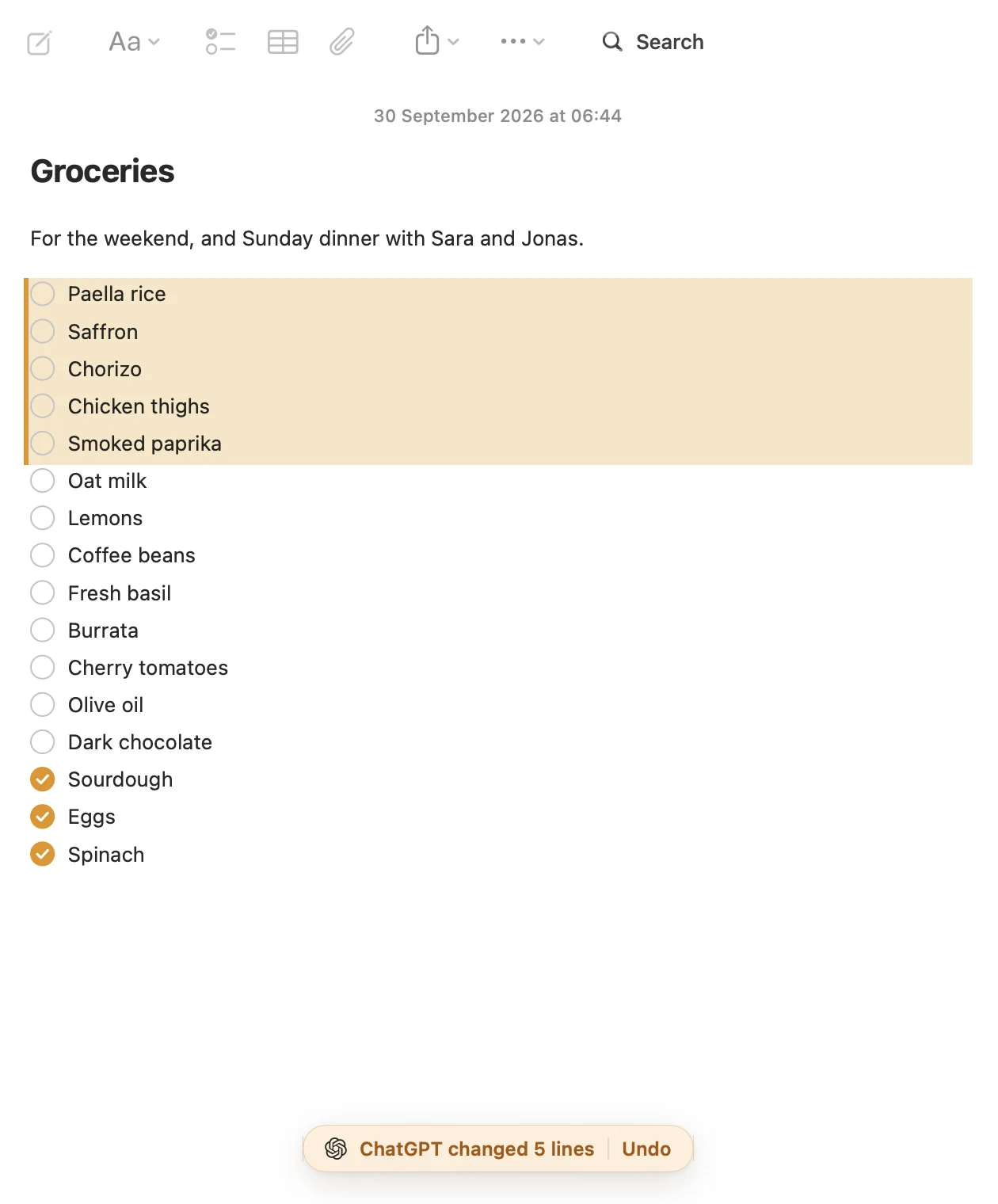
What the AI wrote is tinted in the note, with a bar that says how many lines it changed and an Undo. Every earlier version is kept, so a wrong edit is easy to put back.
What it doesn't do: it doesn't record or transcribe meetings, and it won't remind anyone of anything. You need ChatGPT on a plan that allows custom apps, or Claude; connecting ChatGPT takes a few minutes. The free Meeting notes template has the note and the prompt that goes with it, and there's one for one-on-ones too.
Try Pinto Notes on your Mac
One note for every meeting's decisions and action items, written by your AI and ticked off by you.
Download Pinto Notes for MacThe iPhone app is coming to the App Store soon. Pinto Notes is on Mac today: send yourself the link to open there.
Send myself the linkPinto Notes is for iPhone and Mac. Send yourself the link to open on one.
Send myself the linkFree, for macOS 26 or later. Importing from Apple Notes only reads it; nothing there changes.
Questions
Can ChatGPT turn meeting notes into action items?
Yes. Paste your rough notes or a transcript with a prompt that asks for decisions and a checklist with an owner and a date on every line. Tell it not to guess owners or dates, or it will fill the gaps with plausible ones.
Does this work with a transcript instead of notes?
Yes, the same prompt works. A transcript is longer and has more small talk, so read the decisions list before you trust it: a thing somebody suggested is easily written down as a thing that was decided.
How do I get the action items into Apple Notes as a checklist?
On a Mac with macOS 27, copy the checklist lines and choose Edit, Paste as Markdown in Notes: lines that start with - [ ] become a checklist. On iPhone, ask the AI for plain lines, paste them, select them and tap the checklist button.
Does Pinto Notes record or transcribe meetings?
No. It's a notes app. You bring the notes or the transcript, and ChatGPT or Claude writes the decisions and action items into a note there.
Checked against the app on .