75 Hard Apple Notes template for a daily checklist
The 75 Hard rules as a daily checklist note. Tick each one as you go, and untick the list each night.
75 Hard checklist for Apple Notes
# 75 Hard

Day 1 of 75. Miss one and start again at day 1.

## Every day
- [ ] Diet, no cheat meals or alcohol
- [ ] Workout, 45 minutes
- [ ] Outdoor workout, 45 minutes
- [ ] Drink a gallon of water
- [ ] Read 10 pages
- [ ] Take a progress picture
75 Hard
Day 1 of 75. Miss one and start again at day 1.
Every day
- Diet, no cheat meals or alcohol
- Workout, 45 minutes
- Outdoor workout, 45 minutes
- Drink a gallon of water
- Read 10 pages
- Take a progress picture
On a Mac, paste it into a new note with Edit, Paste as Markdown. The headings and checklists come through, and the note syncs to your iPhone.On iPhone, Notes pastes it as plain text, with the # and - [ ] marks and no checkboxes. For the checklists, paste it on a Mac and let it sync, or type the lines, select them and tap the checklist button.

Tired of unticking your 75 Hard list every night?
In Pinto Notes' free habit tracker, each day starts unticked, and each of the six keeps its own streak.
Download Pinto Notes for MacPinto Notes is for iPhone and Mac. Send yourself the link to open on one.
Send myself the linkFree, for macOS 26 or later. Importing from Apple Notes only reads it; nothing there changes.
Free, for iOS 26 or later.
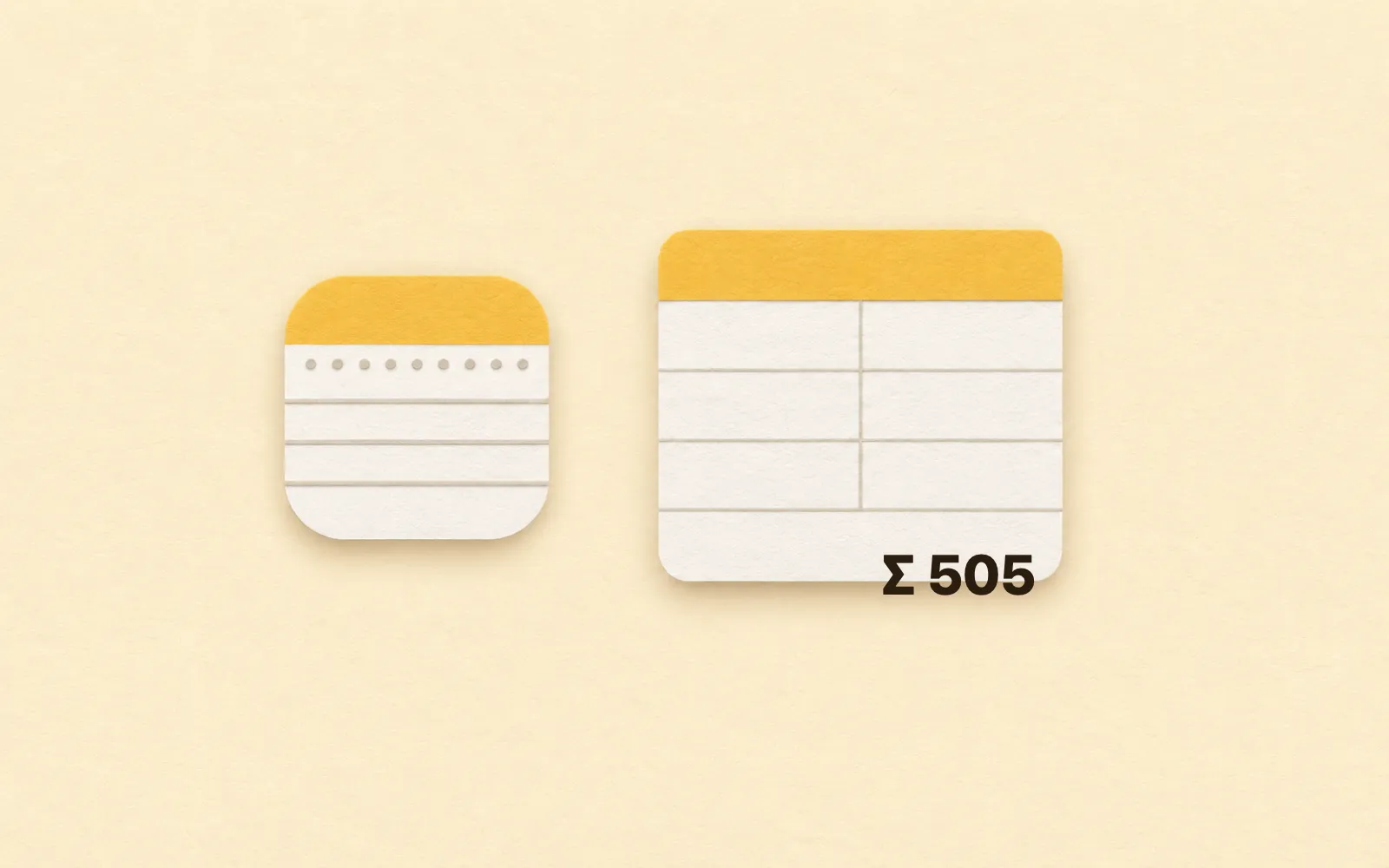
In Apple Notes

The same 75 Hard list in Pinto Notes

The 75 Hard rules
From Andy Frisella's own page. Every day for 75 days, with no substitutions:
- Follow a diet that fits your goals, any diet, with no cheat meals and no alcohol.
- Do two workouts of at least 45 minutes, 3 hours apart. One of them is outside.
- Drink a gallon of water.
- Read at least 10 pages of a nonfiction book. Audiobooks don't count.
- Take a progress picture.
Miss any of them and you start again at day 1. His page says to check with your doctor before you start.
How to use it
- Keep the six lines. Change the diet or workout words if you like, and keep a word in every line: an empty checklist item doesn't survive the paste.
- On a Mac, make a new note and paste with On iPhone, tap the Checklist button and type the six. Each Return adds another one.
- Pin the note, so it's at the top of your notes every day.
- Mac
- iPhone
- Each night, change the day number and untick everything. Notes doesn't count the days or reset the list for you.
- Mac
- iPhone
More for Apple Notes: a habit tracker, a workout log and a daily checklist.
Questions
Do the two 75 Hard workouts have to be apart?
Yes. Andy Frisella's rules say both workouts are at least 45 minutes, 3 hours apart, and one of the two is outside. Any kind of workout counts.
Does missing one 75 Hard task mean starting again?
Yes. His rule is to start over at day 1 if you miss any task, even if you did the others. There are no substitutions.
Does an audiobook count toward the 10 pages?
No. The rule is at least 10 pages of a nonfiction book meant to improve you, read, not listened to.
Is there a quick way to clear yesterday's ticks?
Yes. On a Mac, choose Format, More, Uncheck All. On iPhone, double-tap an item, then tap Checklist, Uncheck All.
Can my 75 Hard ticks start empty each day while I keep my streaks?
Pinto Notes' free habit tracker starts each day unticked and keeps a streak for each habit. Add the six as habits, then tick in the app, or tell ChatGPT or Claude what you did and it ticks the day.
Checked against the app on .