Share a note and edit it together
Pinto Notes 1.4 lets you share a note with people and write in it together, on iPhone and Mac. You see their changes as they type, and the note stays encrypted.


Invite people with a link
Open a note, tap Share at the top, then Collaborate, then Invite People. Pinto Notes makes a link, and you send it the way you like: Messages, Mail, WhatsApp, a text to your partner. Whoever opens it joins the note in Pinto Notes and can start writing.

Edit, or only read
Further down, Join by Link decides what the link does. Can edit lets anyone with it join and write. Can view lets them join and read. Off means only the people already in the note can open it, and turning it back on makes a new link. Tap someone to change what they can do after they joined, and Pinto Notes says it plainly: “Sara can view now.”
Write at the same time
Each person's cursor shows in the note in their own colour, with their first name on a small flag while they type. Their words land as they write them, and yours land on their screen. There's nothing to save and no versions to merge. If you write on a train with no signal, your changes merge when you're back online.

Your AI can help too
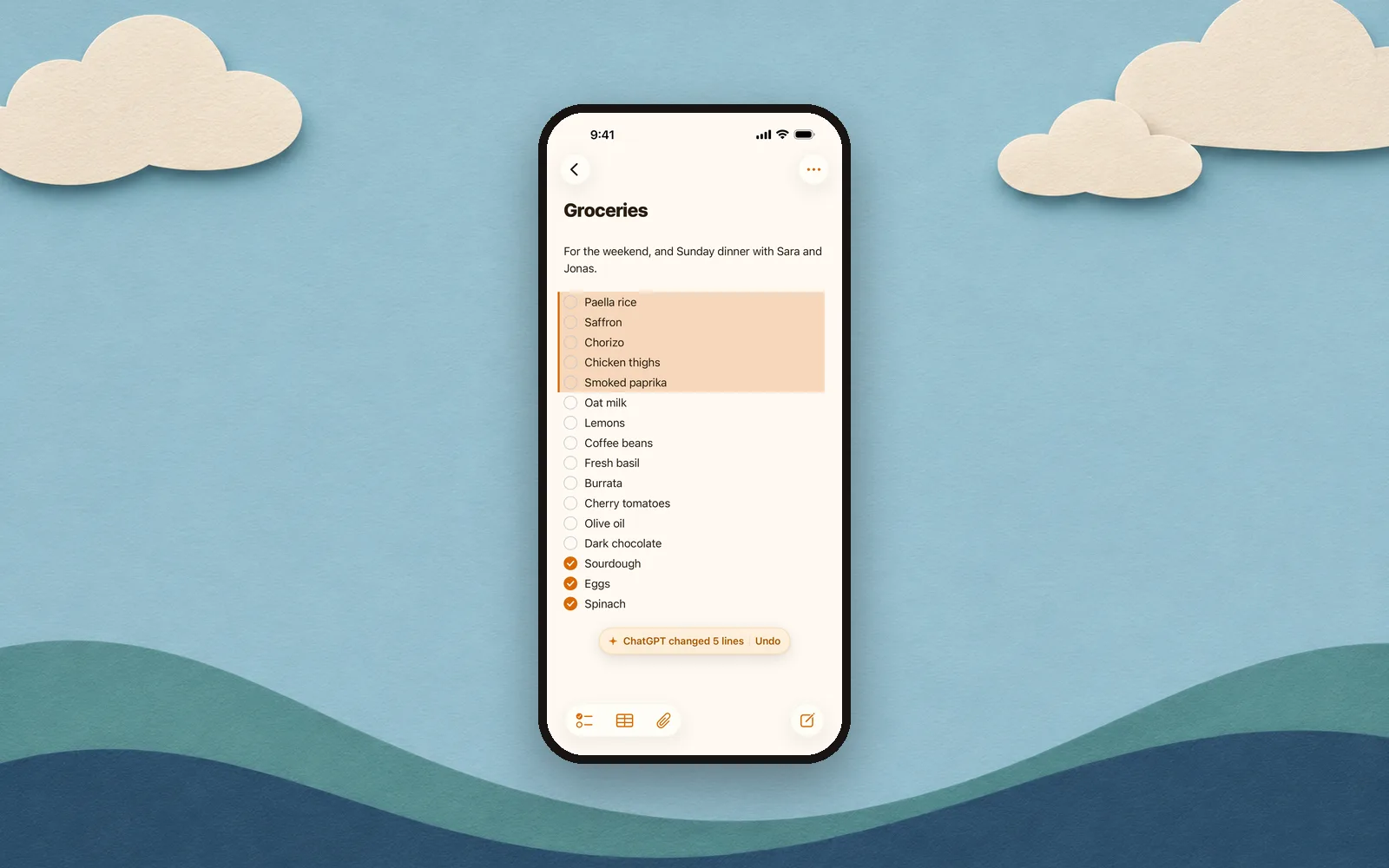
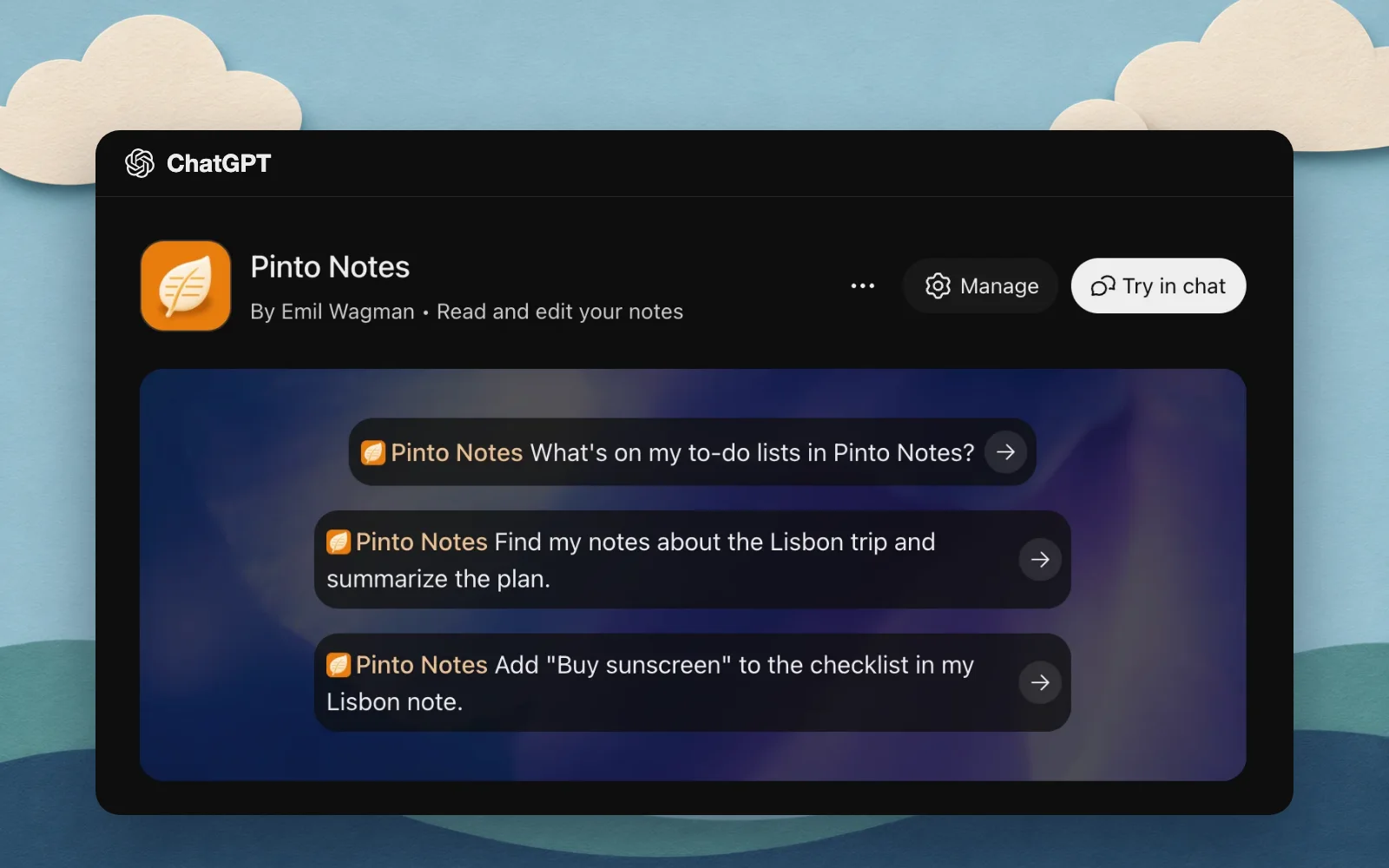
If someone in the note has connected ChatGPT or Claude, their AI can read the shared note and write in it when they ask. Its edits merge with what people are typing, and they're marked with whose AI made them, like “Sara's Claude”. Someone who can only view gets an AI that can only read.
Leave, or remove someone
To remove someone, swipe their name in Share and tap Remove. Pinto Notes asks first, and the link changes so the old one stops working. To leave a note someone shared with you, tap Leave Note. If you're removed, or the owner stops sharing, Pinto Notes tells you which.
Encrypted, like your other notes
A shared note is encrypted with a key of its own, and only the people in it can read it. Their AI reads it only when they ask. Privacy and security has the details, including what we could and couldn't open.
What can't be shared yet
A note with files, photos or an app in it can't be shared with people yet: send a copy instead. Once a note is shared, files can't be added to it, it can't be locked, and it can't also be a public web page. These come later.
Get 1.4
Pinto Notes 1.4 is out on iPhone and Mac, so update the app on both. New to Pinto Notes on iPhone?Here's the iPhone app. Someone who doesn't have Pinto Notes yet can still open your link: it tells them how to get the app and join.

Get Pinto Notes
Free. Needs iOS 26 or macOS 26.