
- Templates
- Budget and expenses
Budget and expenses template for ChatGPT and Claude
By Pinto Notes · Free · Mac and iPhone
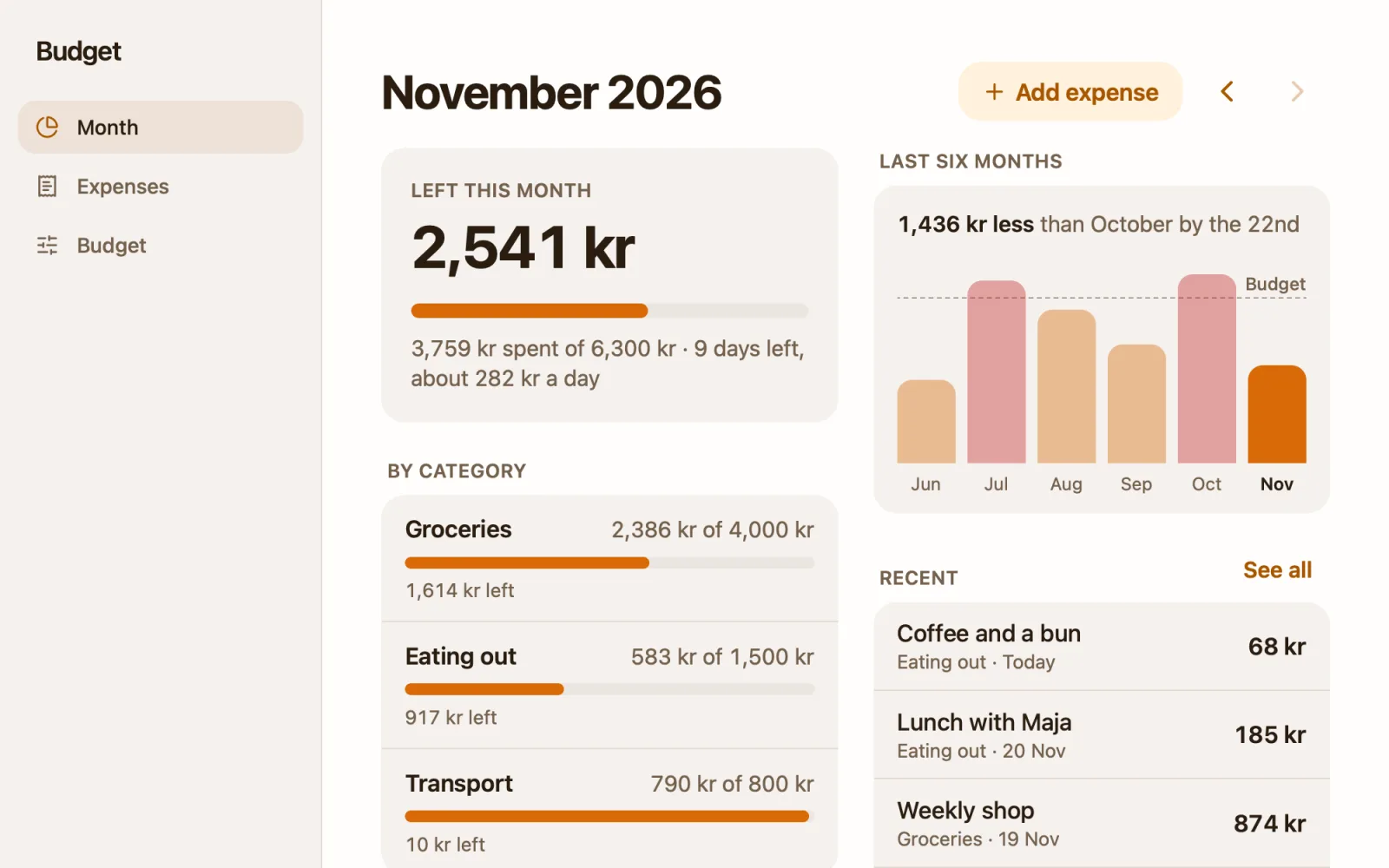
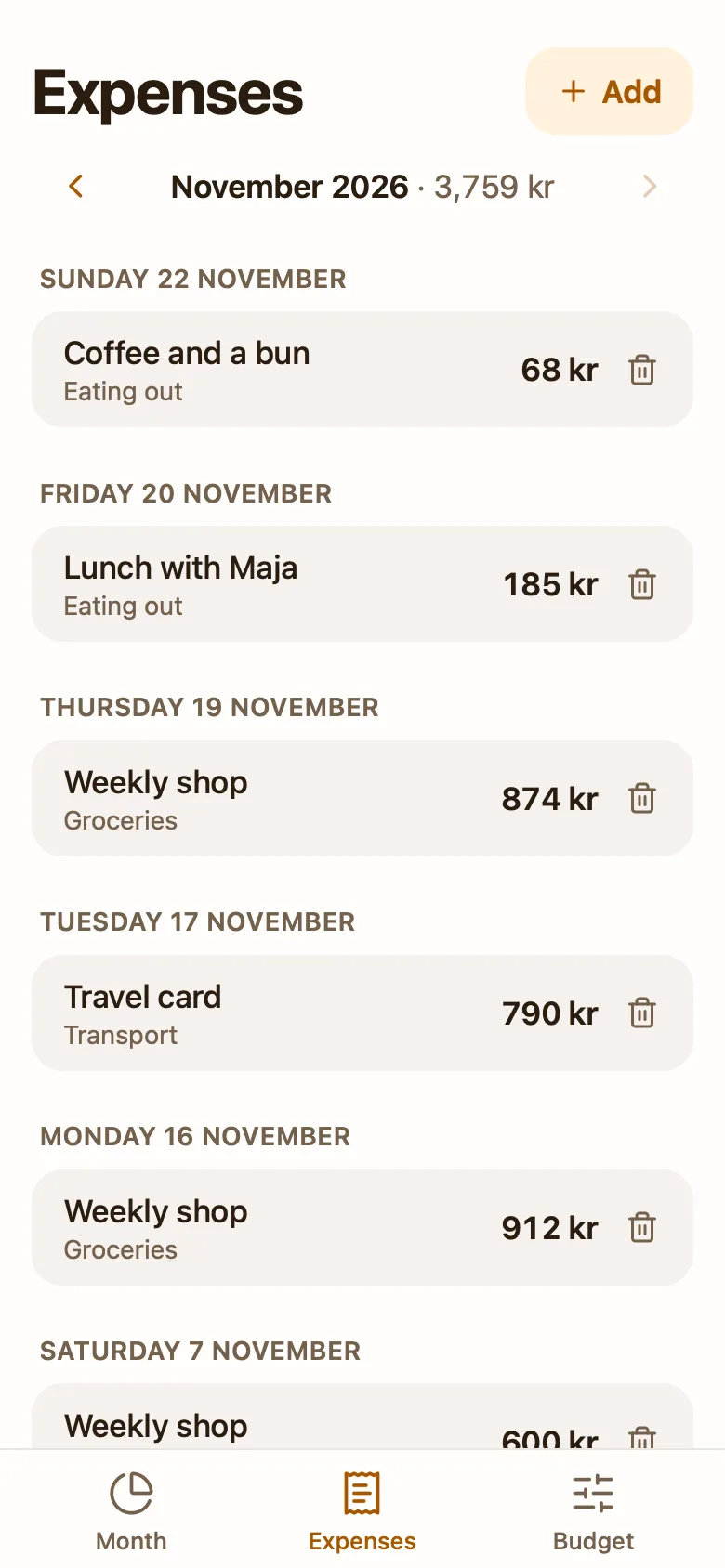
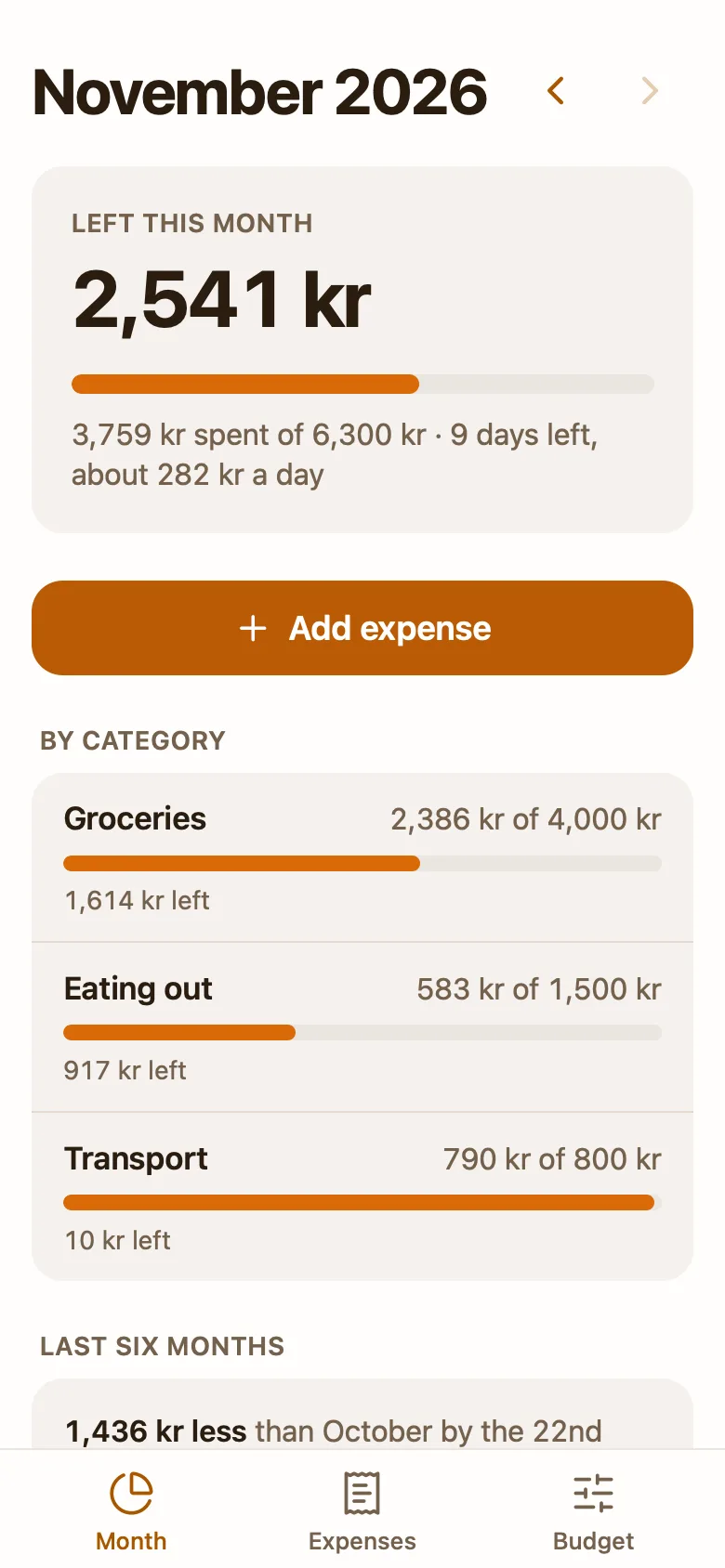
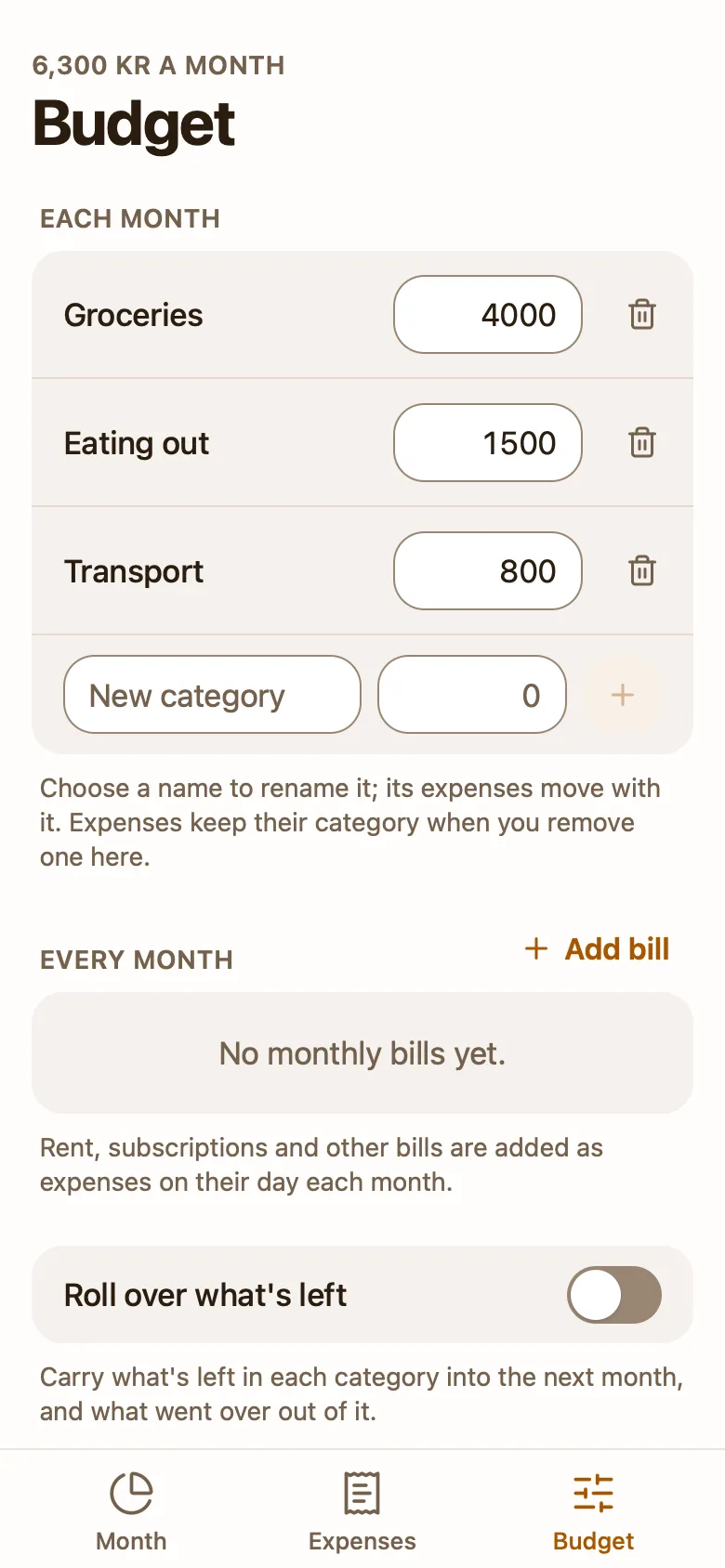
A budget app you can update by saying what you spent.
Get templateInstalls Pinto Notes, free on Mac and iPhone
Coffee and a bun, 68 kr.
Added it to Eating out. You have 2,541 kr left this month.
How to get it
- Get Pinto NotesMac or iPhone
- Connect your AIConnect ChatGPTConnect ClaudeHow to connect
- Ask for the budget
Set up the budget and expenses template in my Pinto Notes.
Copy adds the full instructions for the budget and expenses template, so your AI makes this one.
Questions
- Is this budget tracker free?
- Yes. The template and Pinto Notes are free, and the app connects to no bank. You add expenses yourself, or tell your AI what you spent.
- Can ChatGPT or Claude log my expenses?
- Yes, once Pinto Notes is connected. Say "412 on groceries and 85 on the bus card" and it adds two expenses to the app's data. Ask "how does October compare with September?" and it reads the same numbers the app shows.
- Does it connect to my bank?
- No. Nothing is imported. Every expense in it is one you or your AI added.
- What doesn't it do yet?
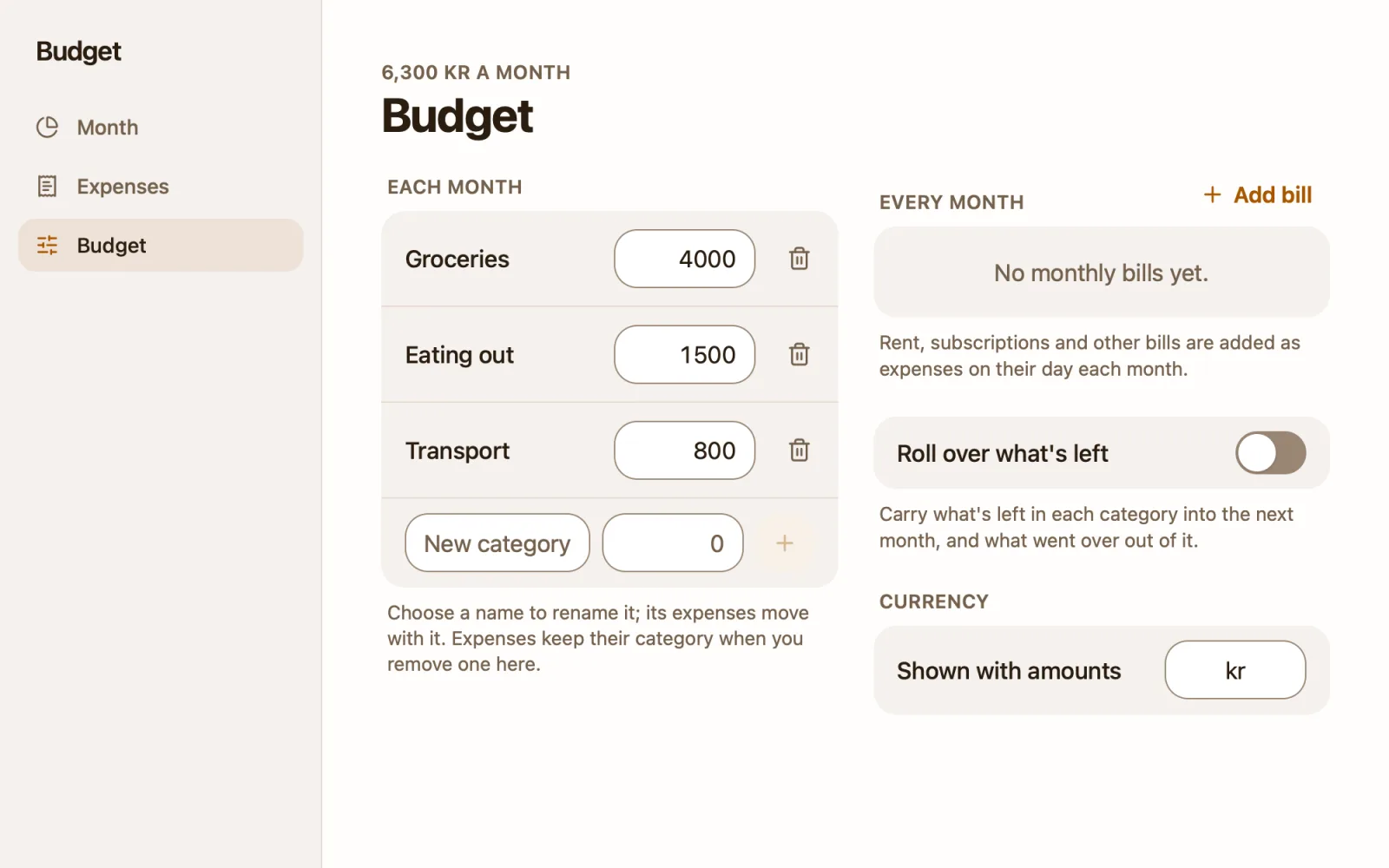
- It has no income, no budgets that change by month and no savings goals, and it can't export a CSV yet. Your AI can read the expenses and write a summary into the note.
- Does it work on iPhone?
- Pinto Notes is free for Mac (macOS 26 or later) and iPhone (iOS 26 or later). Your AI can update the app from any device where you use ChatGPT or Claude.
- Would you rather build your own?
- How to make a budget tracker with ChatGPT or Claude shows both ways.
More templates




Budget and expenses
Installs Pinto Notes, free
Get templateInstalls Pinto Notes, free