
Does Apple Notes have backlinks? No. What to do instead

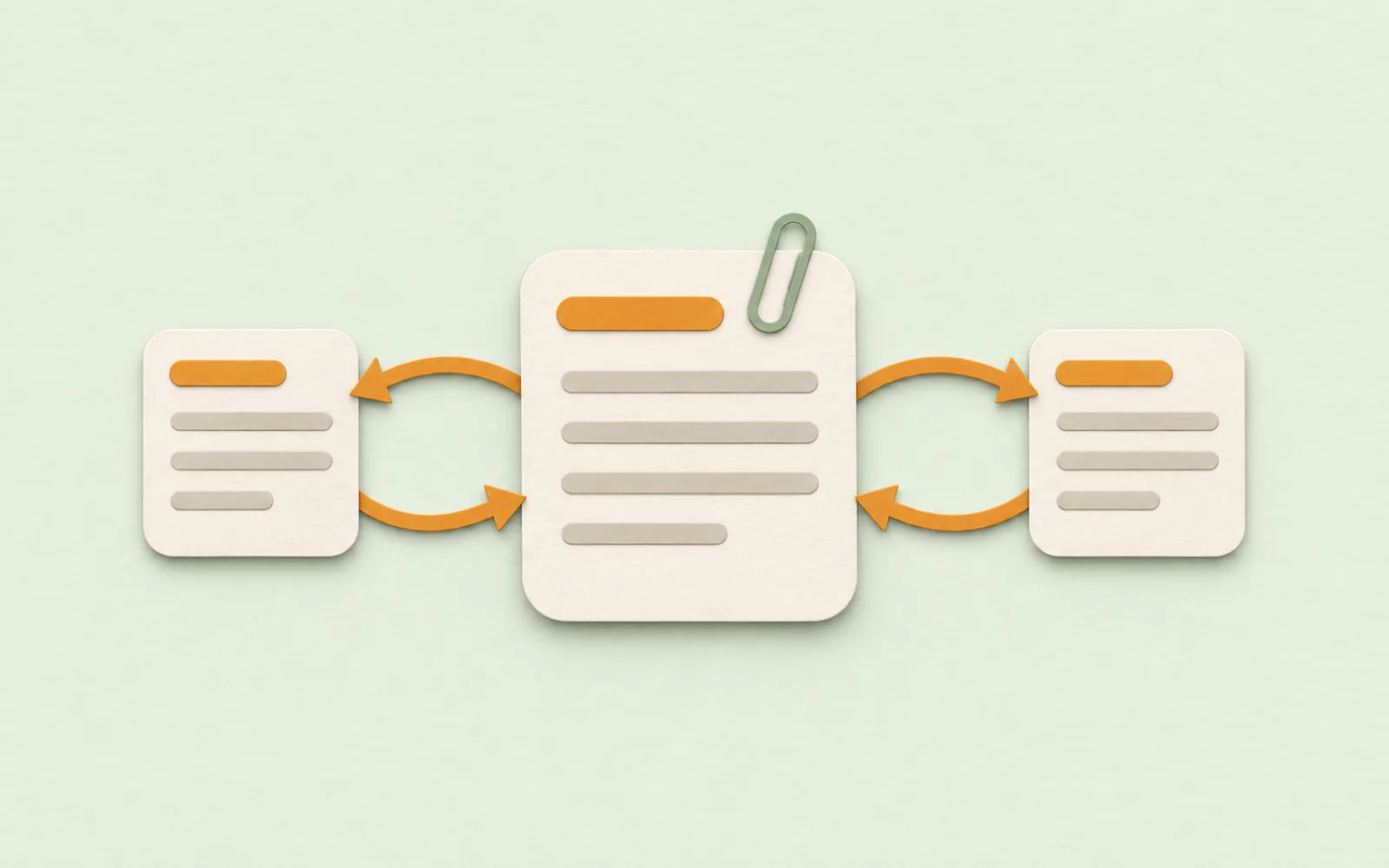
Apple Notes can link one note to another. What it can't do is the other direction: open a note and see every note that links to it. Here's what Apple Notes does have, how to find those notes anyway, and an app that lists them for you.

Does Apple Notes have backlinks?
No. A backlink is the list, on a note, of the other notes that link to it. Obsidian and Notion show one under every page, so a note about a person or a project collects every meeting and plan that mentions it, without you keeping a list. Apple Notes added links between notes in iOS 17 and macOS Sonoma, and links to a heading in iOS 27 and macOS 27, but the links only go one way. Apple's own guide to adding links in Notes never mentions seeing them from the other side.
How to link notes in Apple Notes
- Mac
- iPhone
Choose Add Link, start typing the other note's title and pick it. Faster: type >> anywhere in a note, then the title, on iPhone or Mac. Keep Use Note Title on and the link renames itself when the note does. On iOS 27 and macOS 27 you can also pick a heading, which what's new in Apple Notes covers.
Find the notes that link to one
Search is the closest thing to backlinks. Pull down in the notes list on iPhone, or click the search field on a Mac, and type the note's exact title. Every note whose text includes it shows up: the ones linking with the title as the link's name, and the ones that just mention it.
Two catches. A link you gave a different name (“the trip” for a note called Lisbon) won't match. And a common title brings back every note that uses the word, linked or not. For a note called Ideas, that's most of them.
Two-way links by hand
If one note matters more than the rest, a project or a person, give it a Linked from section at the bottom and add a link there each time you link to it from somewhere else. It's a habit, not a feature, and it goes stale the first time you forget. A tag and a Smart Folder is the other route: tag every note about the project and the Smart Folder lists them, links or not.
A notes app with backlinks
That's one of the reasons I made Pinto Notes. It looks and works like Apple Notes on iPhone and Mac, and links notes the way Obsidian does: type [[ and a note's title, or choose Link to Note from the / menu. The link shows as the title, [[Lisbon#Food]] goes to a heading, and [[Lisbon|the trip]] gives it a name of its own.

Open the Lisbon note, and its ••• menu has Linked From: every note that links to it, newest first. Choose one to open it. Only real links count, so a note that happens to say “Lisbon” isn't listed. Rename Lisbon and the links to it are changed to the new name, so they keep working.

The links are also what an AI sees. If you connect ChatGPT or Claude, it writes links the same way and can ask which notes link to the one it's reading.
Your Apple Notes come over in one import on your Mac, and Apple Notes isn't changed, so you can try it without giving anything up.
Questions
Does Apple Notes have backlinks?
No. You can link one note to another in Apple Notes, but a note never shows which notes link to it. That's true on iPhone and Mac, in iOS 27 and macOS 27 too.
How do I see which notes link to a note in Apple Notes?
Search for the note's title. Apple Notes finds notes whose text includes it, which covers links named with the title, plus notes that only mention it. A link you gave its own name won't show up.
Does Apple Notes have wiki links like Obsidian?
Close. Type >> in a note and then a note's title to link to it, or use Add Link. Since iOS 27 and macOS 27 a link can also go to a heading in a note. There's no [[double bracket]] syntax and no list of links back.
What happens to a link in Apple Notes when I rename the note?
If the link is named with the note's title, it updates to the new title. A link you named yourself keeps its name and still opens the note.
Which notes apps have backlinks?
Obsidian and Notion show the pages that link to a page. Pinto Notes, which works like Apple Notes on iPhone and Mac, lists them under Linked From in each note's menu.
Checked against the app on .


