
Evernote to Apple Notes: how to move your notes
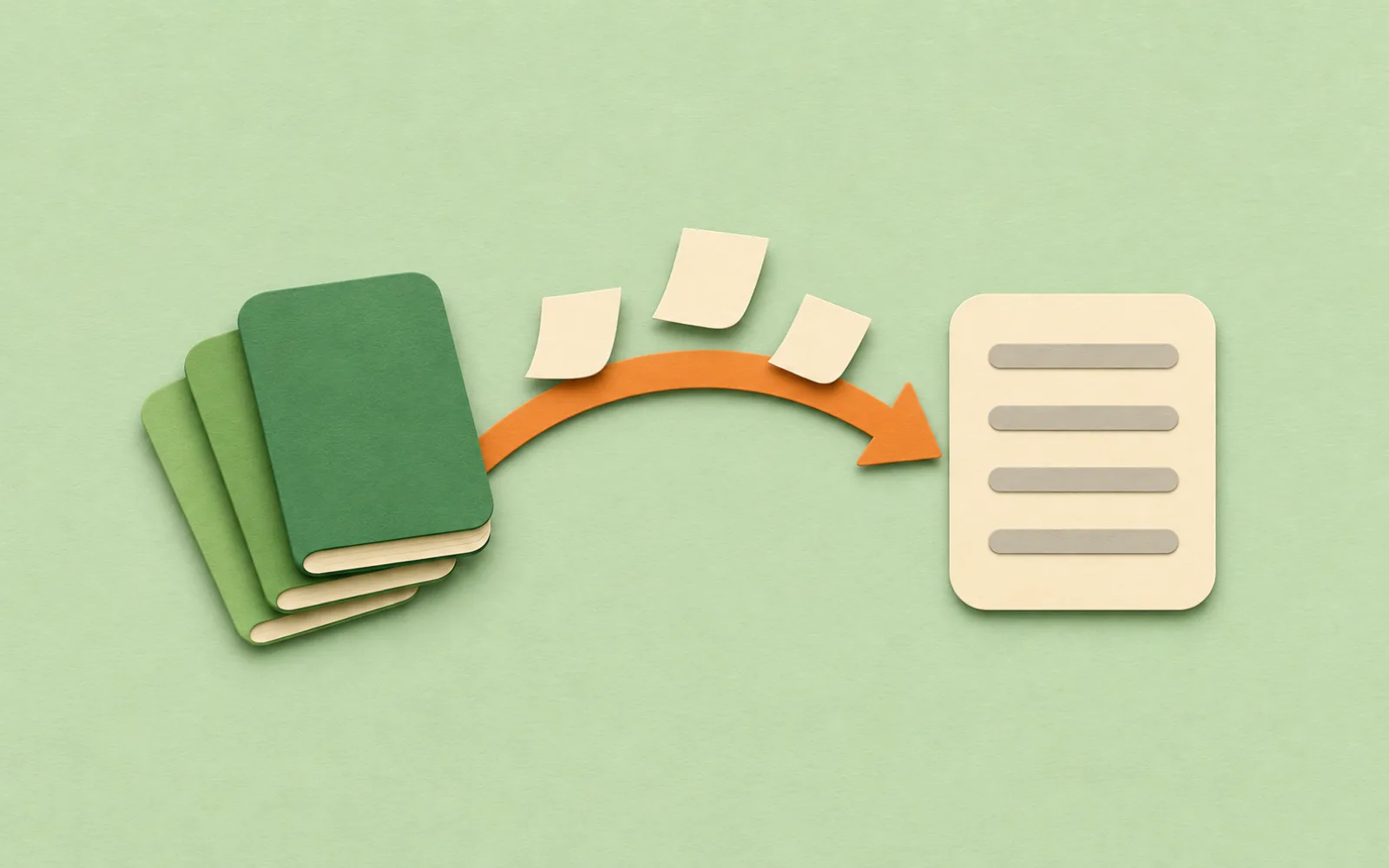
Apple Notes can read Evernote's export files on a Mac. The move takes two apps and a little sorting afterwards, and it helps to know what comes across before you start.
What you need
- A Mac. Apple documents the .enex import for Notes on a Mac. Its iPhone article only covers sharing files into Notes.
- Evernote's desktop app, for Mac or Windows. Evernote says exports aren't possible on Evernote Web. Free accounts can export.
- Upgraded iCloud notes, or notes on your Mac. Apple says import works with either. Pick a folder in iCloud if you want the notes on your iPhone.
If you export on a Windows PC, copy the .enex files to the Mac, for example through iCloud Drive or a USB stick.
Step 1: export each notebook from Evernote
- Open the Evernote desktop app Select a notebook. To export only some notes, select them instead; Evernote exports up to 100 notes at a time.
- Right-click and choose Export Pick ENEX as the file format.
- Keep tags ticked Evernote lets you choose which attributes go with the notes, such as tags and the created date. Leave tags on if you want them in Apple Notes.
- Click Export Evernote saves the .enex file to your desktop. Repeat for each notebook.
You can also pick a maximum size for each .enex file, from 300 MB to 2 GB, if a notebook holds a lot of attachments.
Step 2: import into Notes on your Mac
- Pick where the notes go Open Notes and click a folder in the iCloud account (or On My Mac, if you want them on this Mac only).
- Choose File, Import to Notes Select one .enex file, then click Import, and Import again to confirm.
- Rename the Imported Notes folder The notes arrive in a folder called Imported Notes. Rename it to the notebook's name, then import the next notebook.
- Evernote, Mac or Windows
- Notes, Mac
One notebook at a time is the safe way to keep them apart. Apple says the notes and any folders you imported land in Imported Notes, but it doesn't say whether several .enex files picked together become separate folders. The Preserve folder structure on import option is for importing a folder of files; click Show Options if you don't see it.
What comes across
Apple keeps this short. Each note in an .enex file becomes its own note, and on macOS 13 or later its Evernote tags come with it, as Apple Notes tags. Anything Notes doesn't support is left out: Apple says such a note is imported without that attachment or feature, and it doesn't list which ones. So check before you close your Evernote account.
Before you leave Evernote
- Import one small notebook first and open a few notes
- Compare a note with a checklist, a table and an attachment
- Check that the tags arrived
- Count the notes in each notebook and in each new folder
- Keep your Evernote account until every notebook is checked
Tags are worth the trouble. In Apple Notes a tag is any #word in a note, and a Smart Folder can gather every note with one, which works across all your folders.
Evernote vs Apple Notes: should you switch?

Evernote still does things Apple Notes doesn't. Its plan page lists apps for iPhone, Android, Windows, Mac and the web, a Web Clipper, document scanning, and search with Boolean, place and filter options. It has its own AI Assistant, search by meaning, transcription, and a connection that lets Claude, ChatGPT and other AI tools use your notes. Today the Free plan stops at 50 notes, one notebook and one device, so a large archive needs a paid plan.
Apple Notes comes with every iPhone and Mac and syncs through iCloud, with iCloud.com for a browser. Search reads every word in every note, and Apple Intelligence can turn a recording into a transcript and a summary. What it lacks: Windows and Android apps, a way for ChatGPT or Claude to reach your notes from anywhere but your own Mac, and version history.
- Stay with Evernote if you use Windows or Android, clip a lot from the web, or rely on its AI features.
- Move to Apple Notes if you're on iPhone and Mac only and want notes that are already on both.
The best notes apps for Mac, compared covers Obsidian, Notion, Bear and the others, if you're still choosing.
The second route: Pinto Notes
If you're leaving Evernote for Apple Notes' simplicity but would miss having an AI that can use your notes, there's a middle way. Pinto Notes is a notes app for iPhone and Mac that looks and works like Apple Notes, and it imports the same .enex files.

On a Mac, open the File menu and choose Evernote. Export each notebook as an .enex file and drop them all in at once. Each notebook becomes a folder, and tags come too. Attached files come along, and each note keeps the dates it was created and last edited. Evernote stays as it is. Importing your notes shows the steps for every app.
After that, connect ChatGPT or Claude and they can search, read and edit your old Evernote notes, from your phone, the web or your Mac. Pinto Notes keeps every earlier version of a note, so you can go back after an AI edit. Pinto Notes is Apple only: there's no Windows, Android or web app, so if you need those, Evernote is the better fit. Already moved to Apple Notes? Moving from Apple Notes is one import on your Mac, and Apple Notes isn't changed.
Questions
Can Apple Notes import Evernote files?
Yes, on a Mac. Notes imports Evernote's .enex export files with File, Import to Notes, and turns each Evernote note into a new note. On macOS 13 or later it imports Evernote tags too.
How do I get my Evernote notes into Notes on my iPhone?
Import them on a Mac into a folder in your iCloud account. iCloud notes show up on every device signed in to the same Apple Account, so they appear in Notes on your iPhone. Apple doesn't describe an .enex import on iPhone itself.
Can I export Evernote notes on the web or on my phone?
No. Evernote says exporting only works in its desktop app for Mac or Windows. You can export a whole notebook at once, or up to 100 selected notes at a time.
Is Apple Notes a good replacement for Evernote?
If you only use iPhone and Mac, and mostly write, clip and search notes, it covers most of it. Stay with Evernote if you need Windows or Android, its Web Clipper, or its built-in AI.
Checked against the app on .


